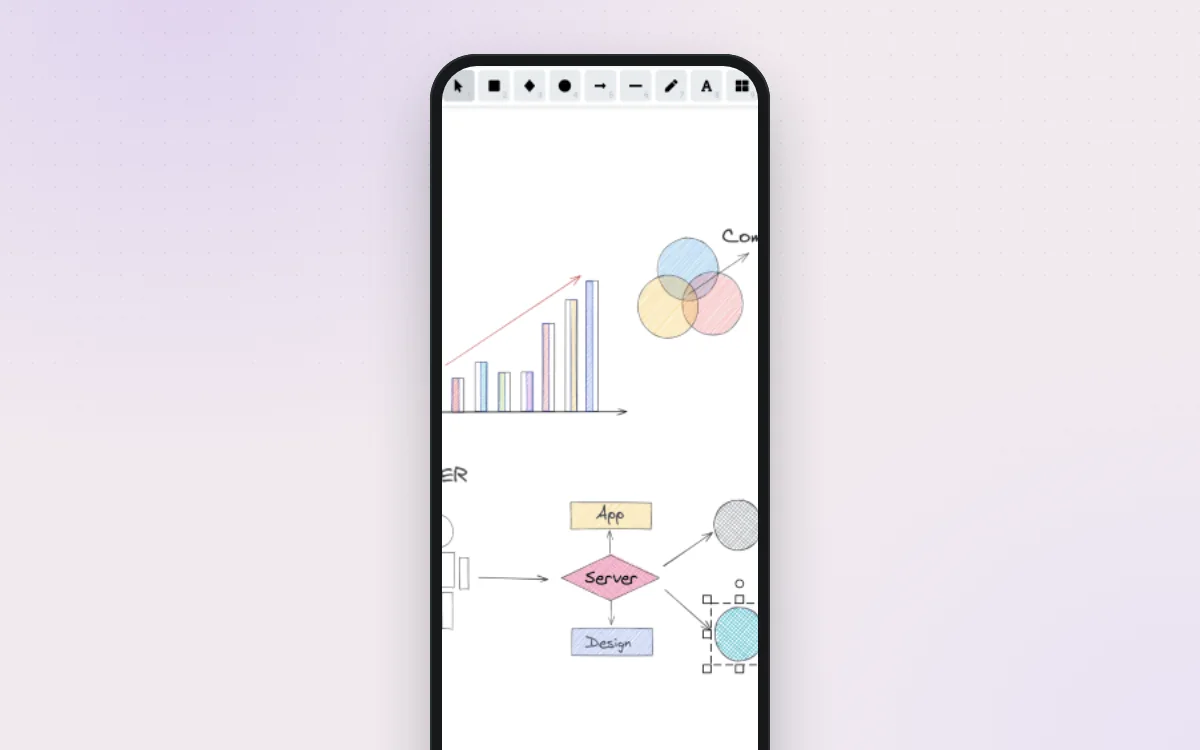
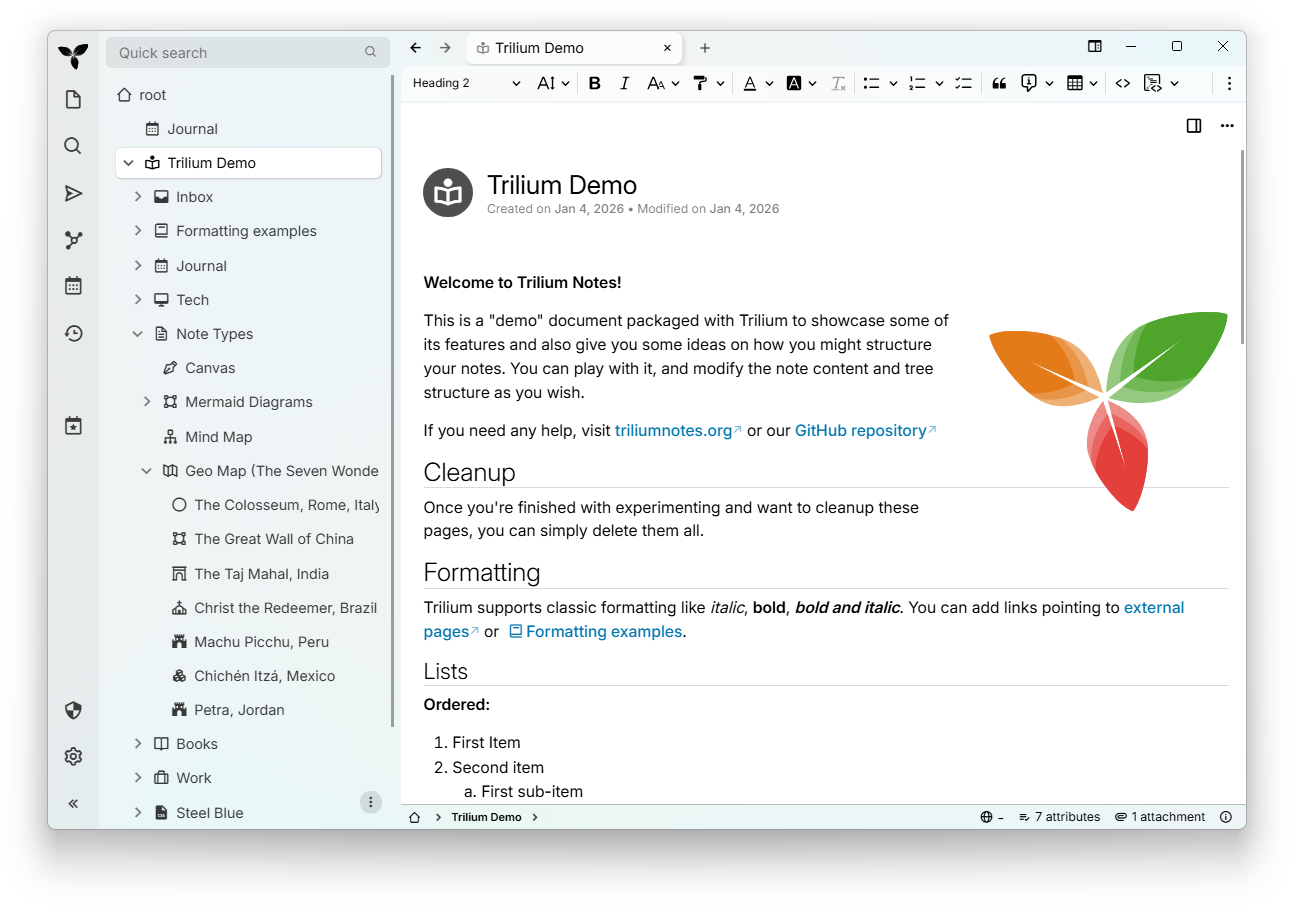
Trilium is a note-taking app for building a large personal knowledge base. Notes sit in a tree you can arrange however you like, and one note can live in several places. It has a rich text editor, a daily journal, to-do lists, mind maps, drawings and maps. You can lock private notes with a password. Use it as a desktop app, or run it on your own server and open it from any browser or phone.
Notes in a tree, with one note able to sit in several places
Daily journal, to-do lists, mind maps, drawings and maps
Password-protected notes for private writing
Scripts, custom widgets and themes written as notes
Great for: People who want one private place for notes, a journal and a personal wiki, on desktop and in the browser.
Themes, custom CSS, attributes, scripts and widgets are written as notes inside Trilium, so a lot can change without touching the source. Source changes mean a large TypeScript monorepo (pnpm) with a Preact/jQuery client and a shared core used by server and desktop. Your AI always tries the gentlest step first, so your version stays easy to update.
1
Settings 4 options
No code. Change it in the app or its config.
Switch light/dark, change fonts, or write your own theme as a note.
Turn notes into simple records, e.g. books with author and rating, or recipes with cooking time.
A daily diary note created automatically, grouped by year, month and week.
Publish selected notes as a read-only web page, with a custom template if you like.
2
Extend 2 options
Themes, plugins, webhooks and the API. Still no fork.
Add buttons, side-panel widgets and automations without rebuilding Trilium.
Add notes from other apps, phone shortcuts or scripts.
3
Code 2 options
Your AI edits the source for anything else.
Change the interface itself.
New data or behaviour. Always go through the Becca cache so sync keeps working.
Can I trust it?
AGPL-3.0-only. Free to use and change. If you run a changed version that other people use over the internet (not just you or your household), you must offer them your source code under the same licence. Private use has no extra obligations.
Your data: stores personal data, on your own device or server. A single SQLite file (document.db) in the trilium-data folder, plus automatic backups in its backup/ folder.
Other services: Sync server (another Trilium server) (optional, free (self-hosted) or paid third-party hosting); OpenID Connect provider (optional, free (self-hosted) or varies)
Pinned version a7cae93. Every handover uses exactly this code, which we've reviewed.
Don't set TRILIUM_GENERAL_NOAUTHENTICATION on a server others can reach.
Scripts and widgets run with full access to your notes. Only paste scripts you understand or trust.
Shared notes are public to anyone with the link. Check what a shared subtree contains.