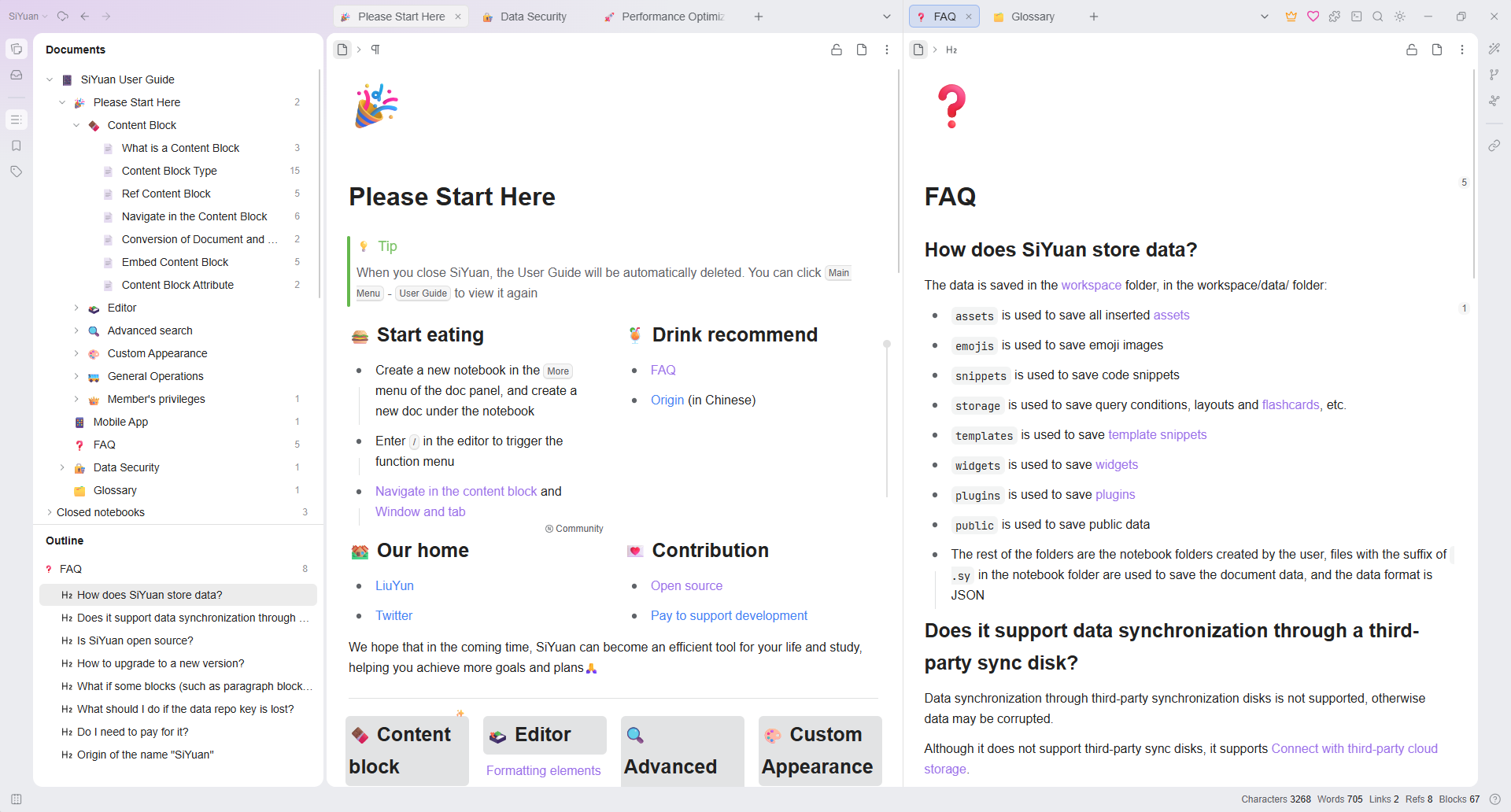
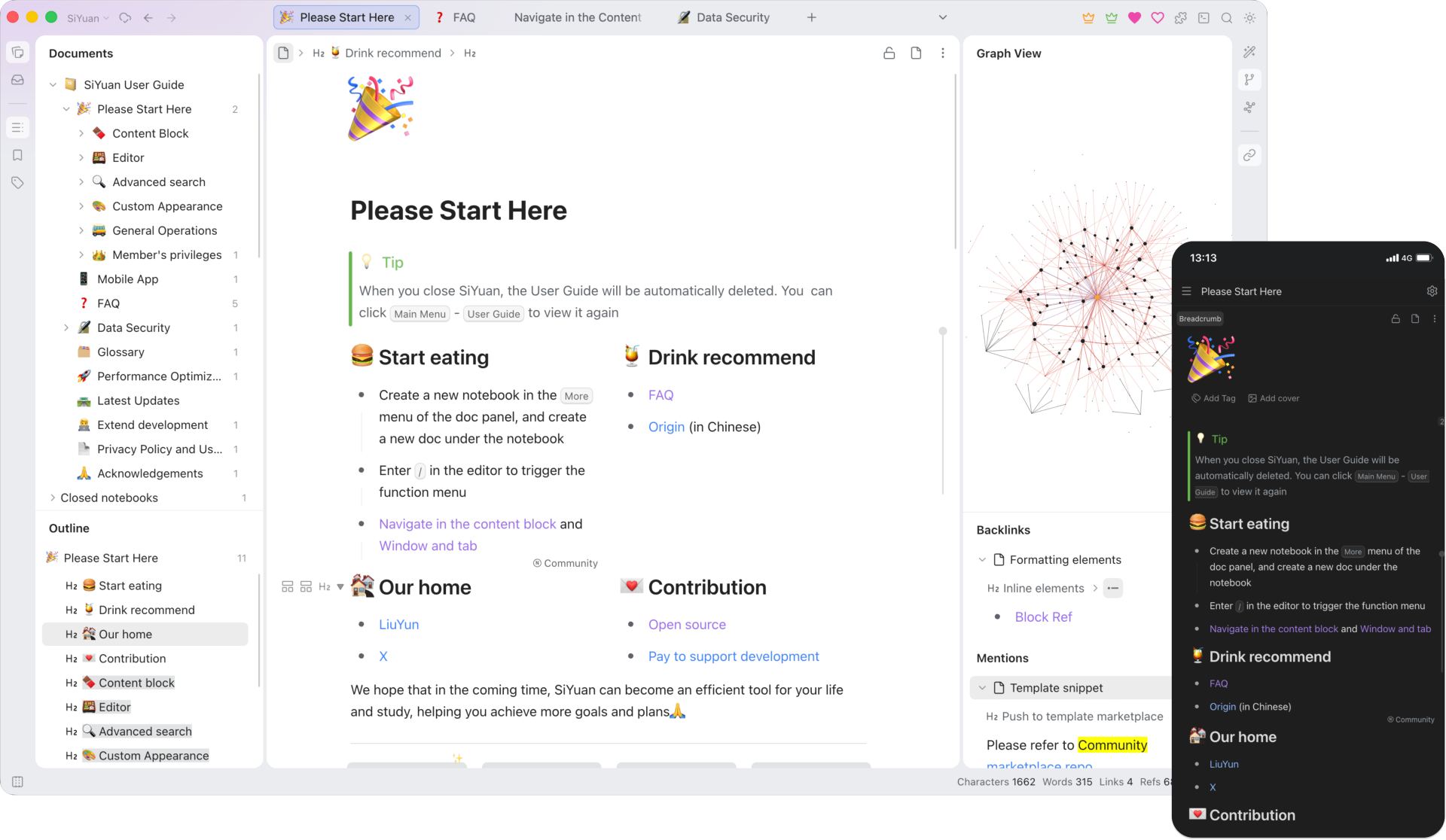
SiYuan is a notebook for your thoughts, journals, studies and plans. You write in a clean editor and can link or embed any paragraph from one note into another, so ideas connect up. It has daily notes, tables and card databases, flashcards for revision, PDF annotation and an optional AI helper. Notes stay in a folder on your own computer, with apps for desktop and phone, or a web version you run yourself.
Link or embed any paragraph in any other note, with backlinks
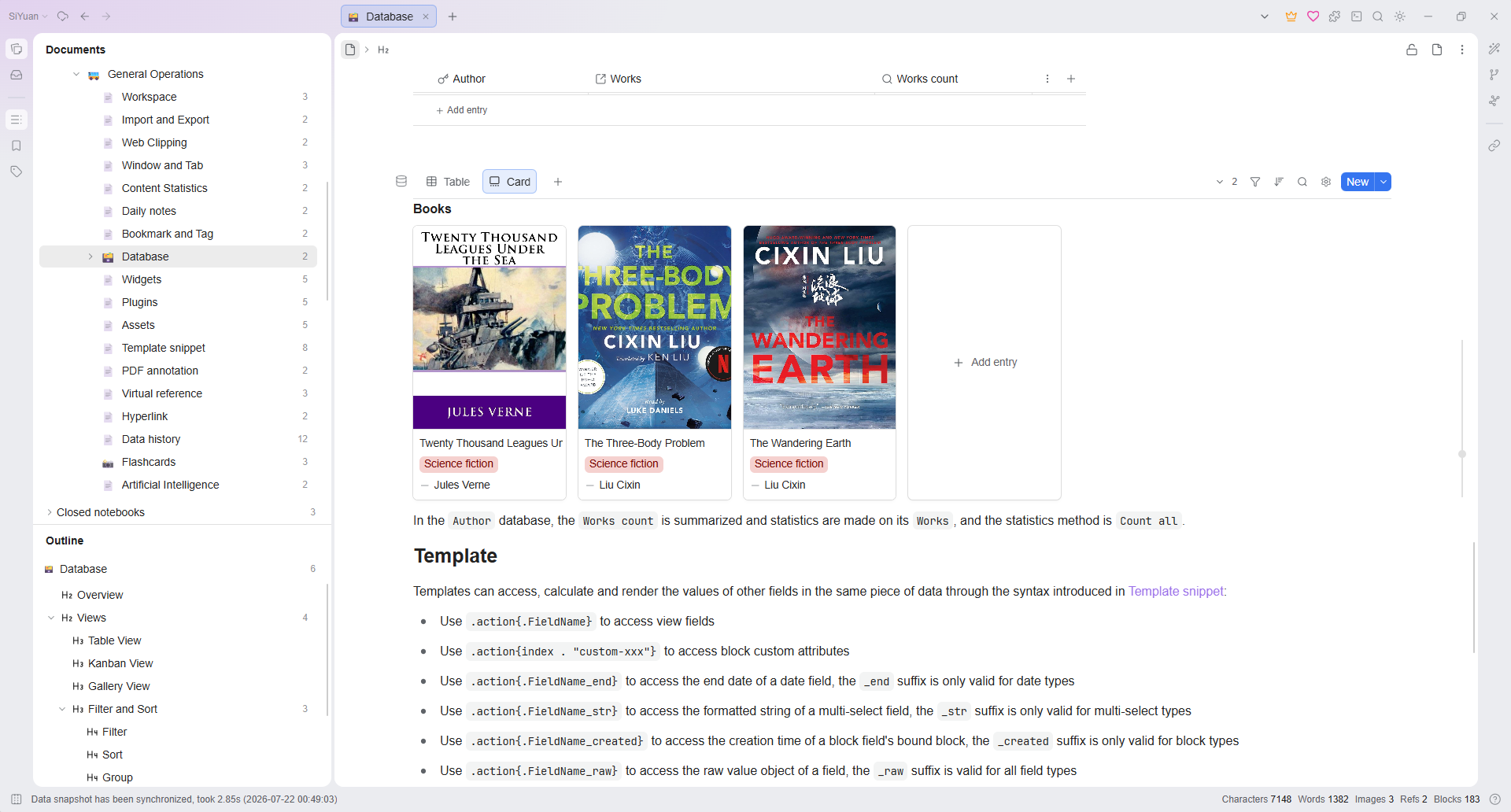
Daily notes, templates, tables and card databases
Flashcards with spaced repetition and PDF annotation
Desktop, phone and self-hosted web, with an optional local or cloud AI
Great for: Students, writers, journal-keepers and lifelong learners who want a private, connected notebook that works offline.
Themes, CSS and JavaScript snippets, templates, plugins from the built-in marketplace and a full HTTP API let you change a lot without touching the code. The code itself is large and strict: a Go kernel plus a TypeScript front end (no framework) built with webpack, generated API contracts, and a detailed AGENTS.md with rules that agents must follow. Your AI always tries the gentlest step first, so your version stays easy to update.
1
Settings 6 options
No code. Change it in the app or its config.
Light or dark theme, theme from the marketplace, font and size, icons, and 22 interface languages.
Full width or narrow, line numbers, spell check, list behaviour, and how embeds and backlinks show.
Small CSS or JavaScript tweaks, e.g. a softer heading colour or hiding a toolbar button.
Choose a cloud AI or a local Ollama / LM Studio model, or leave AI off.
A daily journal page with your own headings and prompts, created automatically each day.
Track books, habits or recipes as tables or cards inside your notes.
2
Extend 3 options
Themes, plugins, webhooks and the API. Still no fork.
Install or write plugins that add commands, panels, toolbar buttons and settings.
Create notes, append to today's journal, search or export from scripts and shortcuts.
Let an AI agent or a script search and read your notes.
3
Code 2 options
Your AI edits the source for anything else.
New screens or editor behaviour. Run pnpm run lint in app/ after changes.
New data or behaviour in the Go kernel. Regenerate API contracts as docs/API-CONTRACTS.md explains.
Can I trust it?
AGPL-3.0-or-later. Free to use and change. If you run a changed version that other people use over the internet (not just you or your household), you must offer them your source code under the same licence. Private use has no extra obligations. Some features, such as SiYuan's cloud sync, need a paid membership.
Your data: stores personal data, on your own device or server. A workspace folder: notes as .sy JSON files per notebook in workspace/data/, plus assets, templates, snippets, plugins and SQLite search indexes. In Docker, the mounted /siyuan/workspace volume.
Other services: AI provider (OpenAI, Anthropic, Gemini, Mistral, DeepSeek, OpenRouter, Groq and others, or local Ollama / LM Studio) (optional, pay-per-use with your own key, or free with a local model); SiYuan cloud sync and membership (optional, paid membership); Community marketplace (bazaar) (optional, free); OpenID Connect sign-in (Google, Microsoft, GitHub or your own) (optional, free)
Pinned version bfe3610. Every handover uses exactly this code, which we've reviewed.
Always set a strong access password (SIYUAN_ACCESS_AUTH_CODE) on the Docker version, and use HTTPS through a reverse proxy before putting it on the internet.
The AI features send the text you select or ask about to the provider you choose. Use Ollama or LM Studio to keep it on your own machine.
Plugins, widgets and JavaScript snippets run with full access to your notes. Install only ones you trust.
Keep the API token, AI keys and the data repo key out of AI chats and out of git.