Karakeep

Save links, notes, images and PDFs in one place, tagged for you and easy to find.
Notes & journal AGPL-3.0-only

What it does

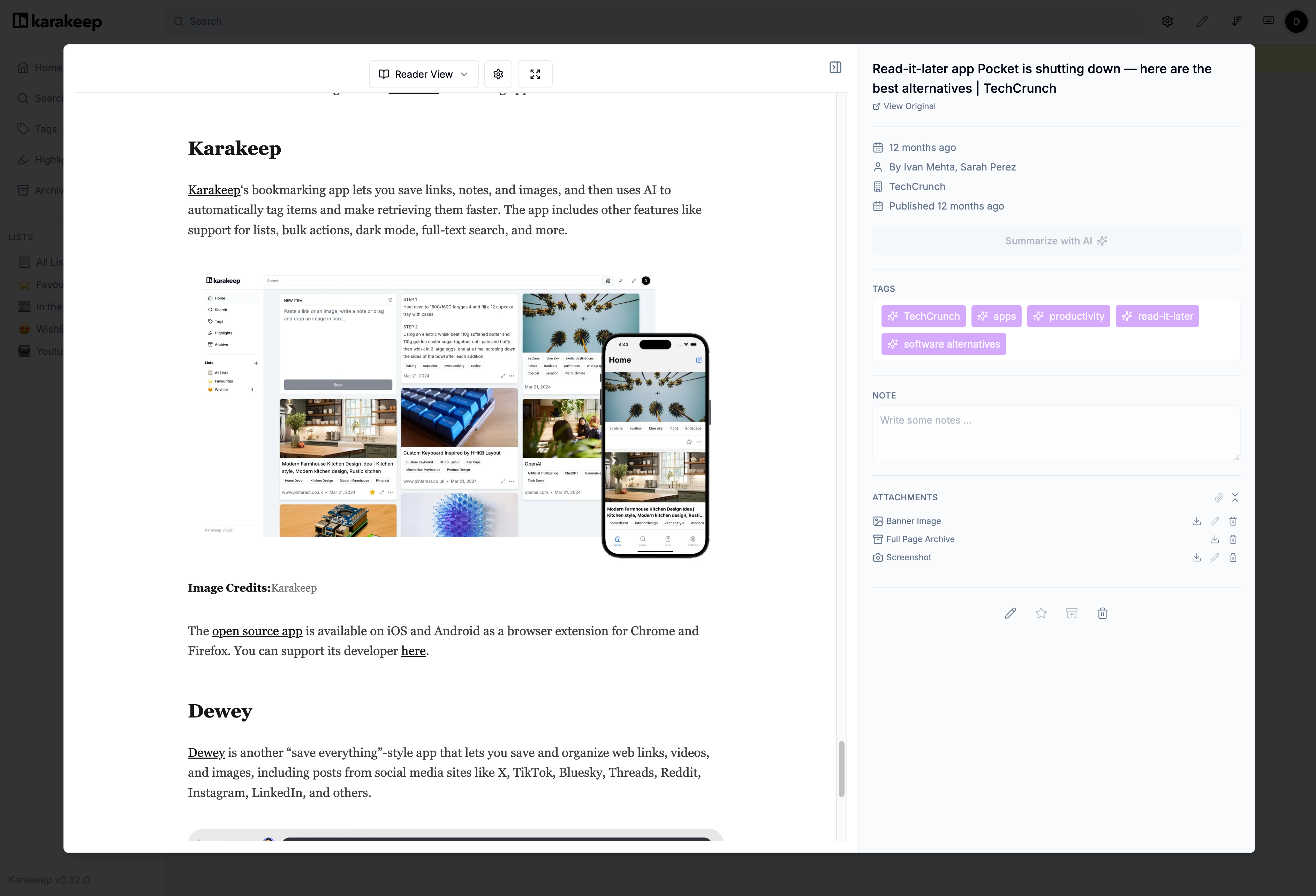
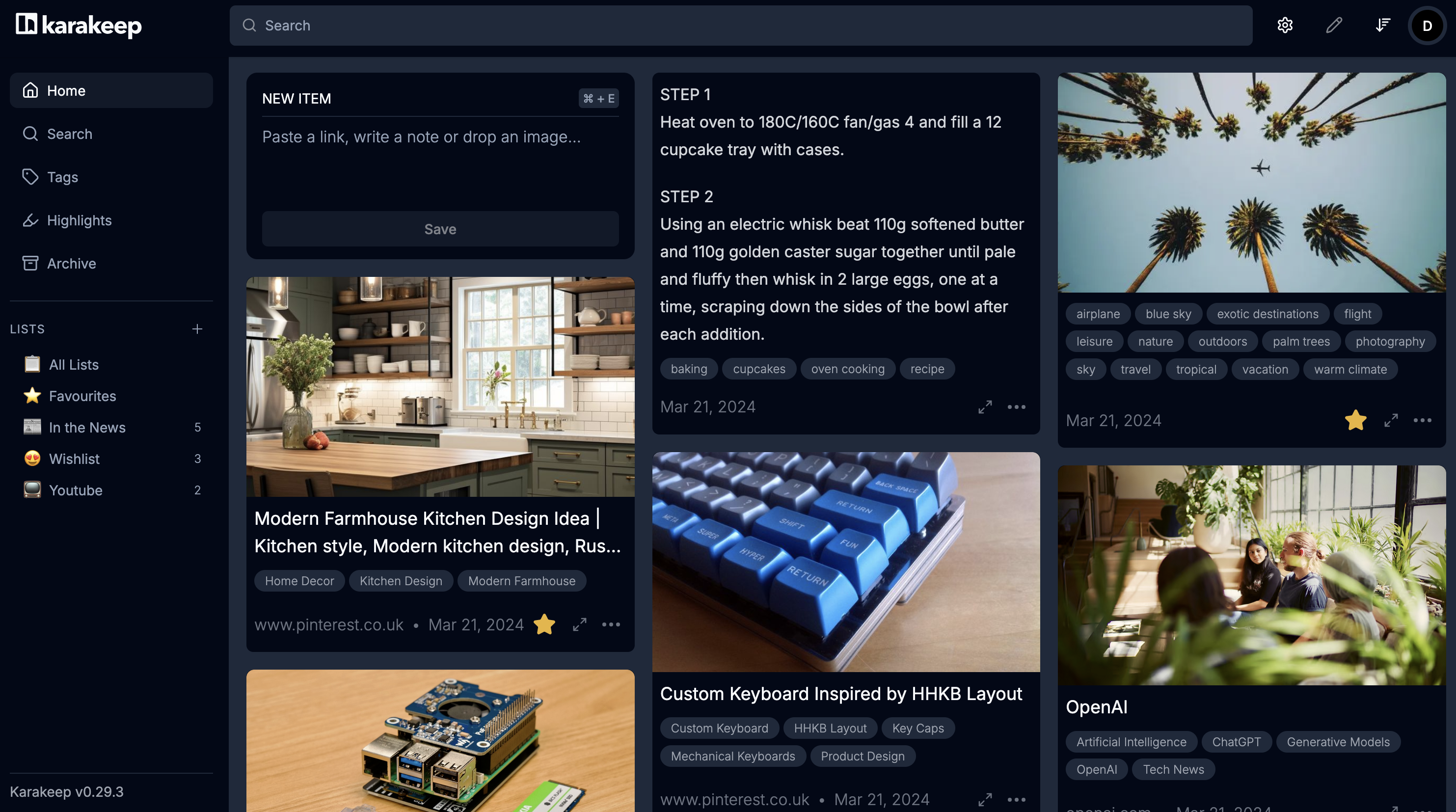
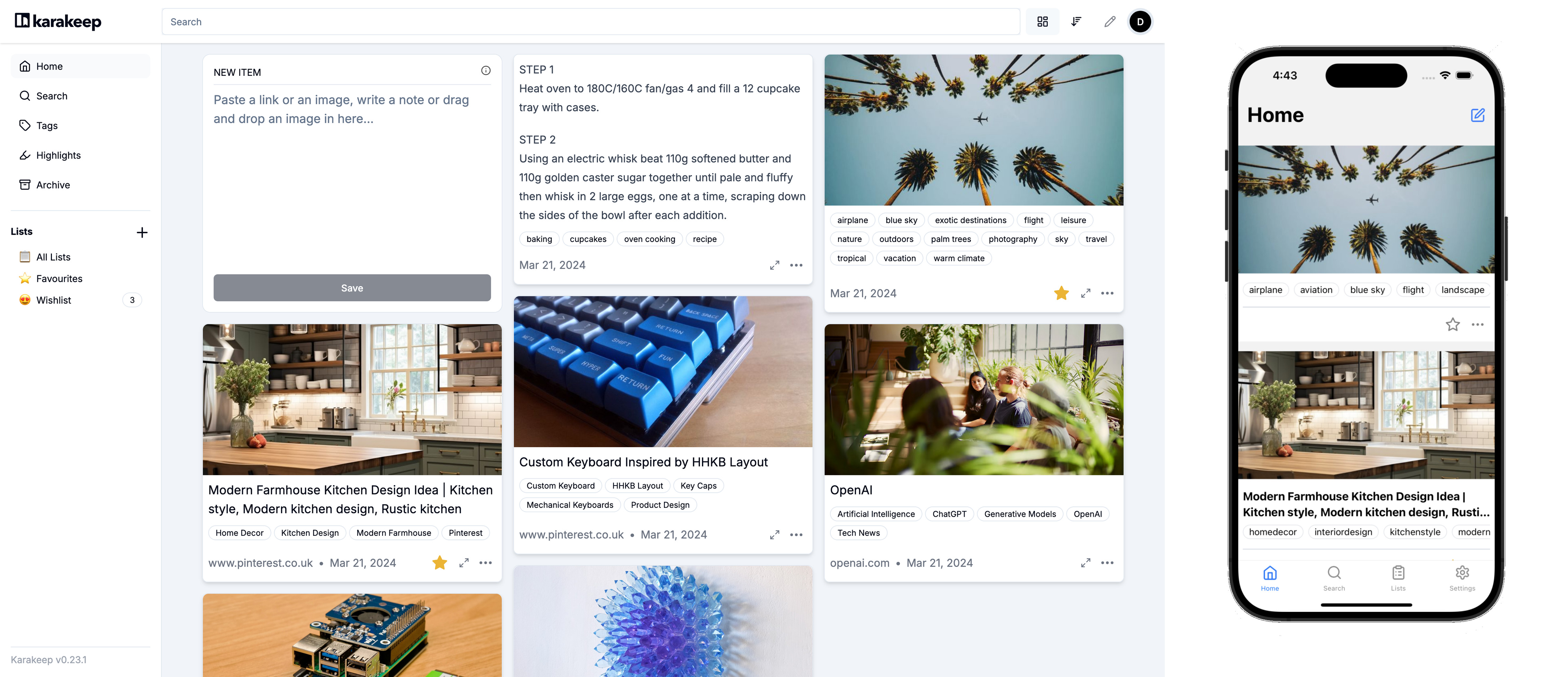
Karakeep is a read-it-later and bookmark app for people who save everything. Save a web link, a quick note, a photo or a PDF from your browser or phone. It fetches the page title and picture, keeps a copy in case the page disappears, and can tag and summarise things for you with AI. Search everything you have saved, sort it into lists and share lists with others. It runs on your own computer or server.

  • Save from browser extensions and iOS and Android apps
  • Automatic tagging and summaries with OpenAI or a local model
  • Full-text search and page archiving against link rot
  • Lists, sharing, rules, RSS feeds and imports from Pocket and others

Great for: People who save lots of links, notes and screenshots and want them organised and searchable in one private place.

Make it yours: ideas

Pick an idea to start from, or describe your own.

How easy is it to adapt?

Rules, webhooks, AI prompts, RSS feeds and the API cover a lot without code. Code changes mean a pnpm/Turborepo monorepo: a Next.js web app, background workers, and tRPC routers holding most of the logic. Running it needs Meilisearch and a headless Chrome alongside. Your AI always tries the gentlest step first, so your version stays easy to update.

  1. Settings 4 options

    No code. Change it in the app or its config.

    • Turn AI tagging and summaries on or off, choose a local or cloud model, and add your own instructions.
    • Automatic actions, e.g. any link from a recipe site goes into the Recipes list.
    • Organise saved things and share a list with a partner or publicly.
    • Save new posts from favourite sites automatically, or import from Pocket, Chrome and others.
  2. Extend 2 options

    Themes, plugins, webhooks and the API. Still no fork.

    • Tell another app (n8n, Home Assistant, a chat bot) whenever something is saved.
    • Save from scripts or phone shortcuts, or let an AI assistant search your bookmarks.
  3. Code 2 options

    Your AI edits the source for anything else.

    • New pages or views in the web app.
    • New behaviour or data. Database changes need a generated migration.

Can I trust it?

  • AGPL-3.0-only. Free to use and change. If you run a changed version that other people use over the internet (not just you or your household), you must offer them your source code under the same licence. Private use has no extra obligations.
  • Your data: stores personal data, on your own device or server. SQLite database and saved files (images, PDFs, archives) in the data volume (/data); search index in the meilisearch volume.
  • Other services: Meilisearch (search engine) (required, free (included in the compose file)); Headless Chrome (required, free (included in the compose file)); AI provider (OpenAI, an OpenAI-compatible API or local Ollama) (optional, pay-per-use for OpenAI, free with local Ollama)
  • Pinned version 5c72fa9. Every handover uses exactly this code, which we've reviewed.
  • Set DISABLE_SIGNUPS=true once your accounts exist if the server is reachable from the internet.
  • AI features send page text to the chosen provider. Use Ollama to keep everything at home.
  • Headless Chrome visits every saved link from your server. Read upstream's security considerations before exposing it publicly.

Did it work for people?

No reports yet

Be the first to tell others how it went.

Tell us how it went

For your AI

The project pack has the pinned version, how to run it, and where to customise it. Your prompt links to it automatically.

https://handoff.bespokeai.software/p/karakeep/5c72fa9/pack.md

A friendly whiteboard for quick sketches, plans and diagrams that look hand-drawn.
Notes & journal

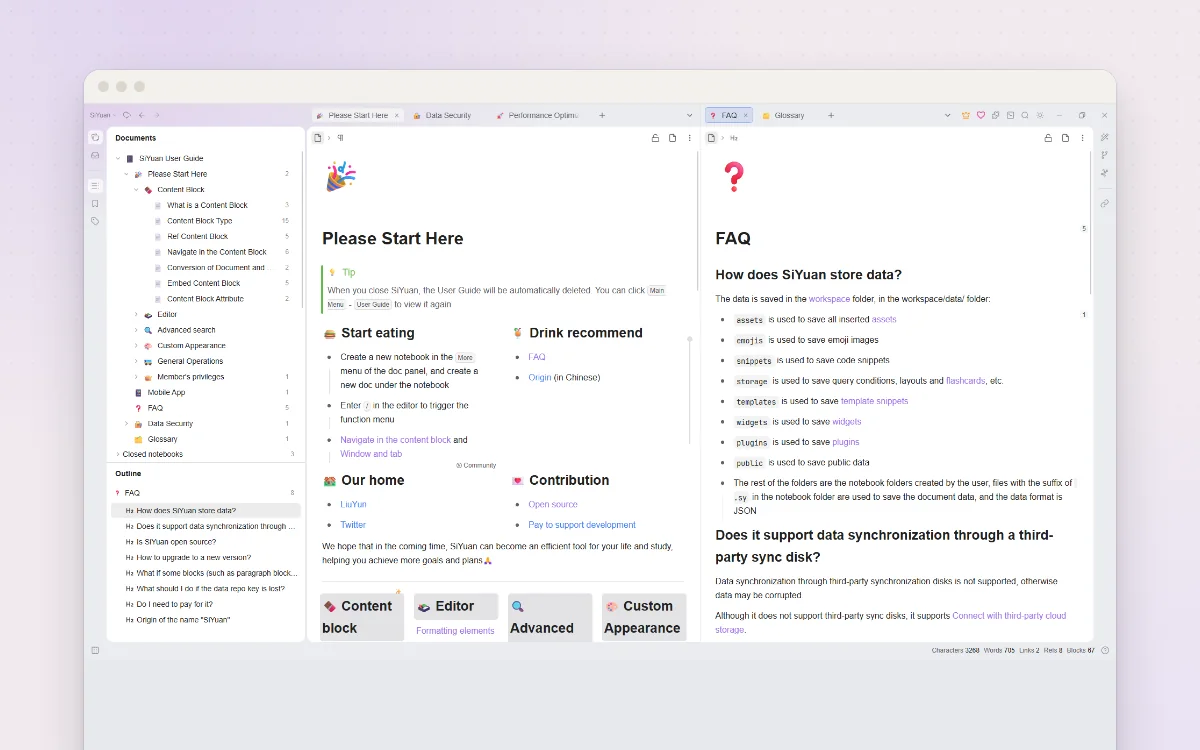
A private notebook where every paragraph can link to any other note you've written.
Notes & journal

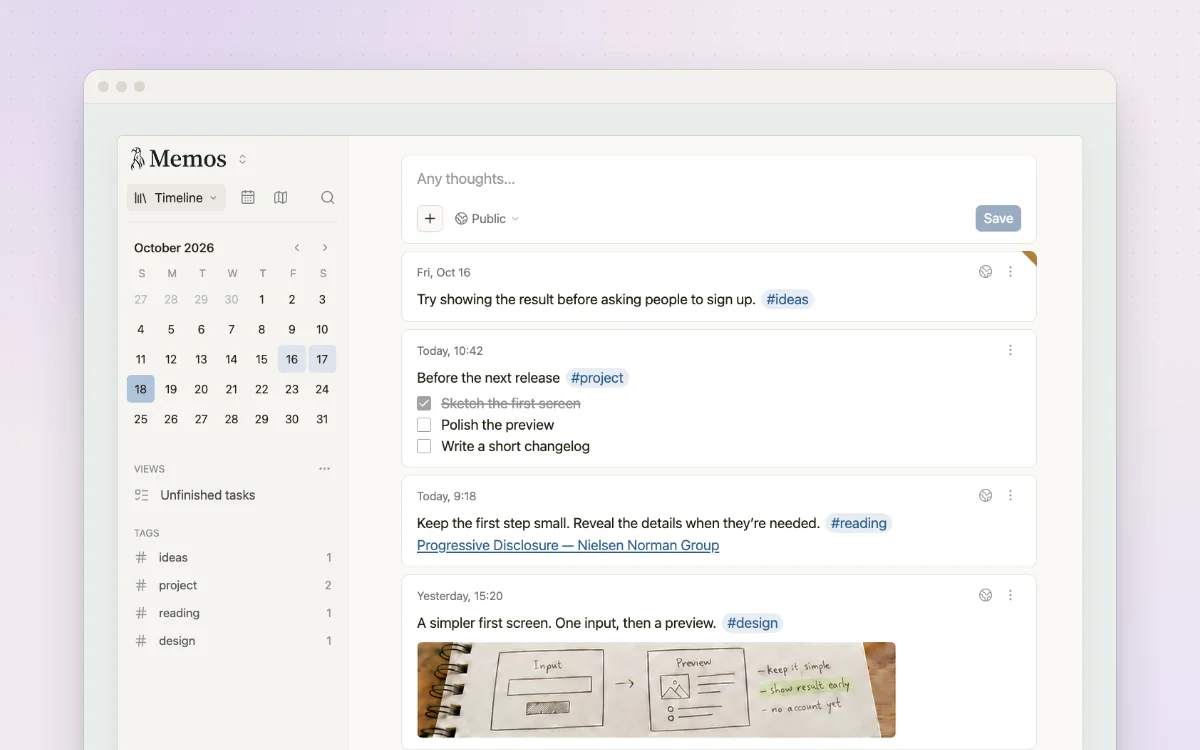
A private timeline for your thoughts. Just type, and it stays yours.

Notes & journal