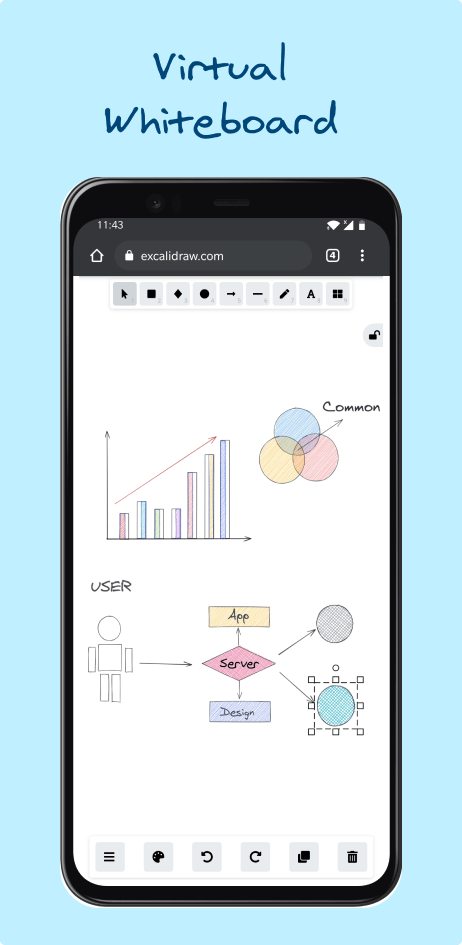
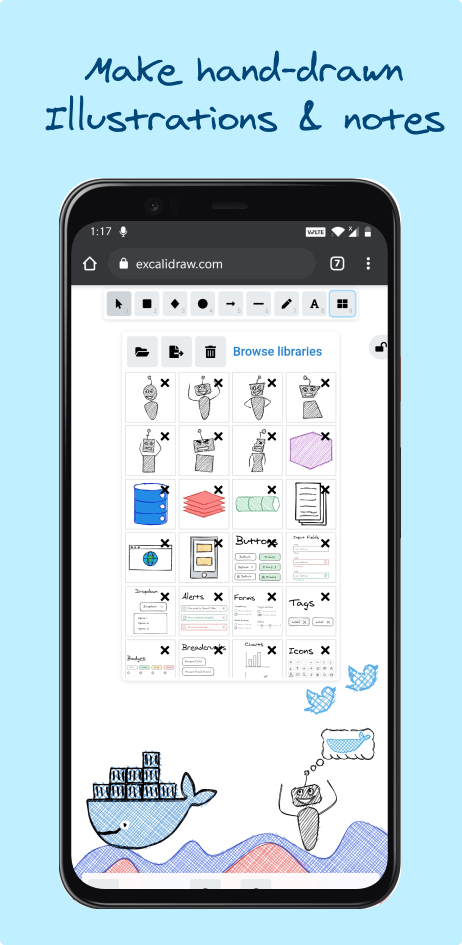
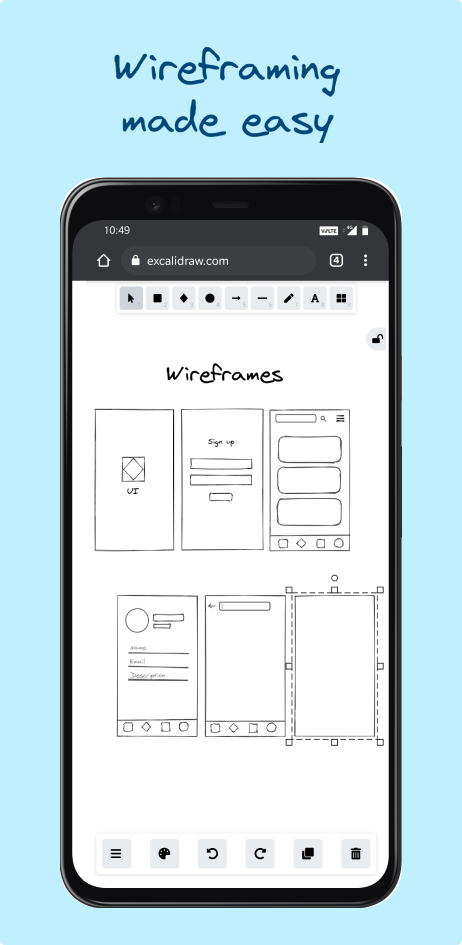
Excalidraw is a blank digital whiteboard where you draw boxes, arrows, notes and doodles that look as if they were sketched by hand. Use it to plan a garden, map out a family tree, sketch a room layout or explain an idea. Drawings save in your browser automatically and you can export them as pictures or files. You can use the free official site, or run your own copy at home with one Docker command.
Hand-drawn look that feels relaxed, not corporate
Nothing to install; drawings save in your browser and export as PNG or SVG
Shape libraries, dark mode and dozens of languages
Runs offline, or as your own copy with one Docker command
Great for: Anyone who thinks better with a pen, from planning a room or a trip to explaining an idea to the family.
No server or database to manage: the app is a set of web files. But it is a large TypeScript monorepo. The editor itself lives in packages/excalidraw/ and the excalidraw.com shell (welcome screen, menus, sharing) in excalidraw-app/. Small changes to text, colours and the welcome screen are approachable; canvas and drawing changes are hard. Your AI always tries the gentlest step first, so your version stays easy to update.
1
Settings 2 options
No code. Change it in the app or its config.
Light or dark mode, background colour and one of dozens of interface languages, all from the menu.
Add ready-made shapes such as furniture, garden plants or icons, or save your own reusable pieces.
2
Extend 3 options
Themes, plugins, webhooks and the API. Still no fork.
Point sharing, collaboration and AI at your own servers (or leave them blank) and rebuild the image.
Generate drawings from a script, or embed the whiteboard inside another web page or app.
Paste a Mermaid flowchart (which any chat AI can write for you) and turn it into an editable drawing, without the AI server.
3
Code 3 options
Your AI edits the source for anything else.
Change the welcome screen heading and menu items, or remove the Excalidraw+ links.
Reword labels, change the colour swatches offered, or add a font.
New tools, actions and drawing behaviour. Large, central files; read CLAUDE.md first.
Can I trust it?
MIT. Very permissive. Use, change and share it for anything, including commercially. Just keep the copyright and licence notice with the code. No obligation to publish your changes.
Your data: stores personal data, on your own device or server. In your own browser (localStorage for the drawing, IndexedDB for pasted images). Nothing is kept on the server you run. Files you save with "Save to…" are .excalidraw JSON files on your computer.
Other services: Excalidraw share and collaboration servers (json.excalidraw.com, oss-collab.excalidraw.com) (optional, free); Excalidraw AI backend (oss-ai.excalidraw.com) (optional, free, with usage limits); Public library catalogue (libraries.excalidraw.com) (optional, free)
Pinned version 1d4dc2c. Every handover uses exactly this code, which we've reviewed.
The self-hosted image has no logins and stores nothing on the server, so it is safe on a home network. Put it behind HTTPS if you open it to the internet.
Sharing links, live collaboration and AI features use Excalidraw's own servers unless you rebuild with your own. Shared drawings are encrypted in the browser first; AI prompts and selected drawings are sent to Excalidraw's AI server.
Drawings live only in one browser. Save important ones as files so they aren't lost when browser data is cleared.