
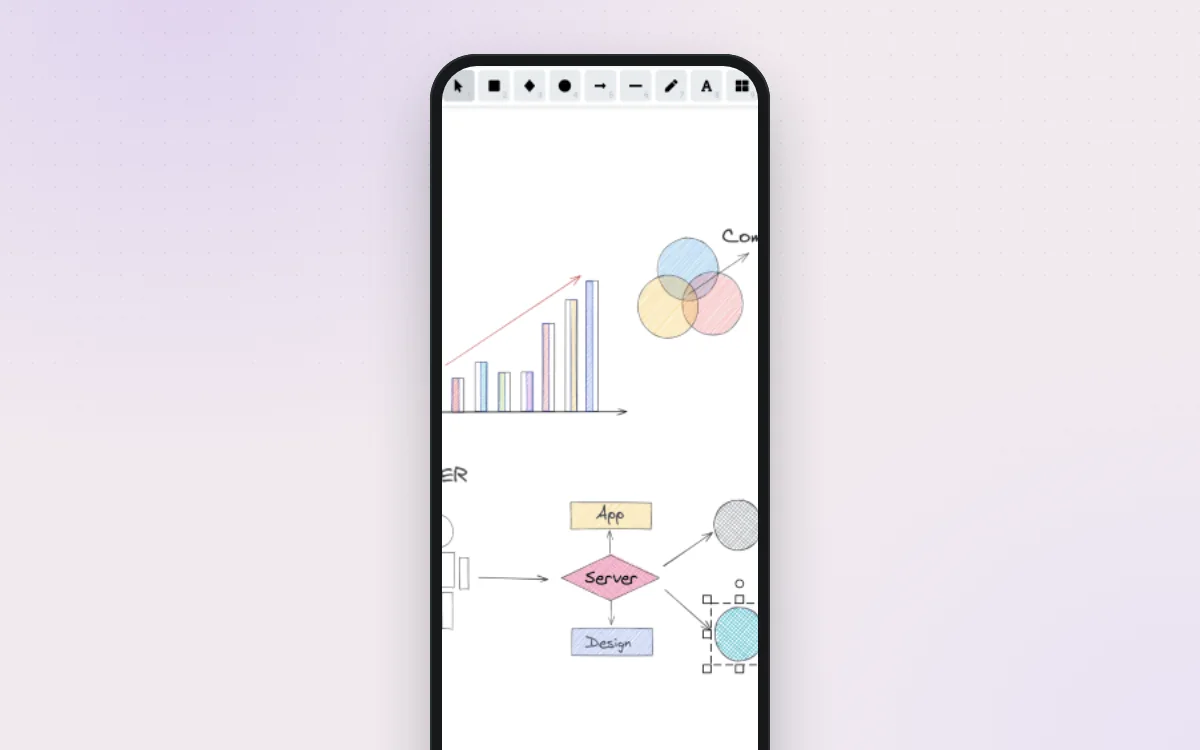
A friendly whiteboard for quick sketches, plans and diagrams that look hand-drawn.
Save web pages you care about, with a permanent copy in case they disappear.
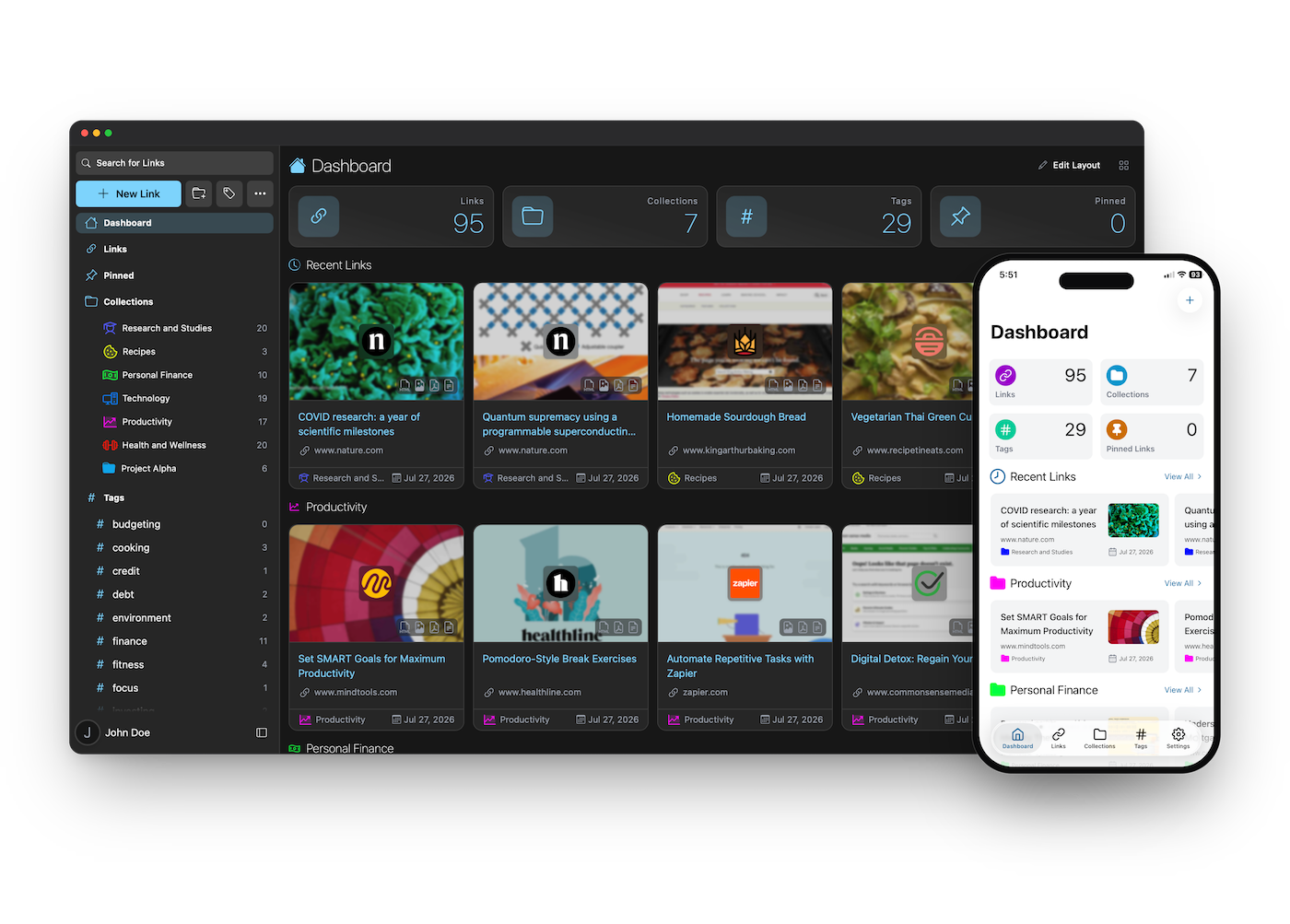
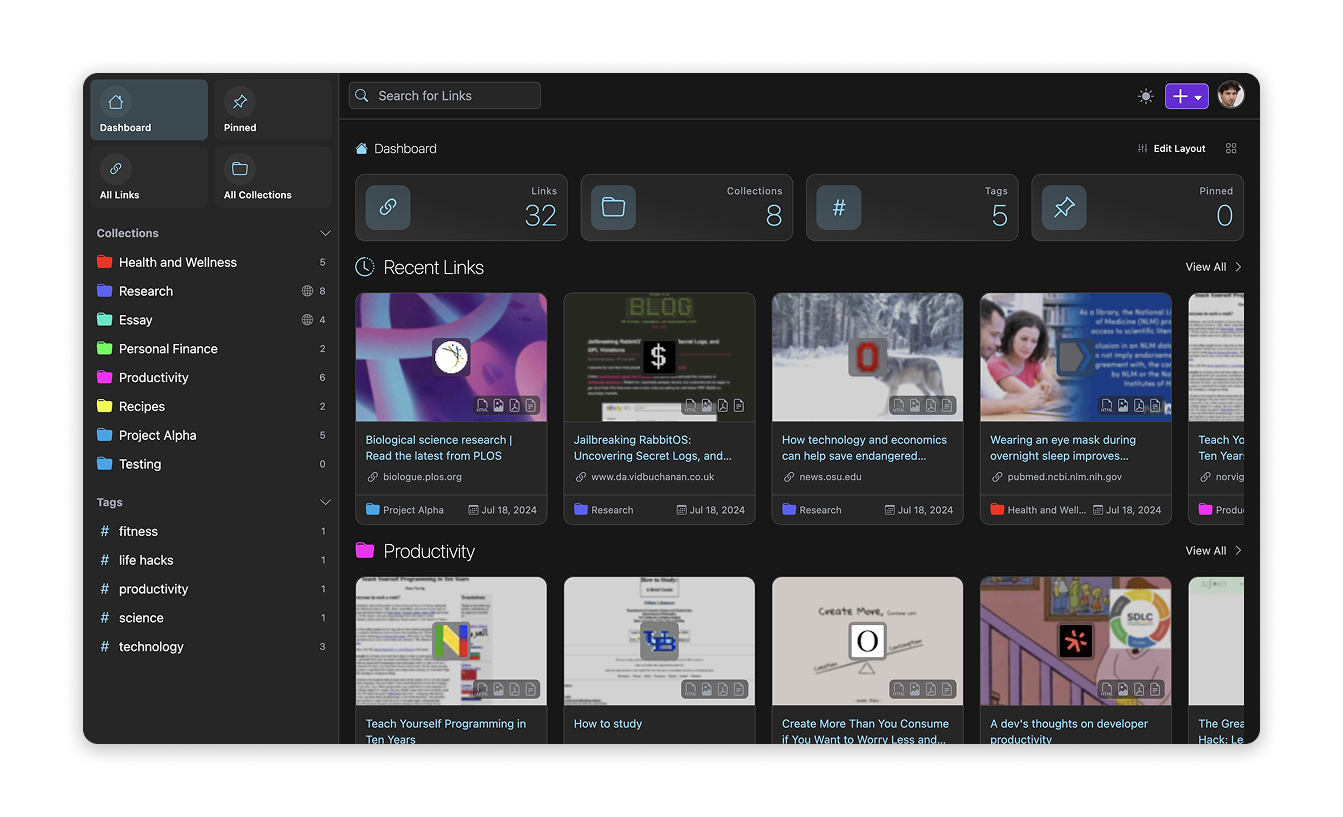
Linkwarden is a bookmark keeper that also saves a full copy of each page, as a screenshot, a PDF and a readable version, so recipes, articles and guides stay with you even if the website changes or vanishes. Sort links into collections and tags, highlight and annotate as you read, and share collections with family or friends. It runs on your own server, with phone apps and a browser extension.
Great for: Readers, home cooks, researchers and families who want to keep the useful things they find online, for good.
Official public demo, shared by everyone. Don't save anything private.
Choose one when you tell your AI. It sets everything up with you, in plain words.
Hosts are independent companies, not BespokeAI. You sign up and pay them directly. We may earn a referral fee, which never changes your price.
Examples of what people ask their AI to do with Linkwarden. Start from one, or just tell your AI and it will ask what you'd like.
“I save recipes from blogs that keep disappearing. Set up a Recipes collection that keeps a readable copy and a PDF of each one, with tags for dinner, baking and vegetarian.”Start with this idea
“Make a collection my husband and I can both add to, for articles about our kids' schools and activities, so we each see what the other saved.”Start with this idea
“Tag my saved links automatically, but using a small AI model on my own server, and only with the tags I already use.”Start with this idea
“I have 2,000 bookmarks in Chrome and an export from Pocket. Help me import them all into Linkwarden without duplicates.”Start with this idea
“Every Sunday, email me a list of the links I saved this week with their titles, so I actually read them.”Start with this idea
“Make the reader view easier on my eyes: bigger text, a narrow column, sepia background and a button to read it aloud.”Start with this idea
952ac45. Every handover uses exactly this code, which we've reviewed.Be the first to tell others how it went.
A friendly whiteboard for quick sketches, plans and diagrams that look hand-drawn.
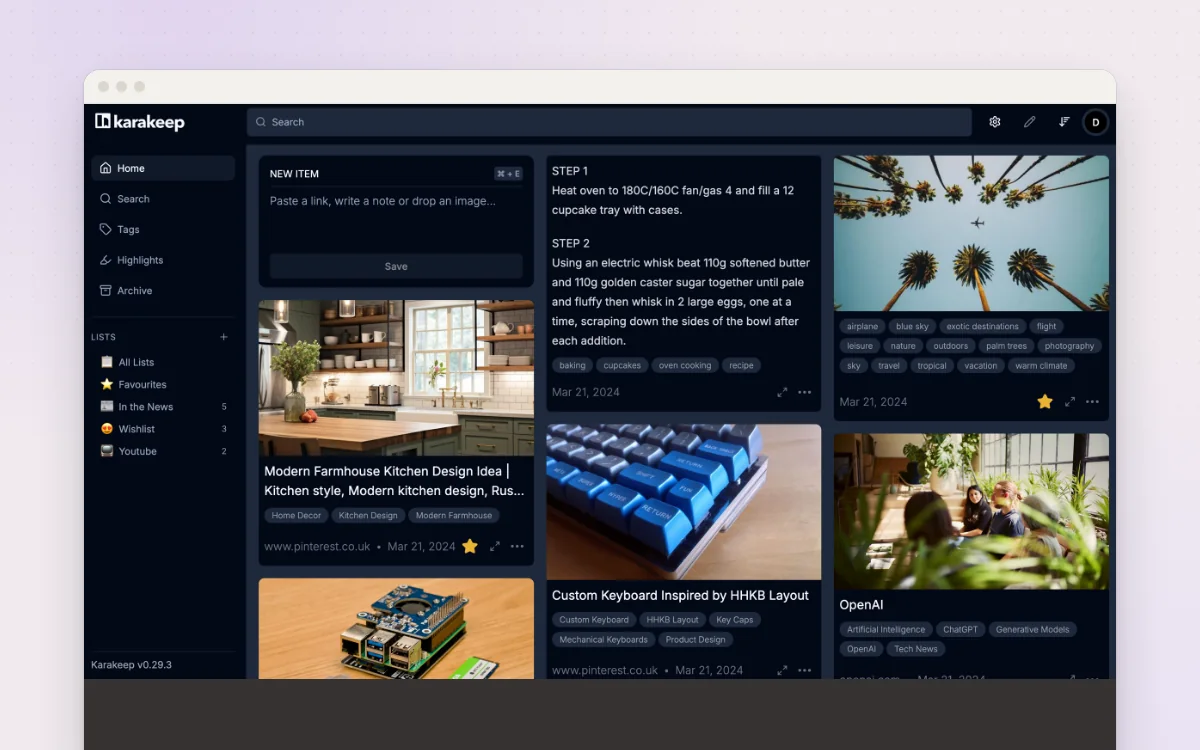
Save links, notes, images and PDFs in one place, tagged for you and easy to find.
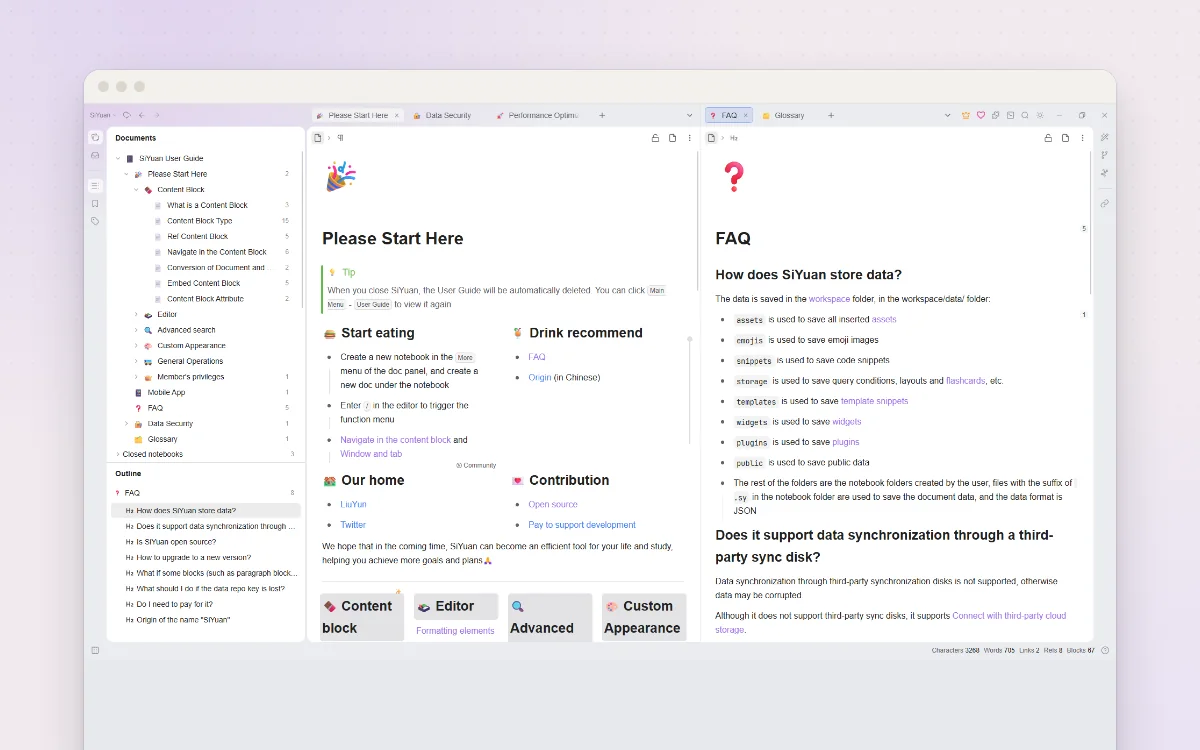
A private notebook where every paragraph can link to any other note you've written.