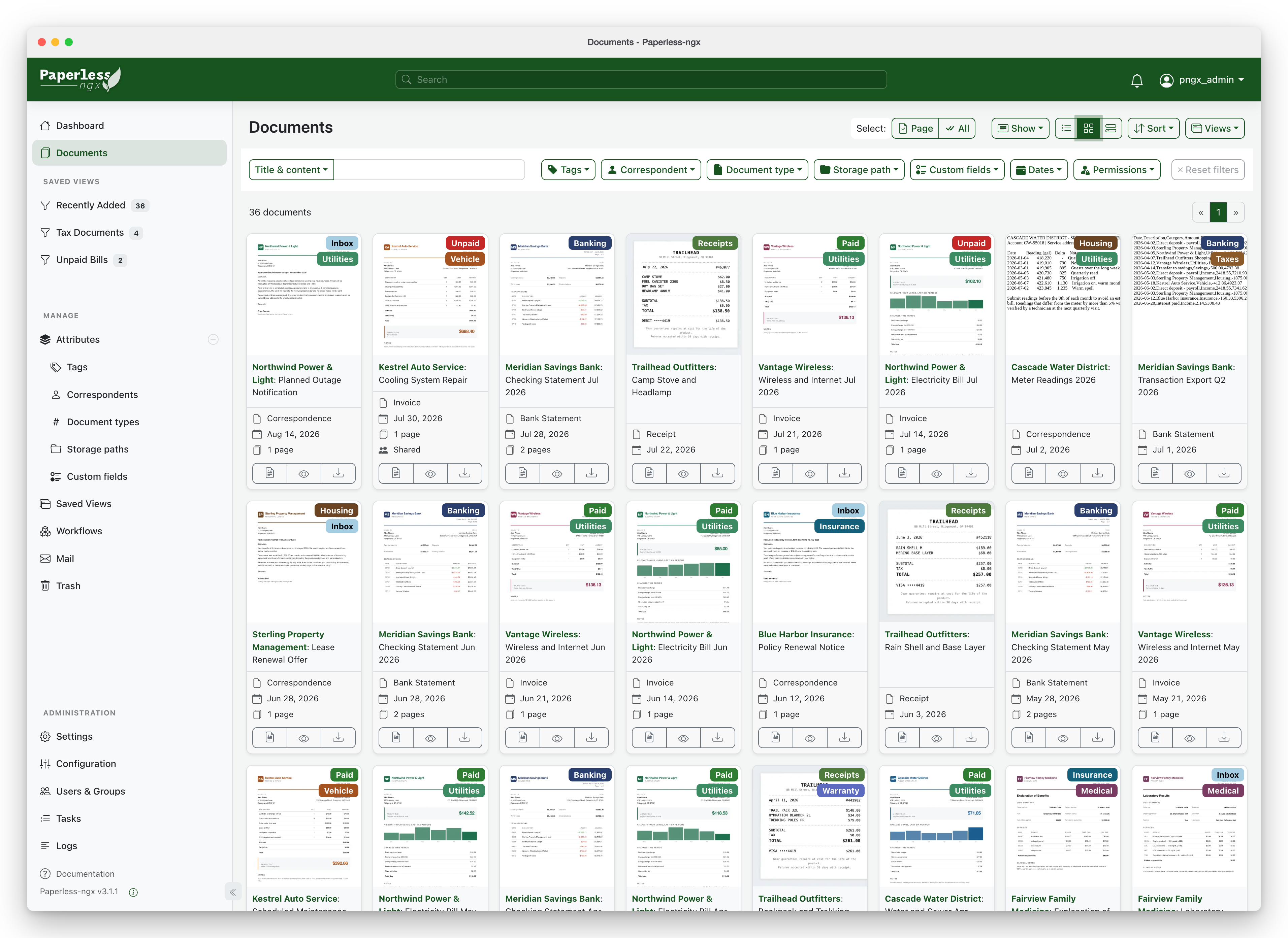
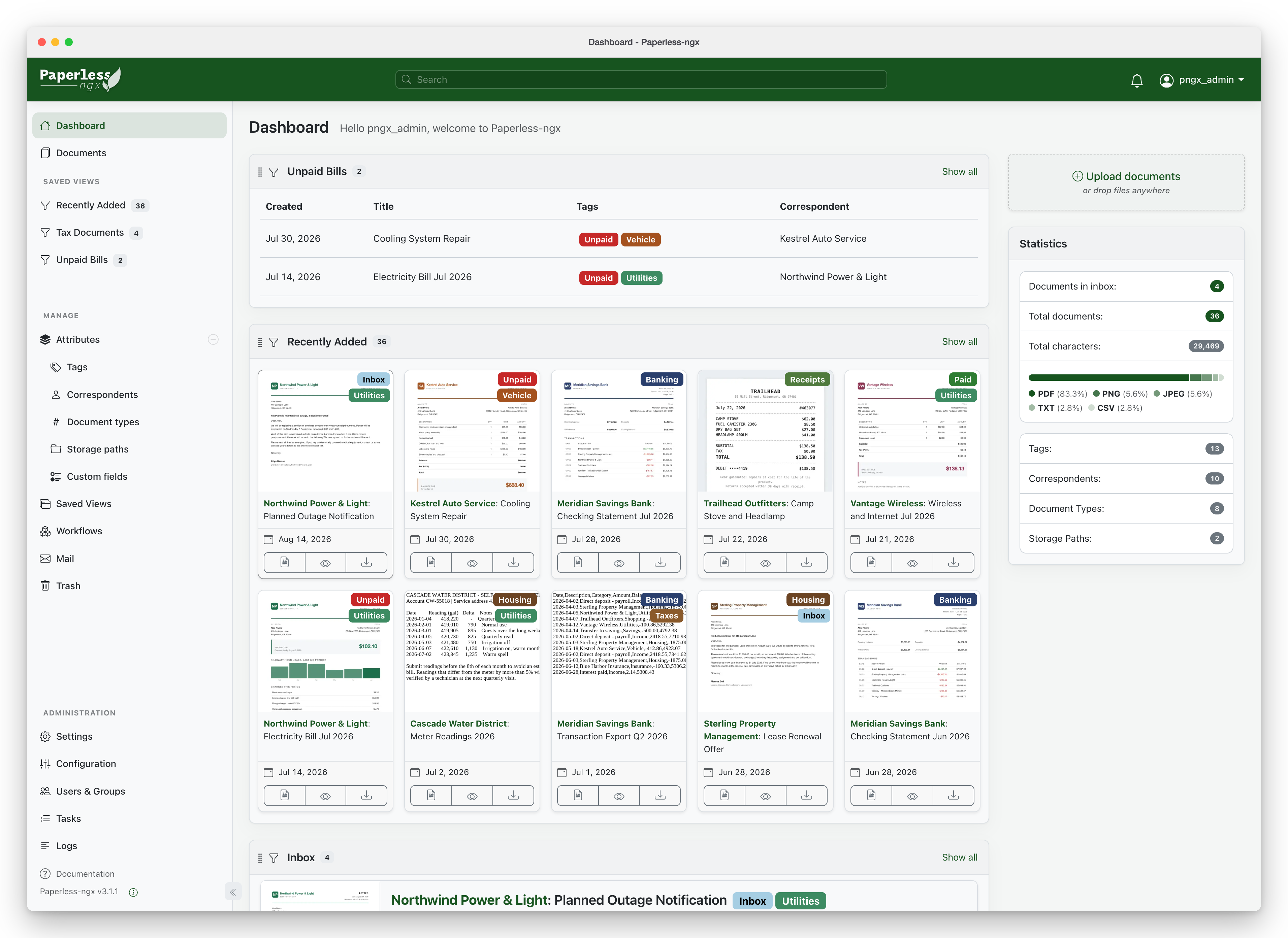
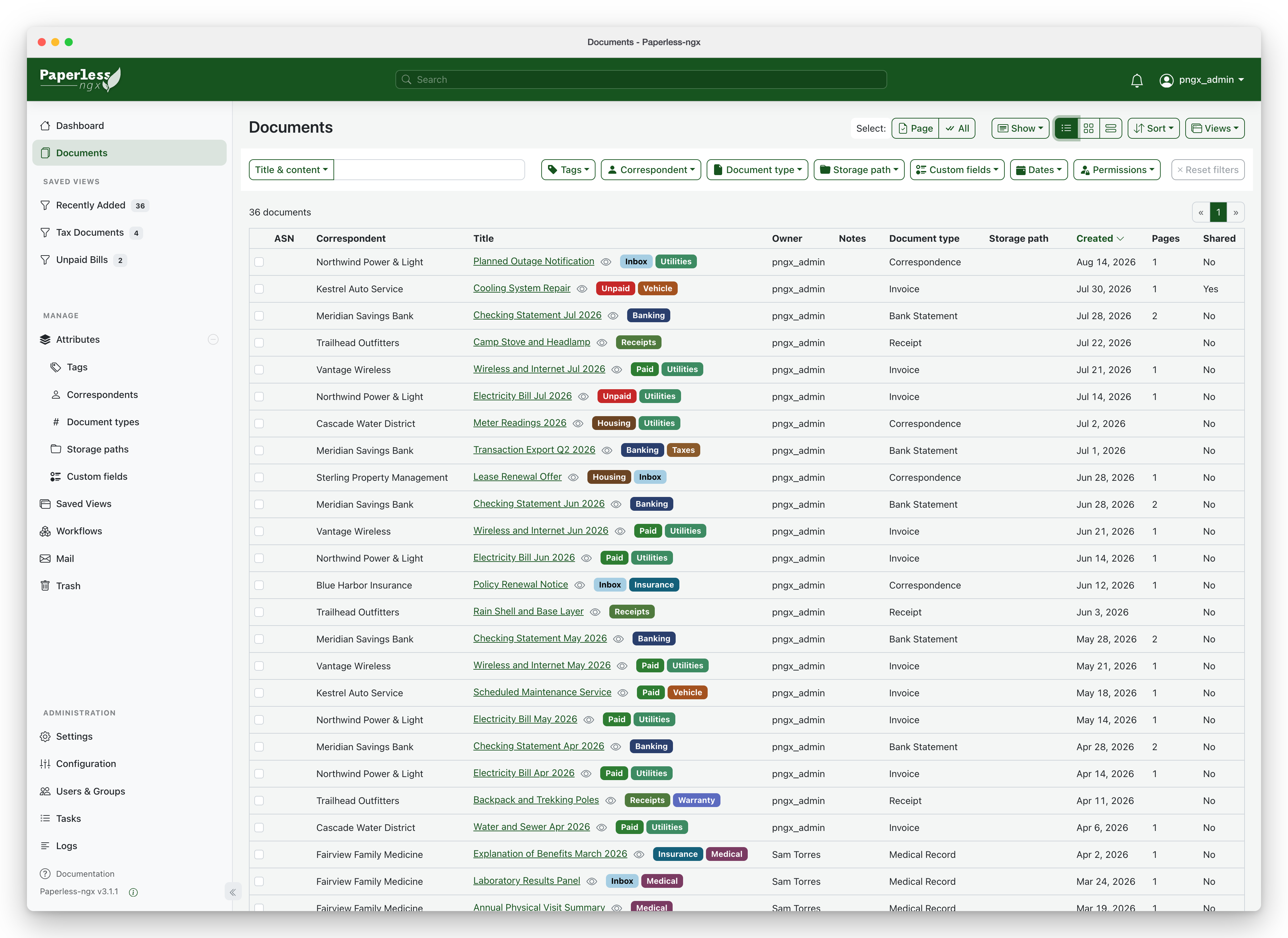
Paperless-ngx turns paper into a searchable archive. Scan or photograph a letter, drop in a PDF or forward an email, and it reads the text, files it and suggests who it is from and what kind of document it is. Find any bill, payslip, warranty or school letter by typing a word. It runs on your own computer or server, so your private documents stay at home.
Reads the text of every scan so you can search all your paperwork
Learns to tag and file new documents automatically
Imports from a scanner folder, email or phone
Workflows, custom fields and saved views for bills and warranties
Great for: Households drowning in letters, bills and receipts who want to go paperless without a cloud service.
Tags, matching rules, workflows, mail rules and custom fields cover most household needs without code. Code changes mean a Django backend (src/) and an Angular frontend (src-ui/), plus Redis and a Celery worker for processing. Your AI always tries the gentlest step first, so your version stays easy to update.
1
Settings 5 options
No code. Change it in the app or its config.
Auto-file documents, e.g. anything containing "British Gas" goes to Energy bills.
When a document arrives or changes, assign tags or owners, send an email or call a webhook, or run on a schedule.
Import attachments from an email inbox and tag them automatically.
Track things like amount, due date or warranty end, and show "bills due this month" on the dashboard.
Your own colour, name and logo.
2
Extend 2 options
Themes, plugins, webhooks and the API. Still no fork.
Run your own script before or after each document is processed, e.g. to notify your phone.
Upload from other apps, build reports or connect a phone shortcut.
3
Code 2 options
Your AI edits the source for anything else.
New screens or widgets in the Angular interface.
New data or API behaviour in Django. Database changes need a migration.
Can I trust it?
GPL-3.0-only. Free to use and change. If you share your changed version with other people (give them the code or app), you must share your source code under the same licence. Using it privately for yourself or your household has no extra obligations.
Your data: stores personal data, on your own device or server. Original and archived files in the media volume; database (SQLite by default, or PostgreSQL/MariaDB) in the data volume. Files dropped in ./consume are imported; ./export holds exports.
Other services: Redis (message broker) (required, free (included in the compose files)); Email account (IMAP) (optional, free); Apache Tika and Gotenberg (optional, free (optional containers)); AI provider (Ollama locally, or an OpenAI-compatible API) (optional, free with local Ollama, pay-per-use for cloud providers)
Pinned version f25fd53. Every handover uses exactly this code, which we've reviewed.
Documents are stored without encryption. Upstream warns never to run it on an untrusted host; a home server with backups is safest.
Don't expose it to the internet without HTTPS and a strong password; turn on two-factor authentication.
AI features send document text to the chosen provider. Use Ollama to keep everything at home.