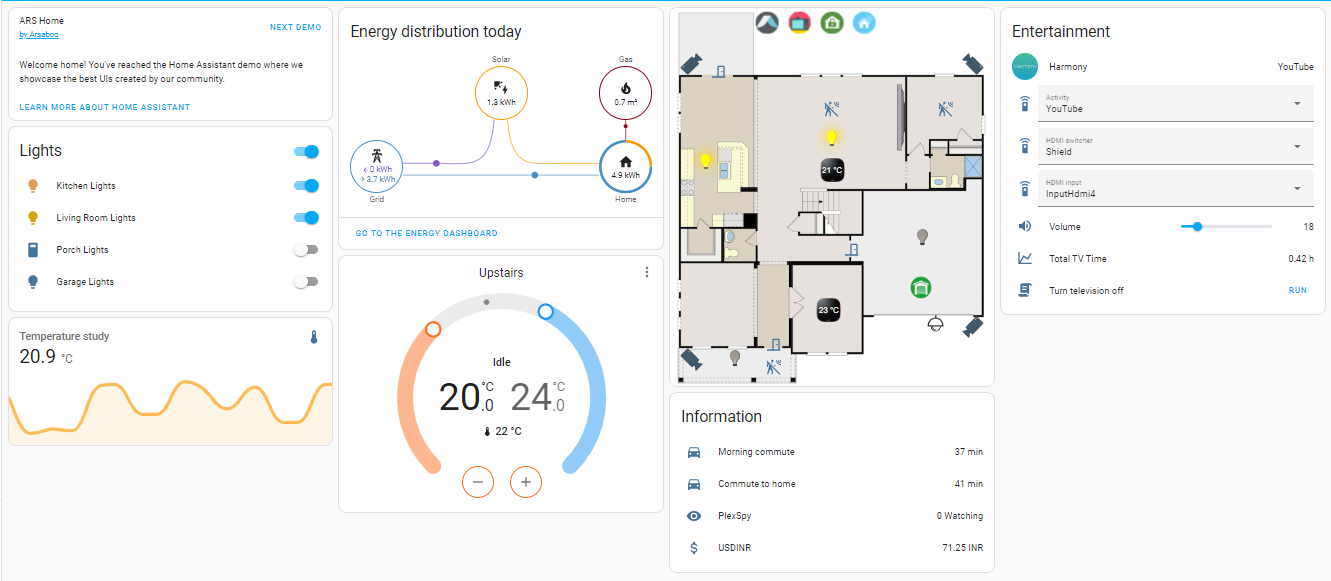
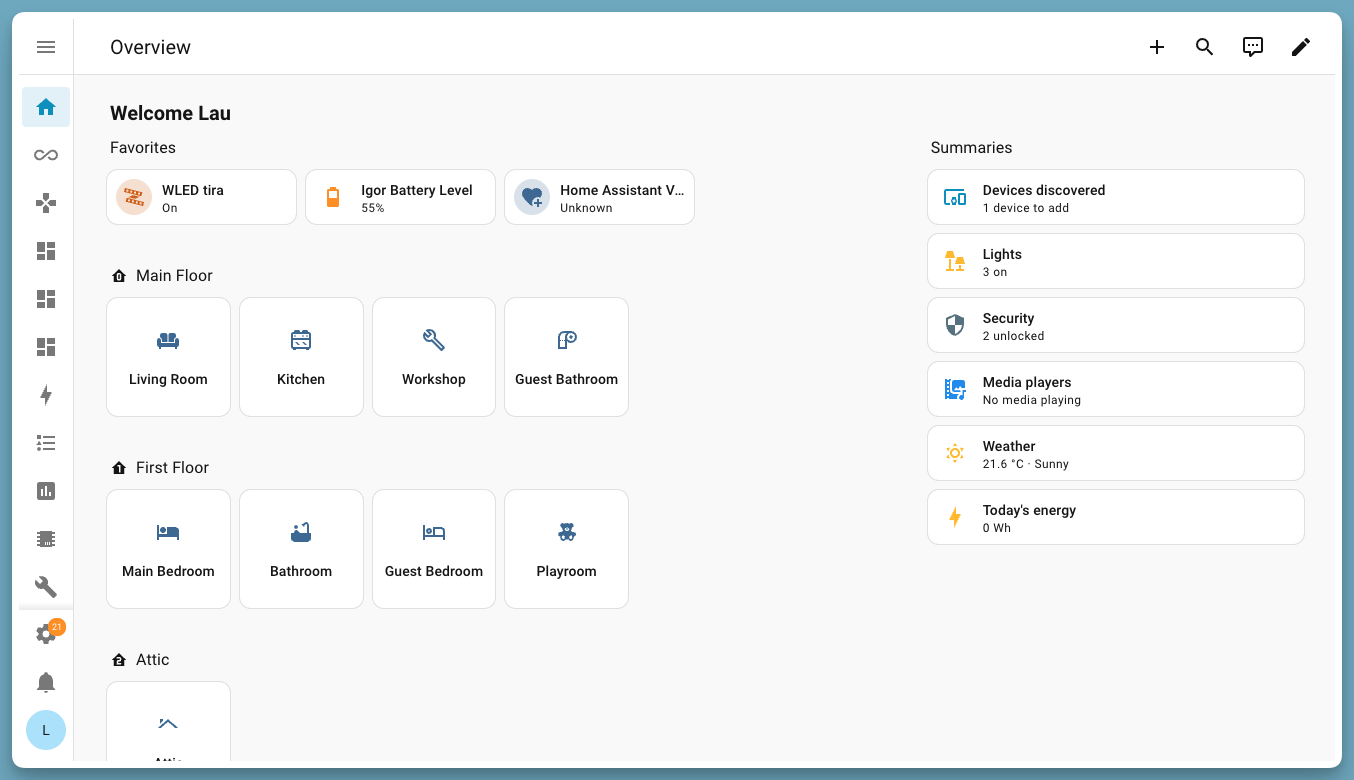
Home Assistant brings all your smart devices together in one app: lights, plugs, heating, door sensors, speakers and thousands more brands. Set up routines such as "turn the porch light on at sunset" or "tell me if the freezer door is left open". It runs on a small computer in your home, so it keeps working without the internet and your data stays with you. There is a phone app, a voice assistant and optional AI helpers.
Works with thousands of devices and brands, many fully offline
Visual editor for routines, plus ready-made blueprints
Phone app, energy dashboard and a private voice assistant
Optional AI with cloud providers or a local model
Great for: Households with a few smart devices who want them in one place, working together and private.
Almost all personal adaptation is configuration: automations, scripts, scenes, dashboards and YAML files in your config folder, all of which an AI can write for you. New device support is a custom integration in your config folder. Changing core itself is advanced: a very large Python codebase (1,500+ integrations) with strict tests and reviews, and the web interface lives in a separate repository (home-assistant/frontend). Your AI always tries the gentlest step first, so your version stays easy to update.
1
Settings 4 options
No code. Change it in the app or its config.
Routines with a trigger, conditions and actions, such as lights at sunset or a reminder when the washing is done. Built in the visual editor or written in YAML.
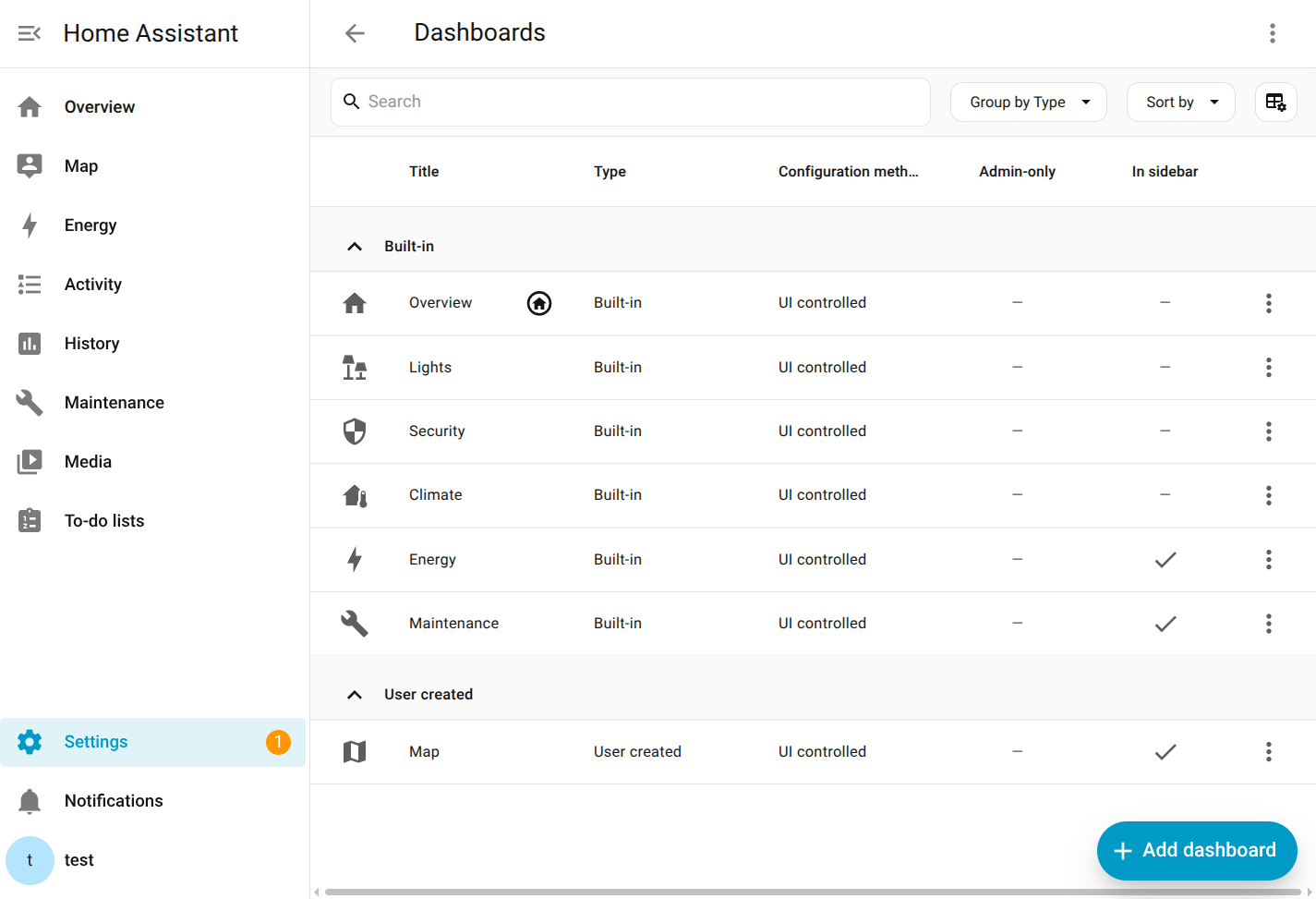
Arrange cards per room or person, a tablet wall panel, and your own colours and fonts.
Build your own switches and sensors, e.g. "bins go out tonight" or "is anyone home".
Talk to your home, choose a local or cloud AI, and decide which devices it can control.
2
Extend 4 options
Themes, plugins, webhooks and the API. Still no fork.
Ready-made automation recipes you import from the community and fill in with your own devices.
Send alerts with buttons to your phone, or trigger automations from other apps and services.
Let scripts, other apps or an AI assistant such as Claude read and control your home.
Add support for a device or service that isn't built in, without changing core.
3
Code 1 option
Your AI edits the source for anything else.
Change or add a built-in integration. Advanced; usually better as a custom integration in your own config.
Can I trust it?
Apache-2.0. Permissive. Use, change and share it for anything, including commercially. Keep the copyright and licence notices and say which files you changed. No obligation to publish your changes.
Your data: stores personal data, on your own device or server. Everything lives in your config folder (/config in Docker): configuration.yaml and the automation, script and scene files, secrets.yaml, a hidden .storage folder with settings made in the app, and the history database home-assistant_v2.db (SQLite by default).
Other services: Home Assistant Cloud (Nabu Casa) (optional, paid monthly subscription); AI conversation providers (OpenAI, Anthropic, Google Gemini and others) (optional, pay-per-use API); Ollama or another local model (optional, free (uses your own hardware)); Home Assistant Companion app (iOS and Android) (optional, free); Device makers' cloud services (optional, varies)
Pinned version 8a75c7d. Every handover uses exactly this code, which we've reviewed.
Home Assistant can unlock doors and switch off heating. Never expose port 8123 to the internet directly; use Home Assistant Cloud, a VPN or a reverse proxy with HTTPS, and turn on two-factor login.
Keep passwords and API keys in secrets.yaml and never paste secrets.yaml, .storage files or access tokens into an AI chat.
With a cloud AI provider, your request and the names and states of the devices you expose to Assist are sent to that provider. Use Ollama for fully local processing, and expose only the devices the AI needs.
Custom integrations and HACS add-ons run with full access to your home. Install only ones you trust.