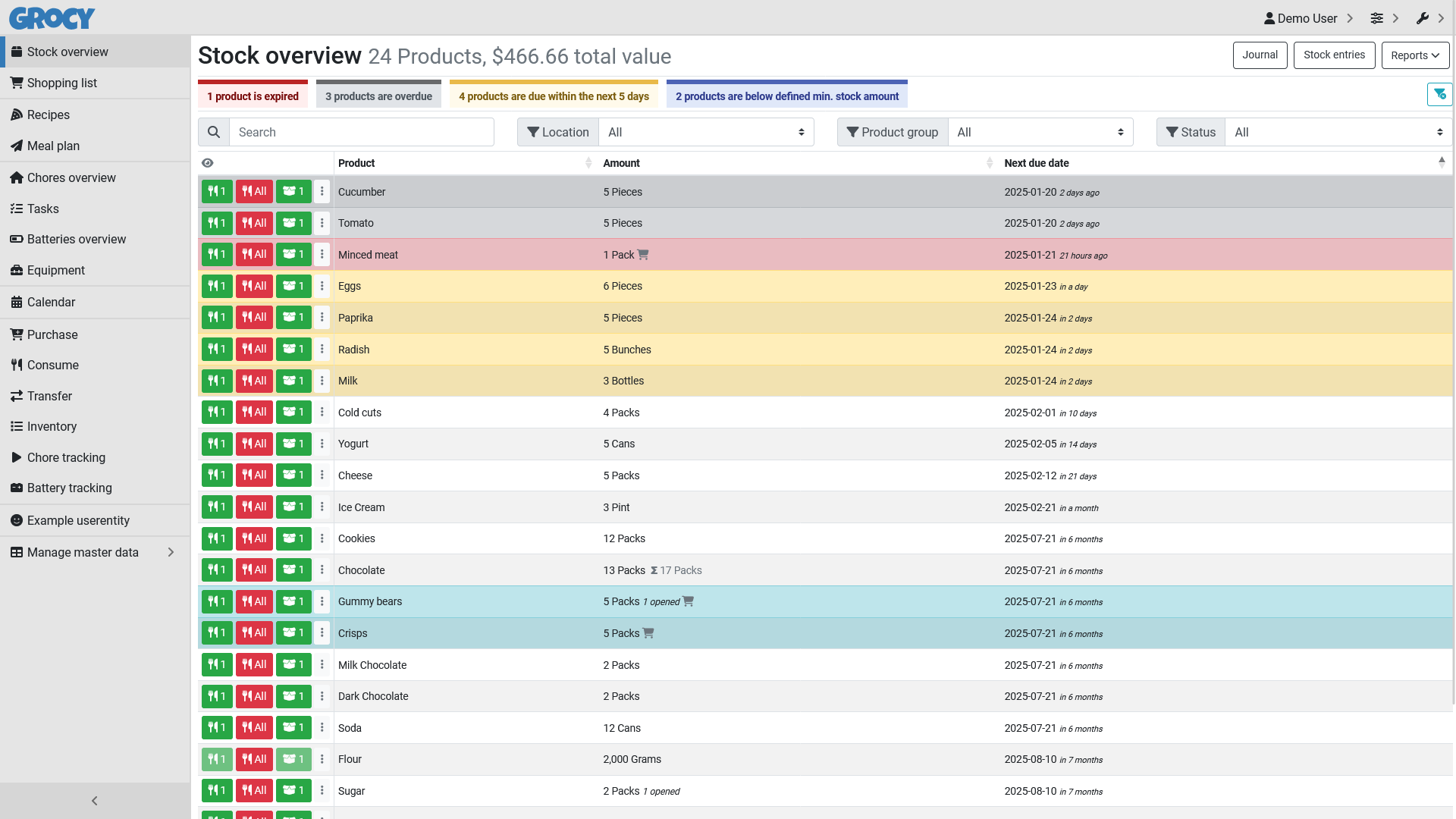
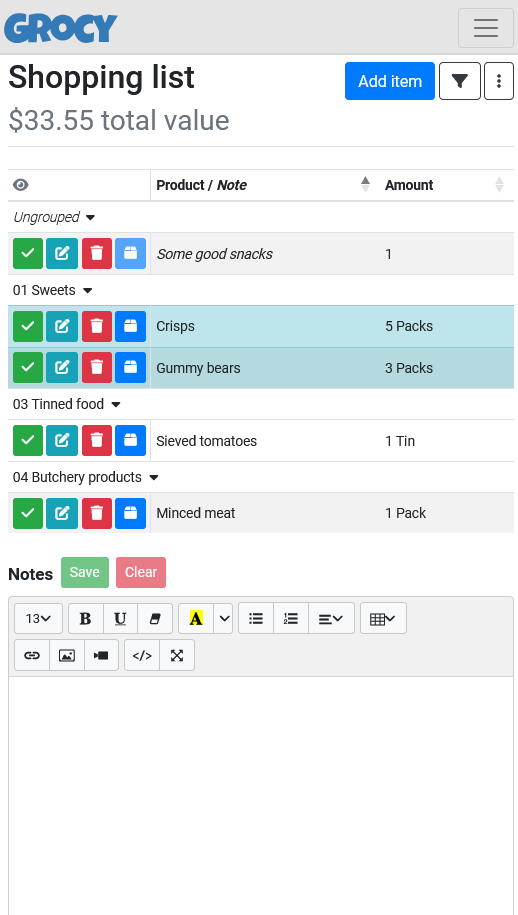
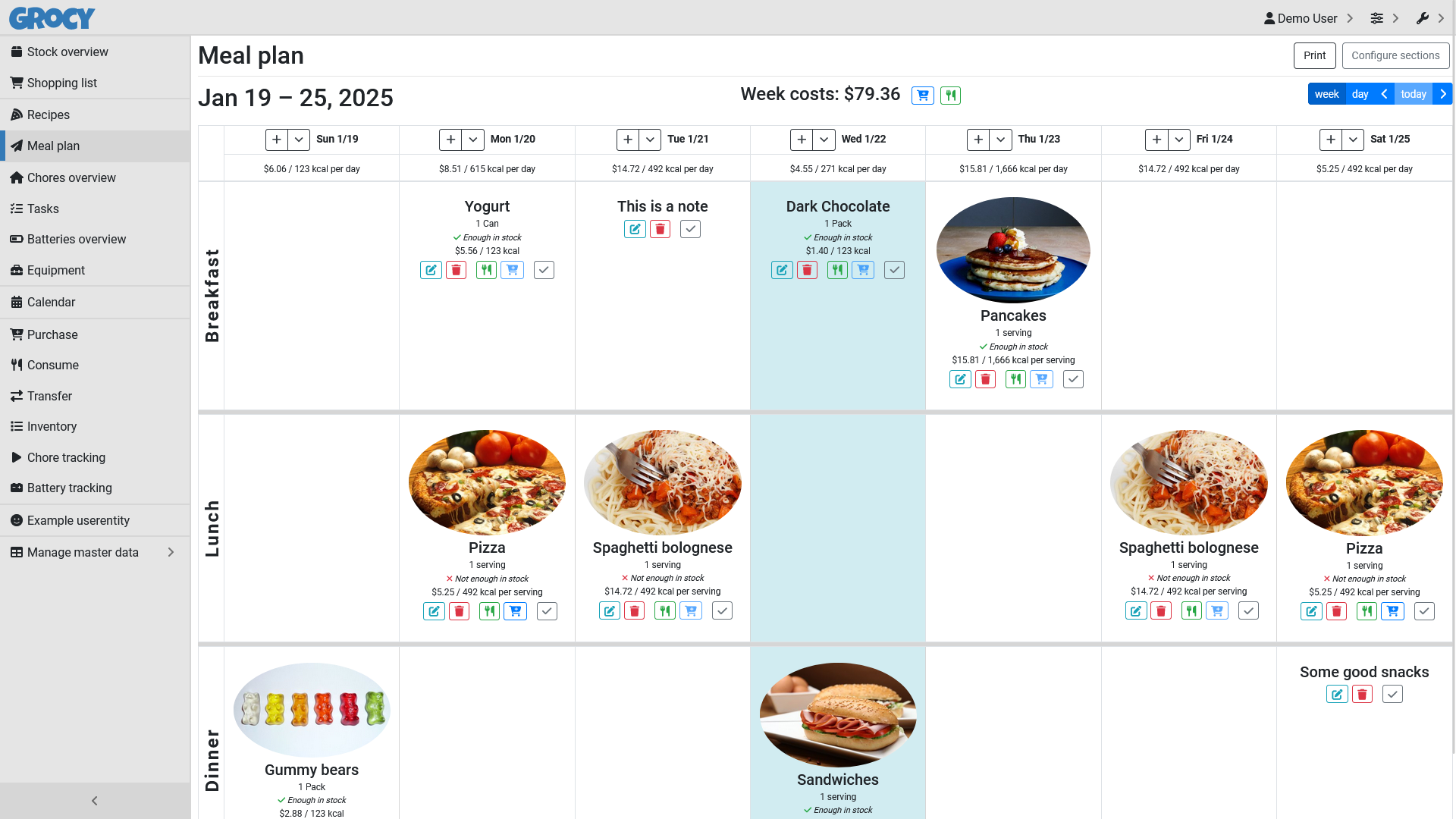
Grocy helps you run your household. It keeps track of the food in your fridge and cupboards and warns you before things go out of date. It builds your shopping list from what is running low, plans meals from your recipes, and reminds you about chores, tasks and batteries. It runs on your own computer or server, or as a simple Windows app.
Stock with best-before dates and "going off soon" warnings
Shopping list that fills itself from what's running low
Recipes and a meal plan that check what you already have
Barcode scanning with a phone camera or USB scanner
Great for: Households who want to waste less food and keep the shopping, meals and chores organised.
Plain PHP (Slim and Blade) with jQuery page scripts and one SQLite file, with no front-end build step. Almost everything can be switched on or off with settings and feature flags. Upstream does not accept code contributions, so code changes stay in your own copy. Your AI always tries the gentlest step first, so your version stays easy to update.
1
Settings 3 options
No code. Change it in the app or its config.
Hide the parts you don't use (chores, batteries, equipment, tasks, price tracking, multiple shopping lists).
Currency, language, first day of the week and kcal or kJ.
Your own cupboards, freezer, shops and units, plus warning periods such as "due soon" days.
2
Extend 3 options
Themes, plugins, webhooks and the API. Still no fork.
Add your own fields to products, chores and more, or whole new lists such as "Wine cellar" without code.
Change colours and layout or add small scripts without modifying the app itself.
Home Assistant, scripts and phone shortcuts; your own barcode lookup source; label printing.
3
Code 2 options
Your AI edits the source for anything else.
New screens and new behaviour.
New tables or columns.
Can I trust it?
MIT. Free to use, change and share, even commercially. Keep the copyright and licence notice when you share it. No other obligations.
Your data: stores personal data, on your own device or server. One SQLite database in the data folder (inside the /config volume in the LinuxServer Docker image), plus uploaded pictures and data/config.php.
Other services: Open Food Facts (optional, free); Label printer or thermal printer (optional, hardware only)
Pinned version 41206cb. Every handover uses exactly this code, which we've reviewed.
The default login is admin / admin. Change it immediately.
Self-hosted with its own login. Use HTTPS before exposing it to the internet; camera barcode scanning also needs HTTPS.
Never set MODE to demo or DISABLE_AUTH on an instance other people can reach; both turn off login.