
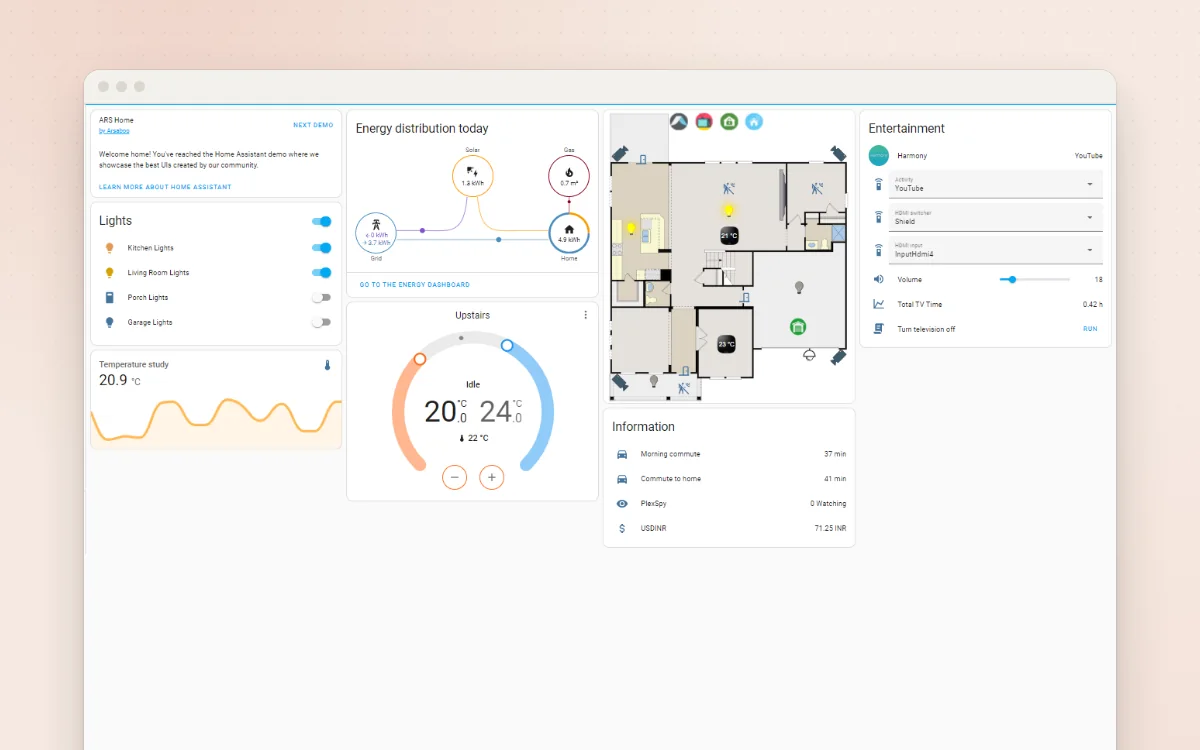
Run your lights, heating and smart gadgets from one private app, with easy routines.
One tidy start page for your home, with links, weather and live status from your apps.
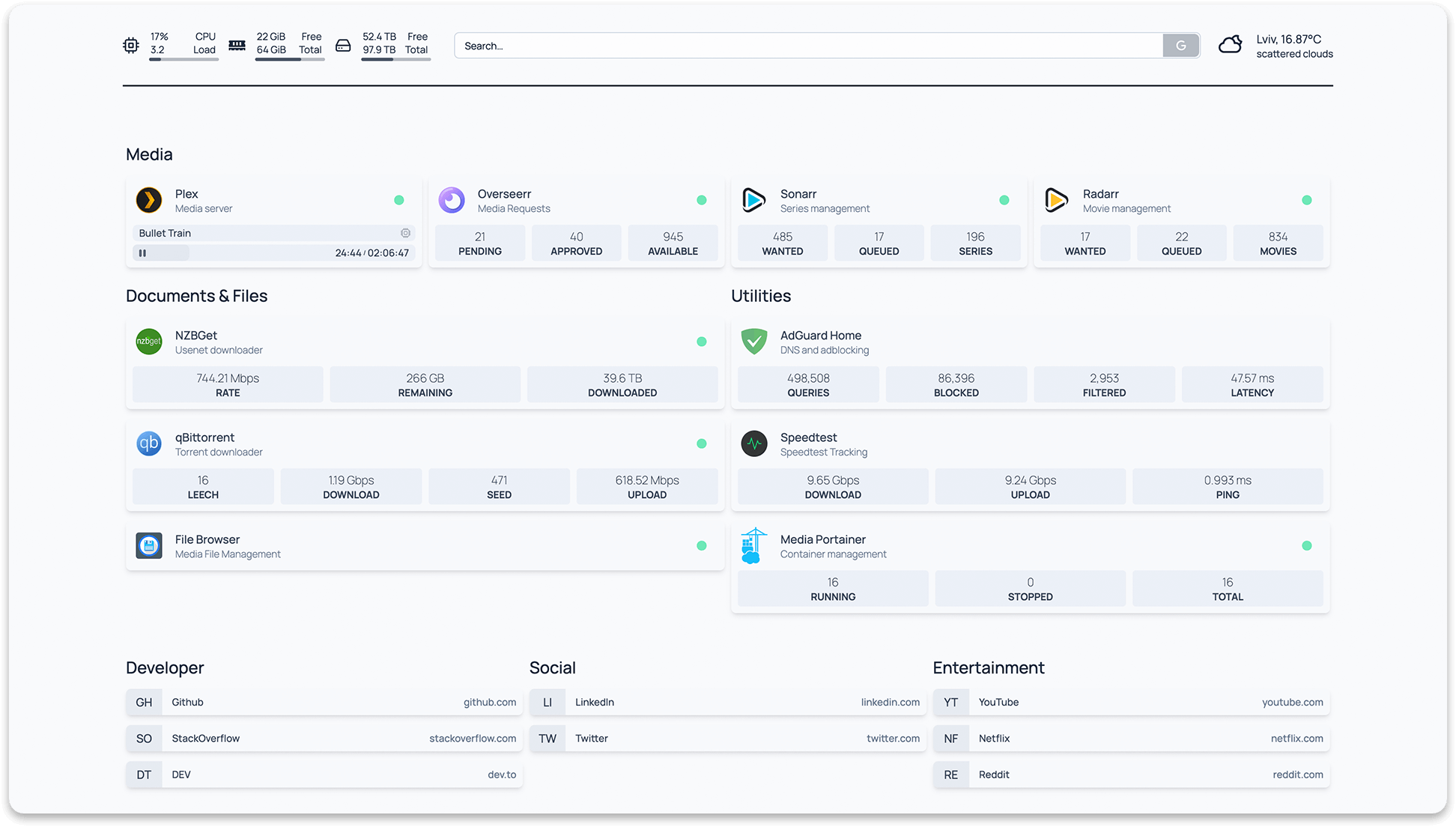
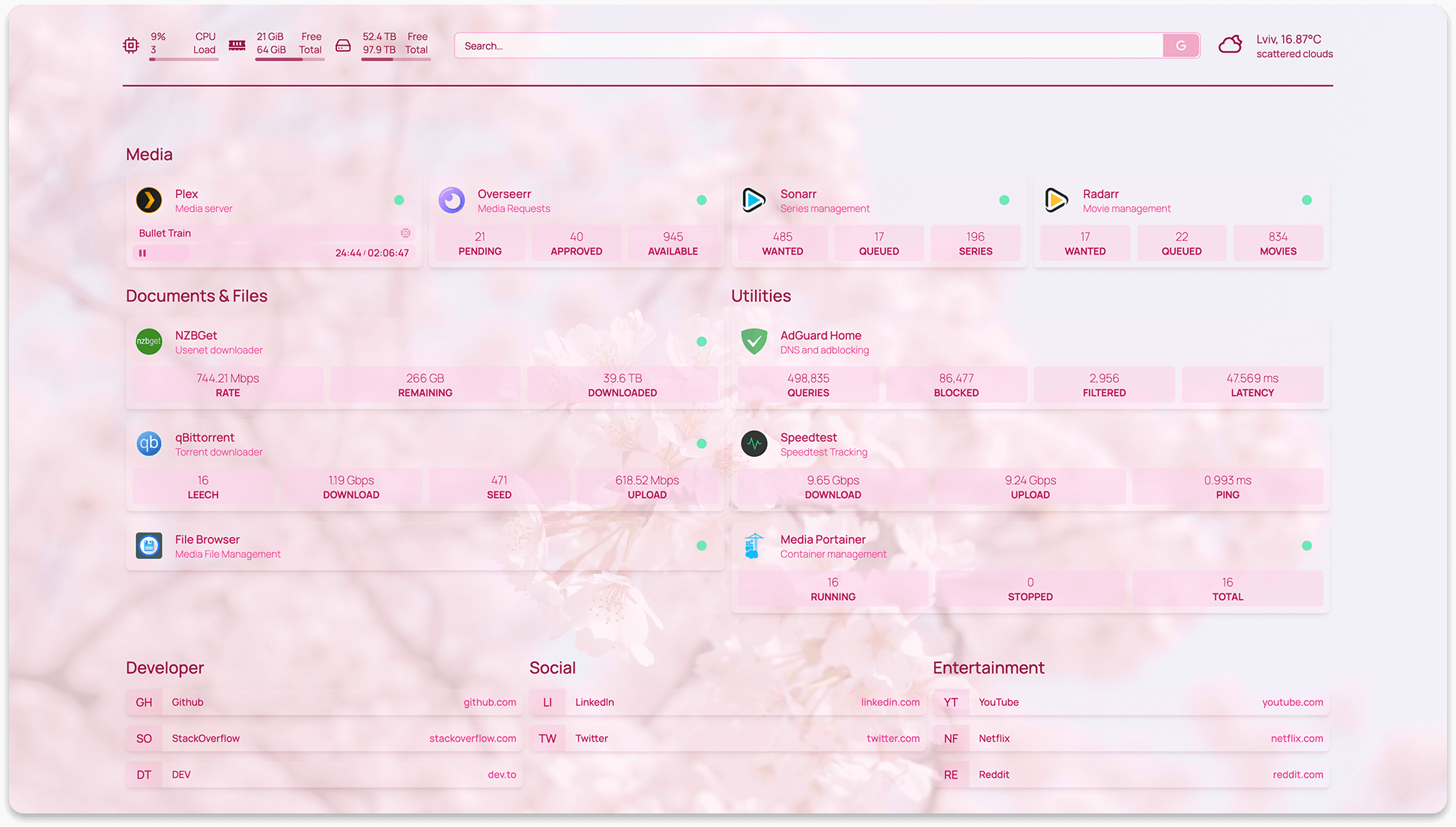
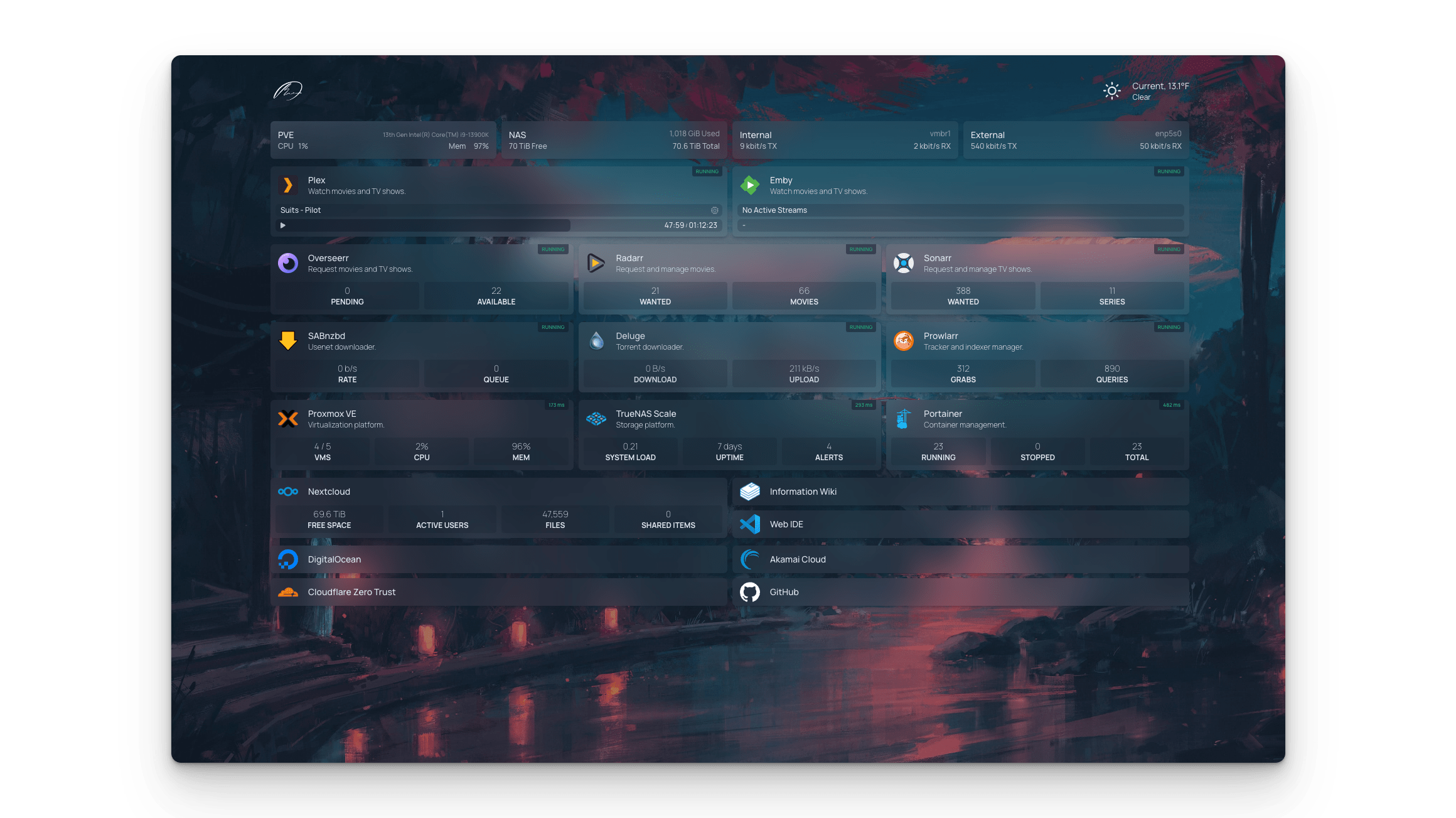
Homepage is a start page for your browser or a wall tablet. It gathers the links your household uses into tidy, labelled tiles, with the weather, the date, a search box and live numbers from your home apps, such as tonight's meal from Mealie or how many photos are in Immich. You set it up by editing a few simple text files, so an AI can write them for you. It runs on your own computer and keeps your app passwords out of the browser.
Great for: Households with a home server or a few self-hosted apps who want one friendly page to start from.
Choose one when you tell your AI. It sets everything up with you, in plain words.
Homepage has no login by default: keep it private, or ask your AI to add a password before putting it online.
Hosts are independent companies, not BespokeAI. You sign up and pay them directly. We may earn a referral fee, which never changes your price.
Examples of what people ask their AI to do with Homepage. Start from one, or just tell your AI and it will ask what you'd like.
“Make a start page called 'The Patel House' with groups for School, Shopping, Money and Fun, our usual websites in each, and the weather for Leeds at the top.”Start with this idea
“Our kitchen tablet should show the time, the weather, tonight's meal from Mealie and the family calendar, in big text with a calm green background.”Start with this idea
“I run Home Assistant, Immich and Paperless at home. Put them on Homepage with live numbers, and keep the API keys out of the main config file.”Start with this idea
“I want to open our Homepage from outside the house safely. Help me turn on the password login and set it up behind HTTPS.”Start with this idea
“Show which bin goes out this week at the top of our start page, using the council's bin collection calendar.”Start with this idea
44bf8c1. Every handover uses exactly this code, which we've reviewed.Be the first to tell others how it went.
Run your lights, heating and smart gadgets from one private app, with easy routines.
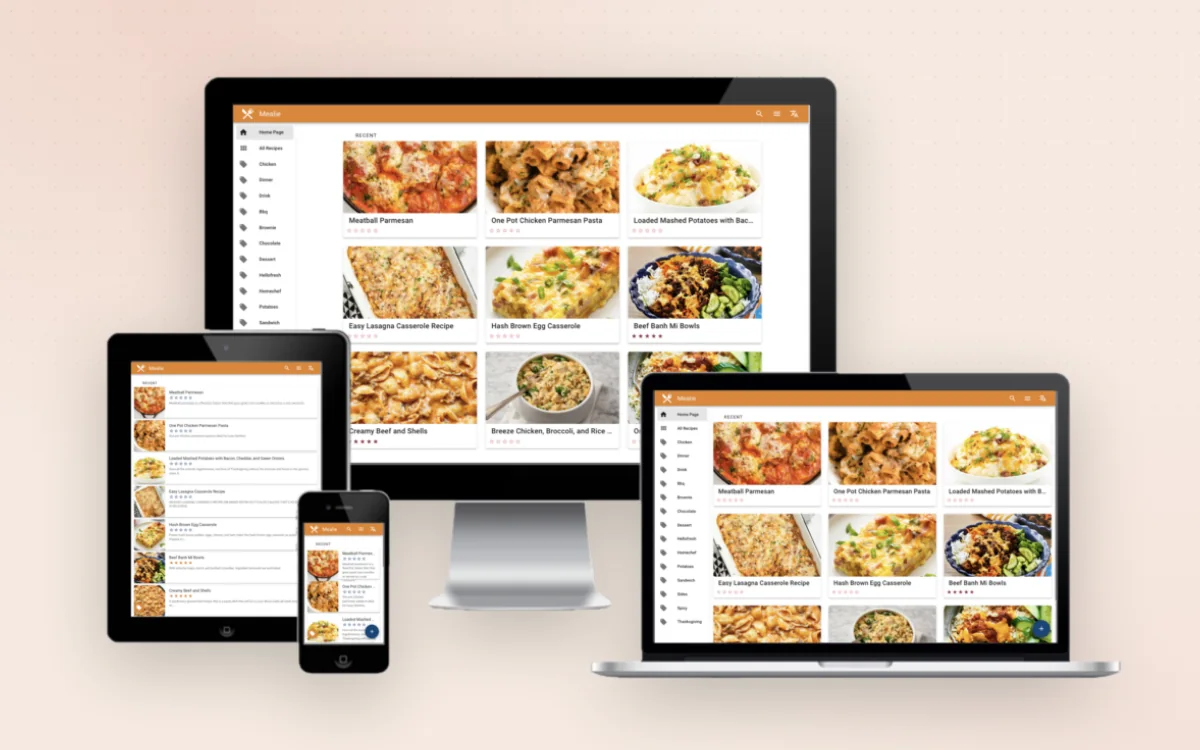
Your family's recipes, weekly meal plan and shopping list in one place.
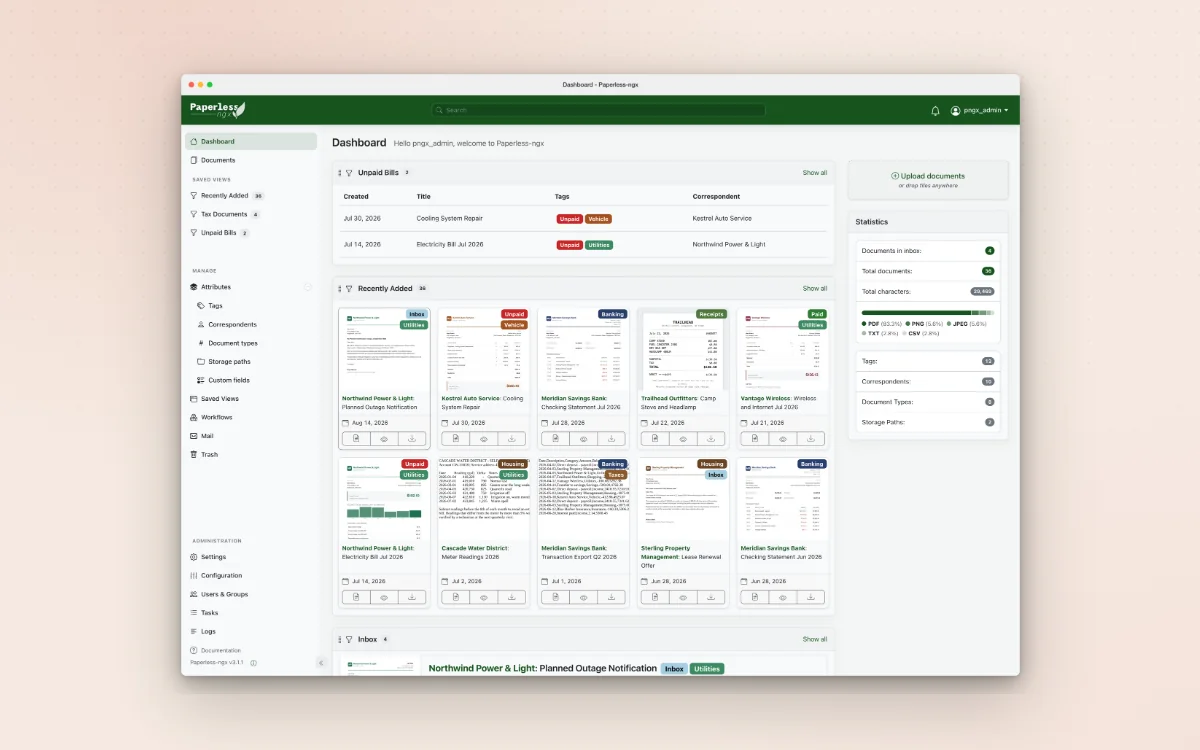
Scan your household paperwork once and find any letter, bill or receipt in seconds.