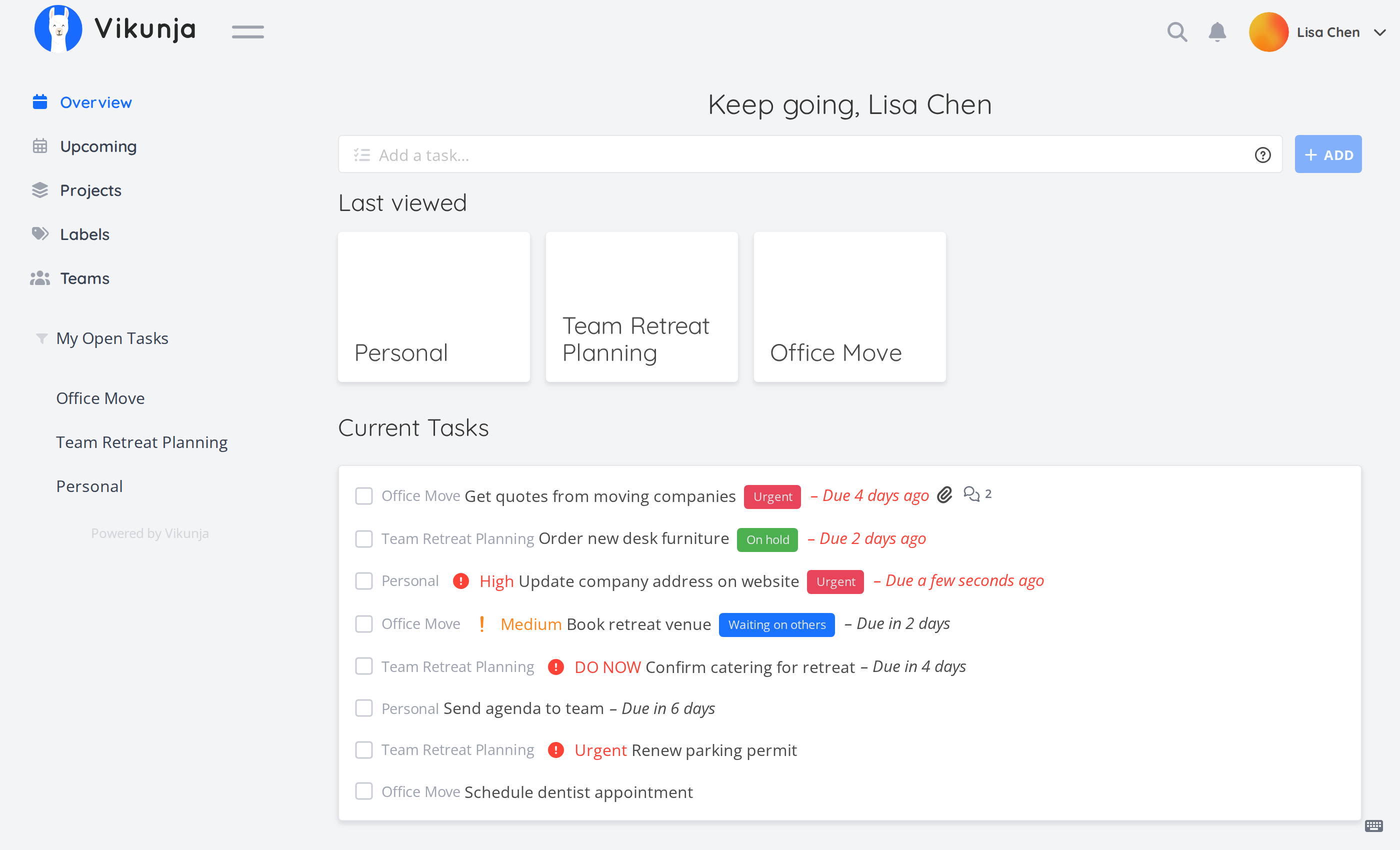
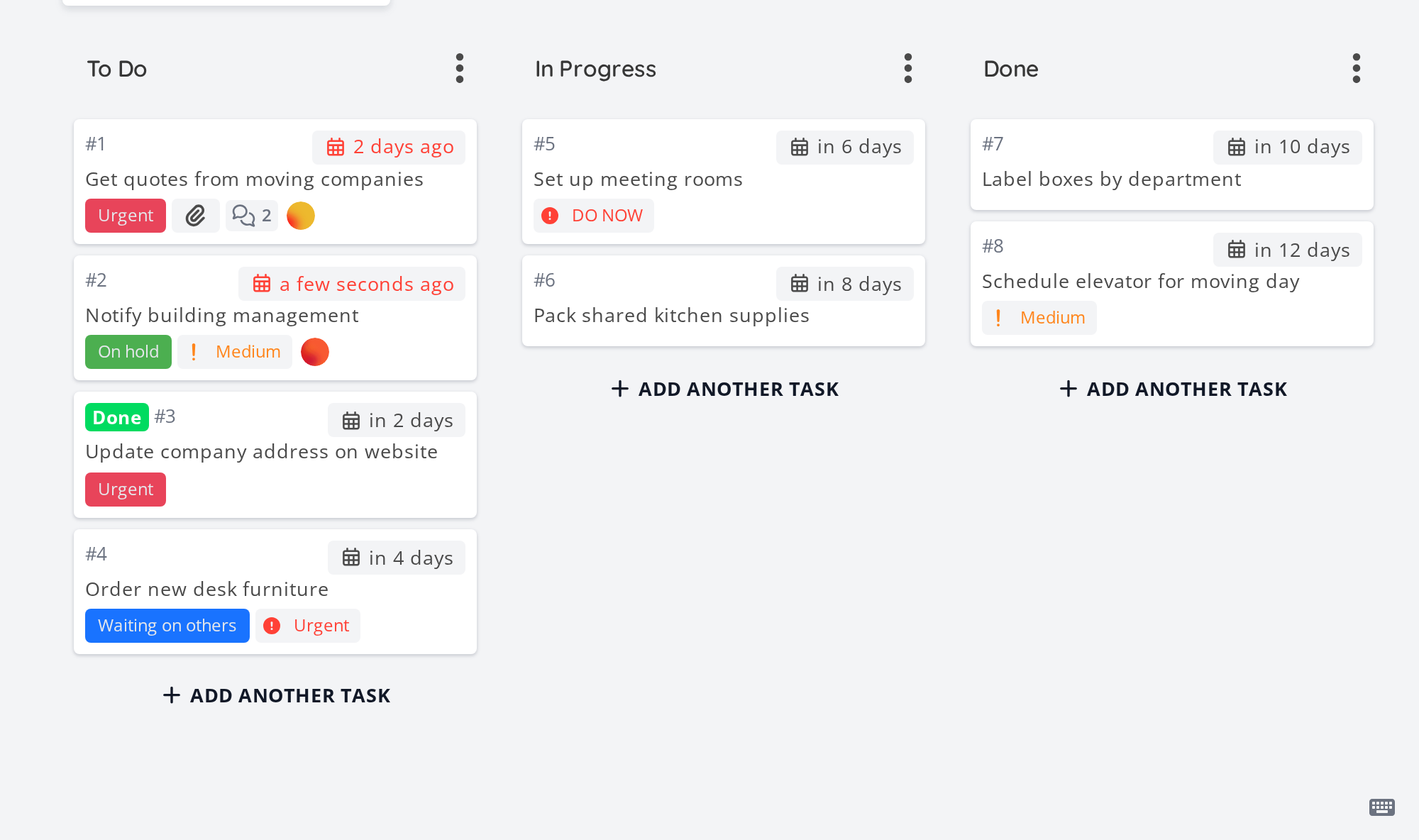
Vikunja is a to-do app you own. Put tasks into projects, then see them as a simple list, a Kanban board, a table or a timeline. Add due dates, reminders, labels and repeating tasks, and share projects with family or friends. It syncs with phone calendars and can import from Todoist, Trello and Microsoft To Do. It runs on your own computer or server, so your plans stay private.
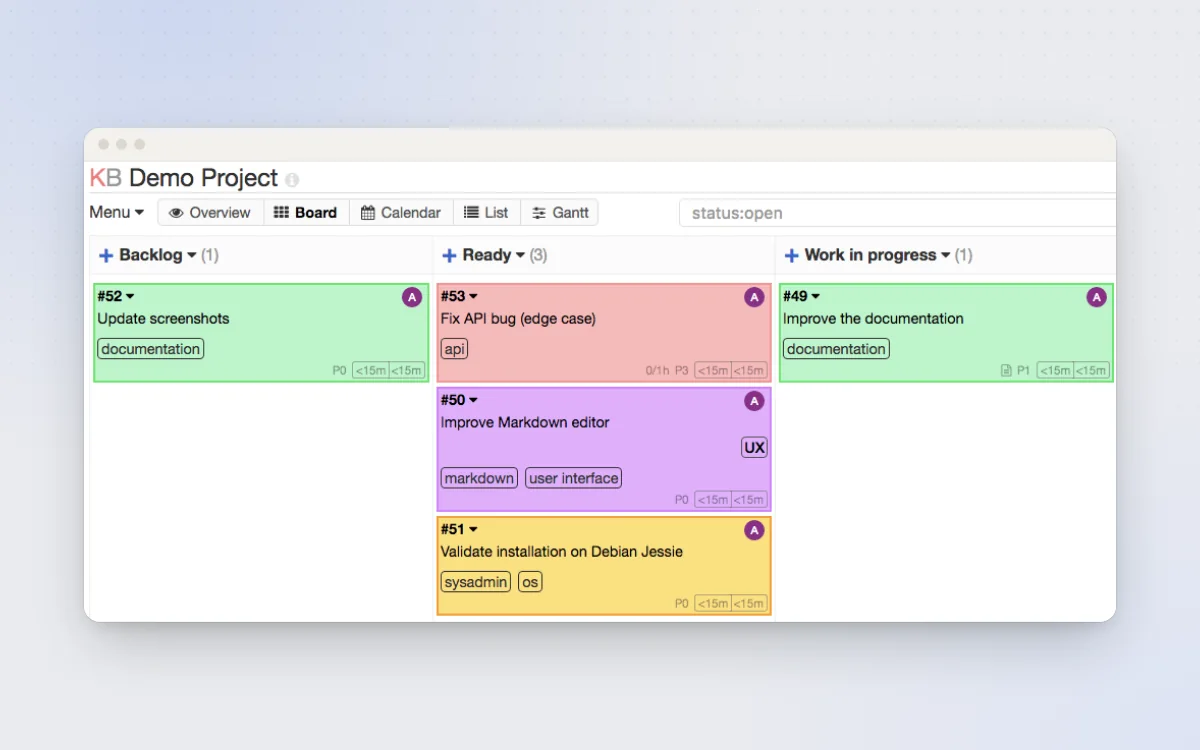
List, Kanban board, table and timeline views of the same tasks
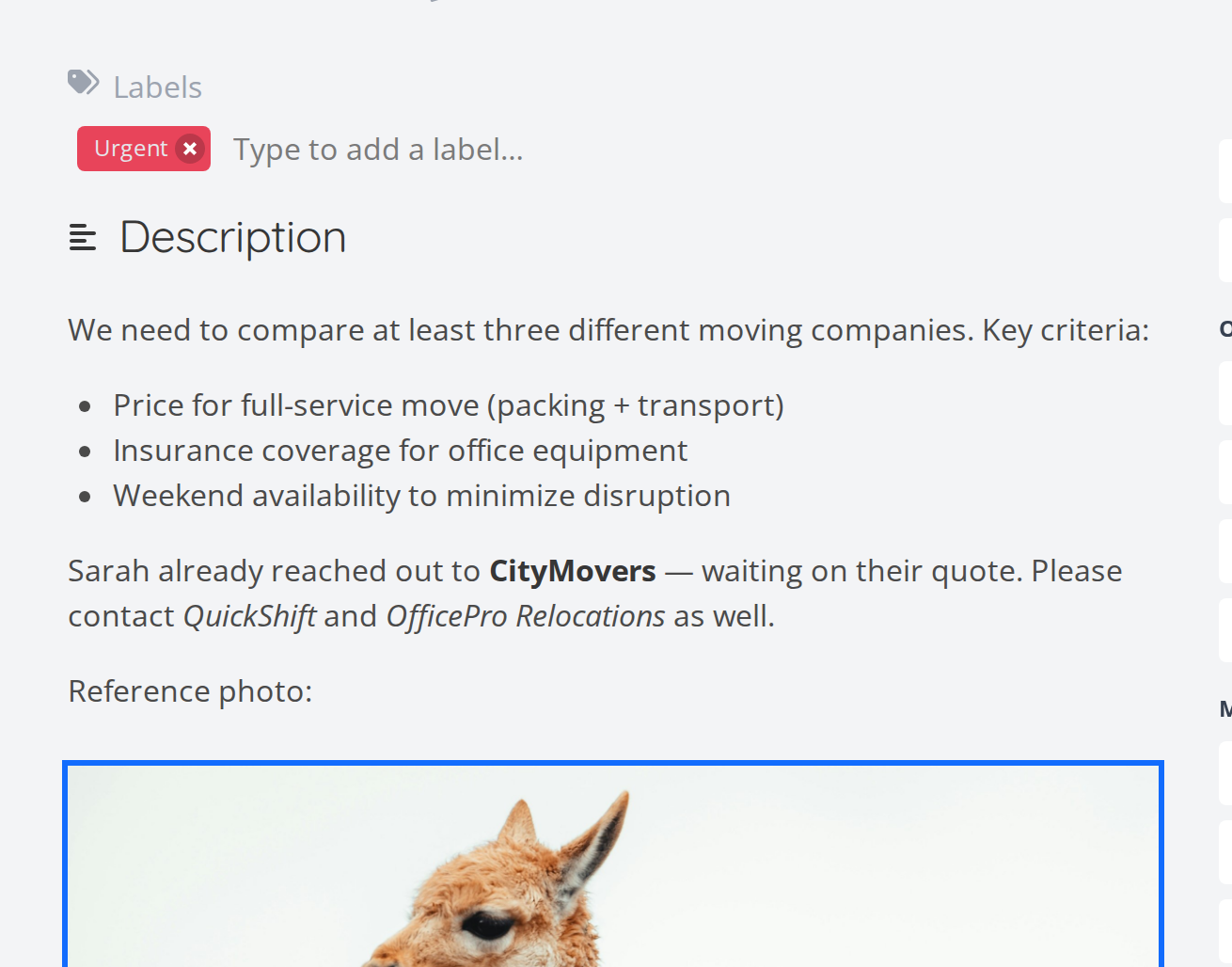
Due dates, reminders, repeating tasks and labels
Share projects with family, friends or a public link
Syncs with phone calendars (CalDAV) and imports from Todoist, Trello and Microsoft To Do
Great for: Anyone who wants a private Todoist or Trello alternative; households sharing chores and shopping lists.
Registration, reminders, sharing, webhooks, CalDAV and imports are settings. Code changes touch a Go API and a Vue frontend that talks to it through a generated client. Upstream ships detailed AGENTS.md rules and skills. Your AI always tries the gentlest step first, so your version stays easy to update.
1
Settings 3 options
No code. Change it in the app or its config.
Make a "Today" or "This week" view, a chores board, or a filter for one person's tasks.
Registration, reminders, link sharing, comments, attachments, time zone and your own logo.
Share a shopping list with a partner, or a chores project with the whole family.
2
Extend 2 options
Themes, plugins, webhooks and the API. Still no fork.
Send task events anywhere, sync tasks to phone calendar apps, script with the API, or connect an AI assistant.
Move your existing tasks across in one go.
3
Code 2 options
Your AI edits the source for anything else.
New screens, such as a big-text family chores board for a kitchen tablet.
New data or behaviour. New routes go on /api/v2 only; database changes need a migration.
Can I trust it?
AGPL-3.0-or-later. Free to use and change. If you run a changed version that other people use over the internet (not just your own household), you must offer them your source code under the same licence. Private use has no extra obligations. The desktop app folder is GPL-3.0-or-later. A few extra features for organisations (admin panel, time tracking, audit logs, user invites) need a paid licence key; everything else is free.
Your data: stores personal data, on your own device or server. SQLite file in the /db volume by default (PostgreSQL or MySQL optional); attachments in /app/vikunja/files.
Other services: Email (SMTP) (optional, free with most providers); Unsplash (optional, free API key); Todoist, Trello or Microsoft To Do (optional, free)
Pinned version 5f9061d. Every handover uses exactly this code, which we've reviewed.
Set your own VIKUNJA_SERVICE_SECRET, turn off registration after creating accounts, and use HTTPS before exposing it to the internet.
Public share links let anyone with the link see the project. Use them only for things you don't mind being seen.
Connecting an AI assistant through MCP or API tokens lets it read and change your tasks. Give it a token with only the access it needs.