
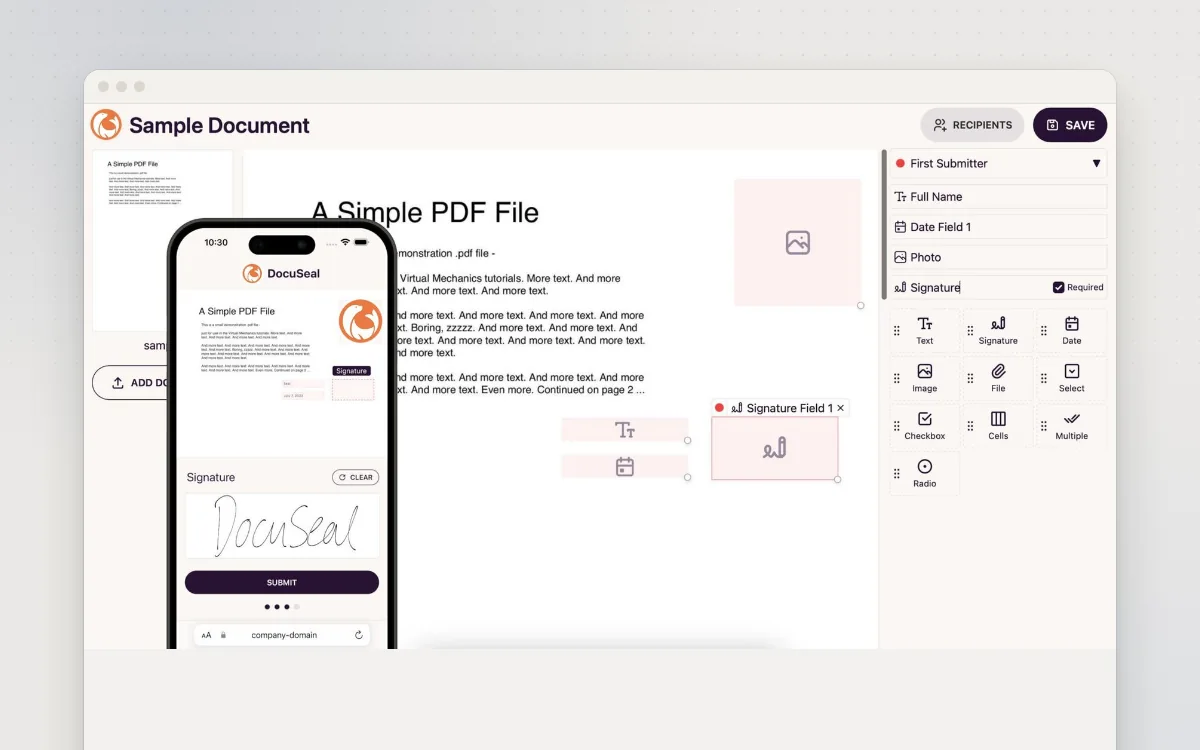
Send a PDF for people to fill in and sign online, from your own server.
See how many people visit your website and where they come from, without cookies.
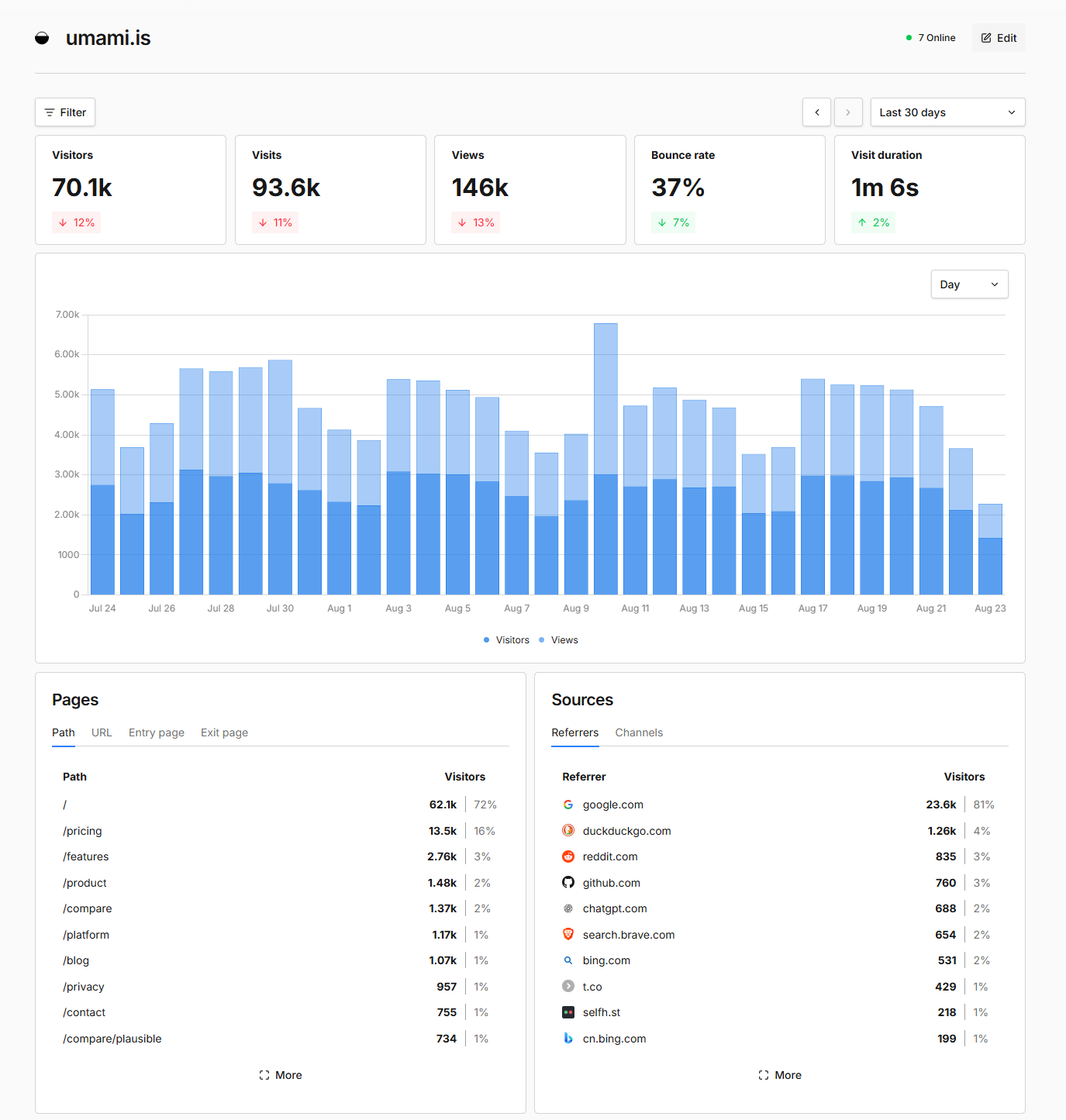
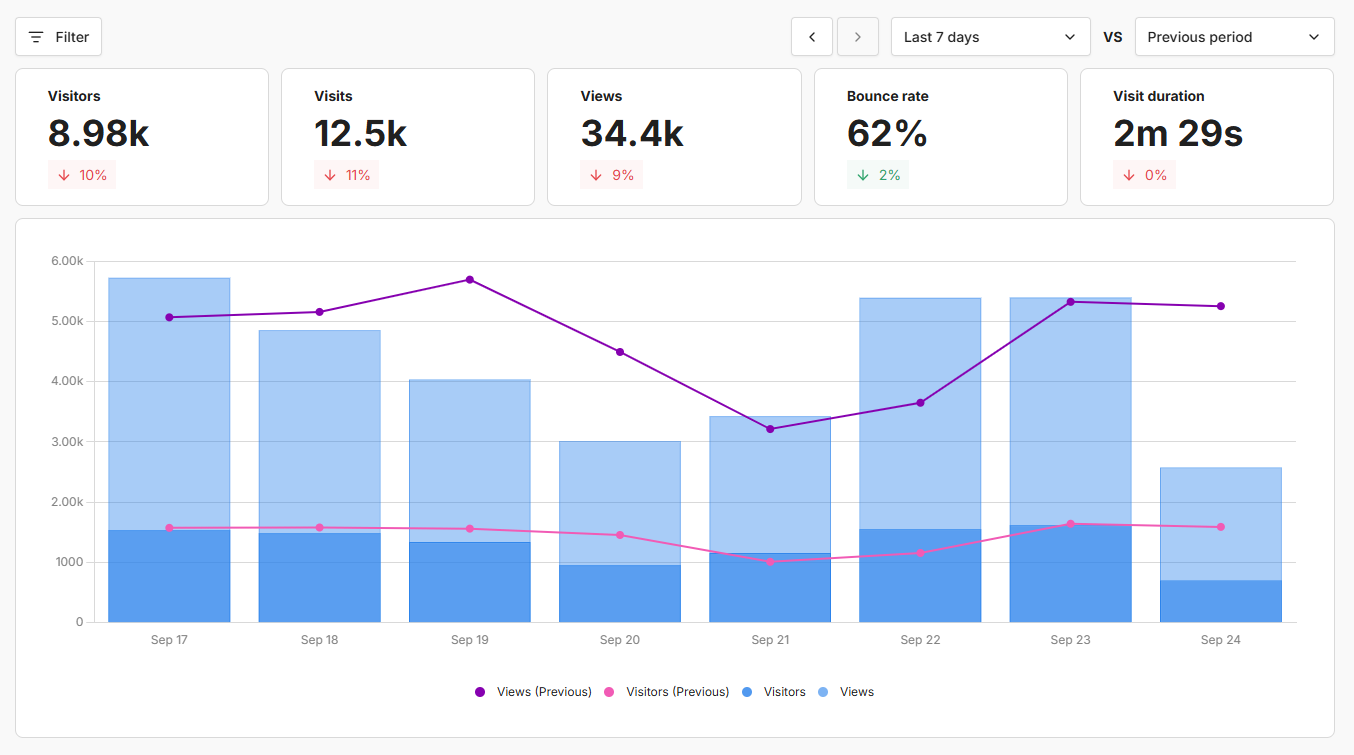
Umami tells you how your website is doing: how many people visited, which pages they read, where they came from and which country and device they used. It is a simple, privacy-friendly alternative to Google Analytics that uses no cookies, so you usually don't need a cookie banner. You add one line of code to your site, and Umami shows clear charts. It runs on your own server, so your visitors' data stays with you.
Great for: Small businesses, charities, bloggers and web designers who want simple website statistics without Google or cookie banners.
Official read-only demo linked from the README, showing statistics for umami.is.
Choose one when you tell your AI. It sets everything up with you, in plain words.
Hosts are independent companies, not BespokeAI. You sign up and pay them directly. We may earn a referral fee, which never changes your price.
Examples of what people ask their AI to do with Umami. Start from one, or just tell your AI and it will ask what you'd like.
“I have a Squarespace site for my bakery. Help me set up Umami and add the tracking code so I can see how many people visit each week.”Start with this idea
“My own visits are messing up the numbers. Make Umami ignore me on my home Wi-Fi and on my phone.”Start with this idea
“I want to know how many people click the 'Book now' button on my yoga studio site, and which page they clicked it from.”Start with this idea
“Every Monday at 8am, email me last week's visitor numbers, the top five pages and where people came from, in plain words.”Start with this idea
“I build websites for local shops. Give each client a link where they can see their own visitor numbers, and nothing else.”Start with this idea
“My partner finds the charts confusing. Make a page that just shows this week's visitors compared with last week, in big friendly text.”Start with this idea
e92fdab. Every handover uses exactly this code, which we've reviewed.Be the first to tell others how it went.
Send a PDF for people to fill in and sign online, from your own server.
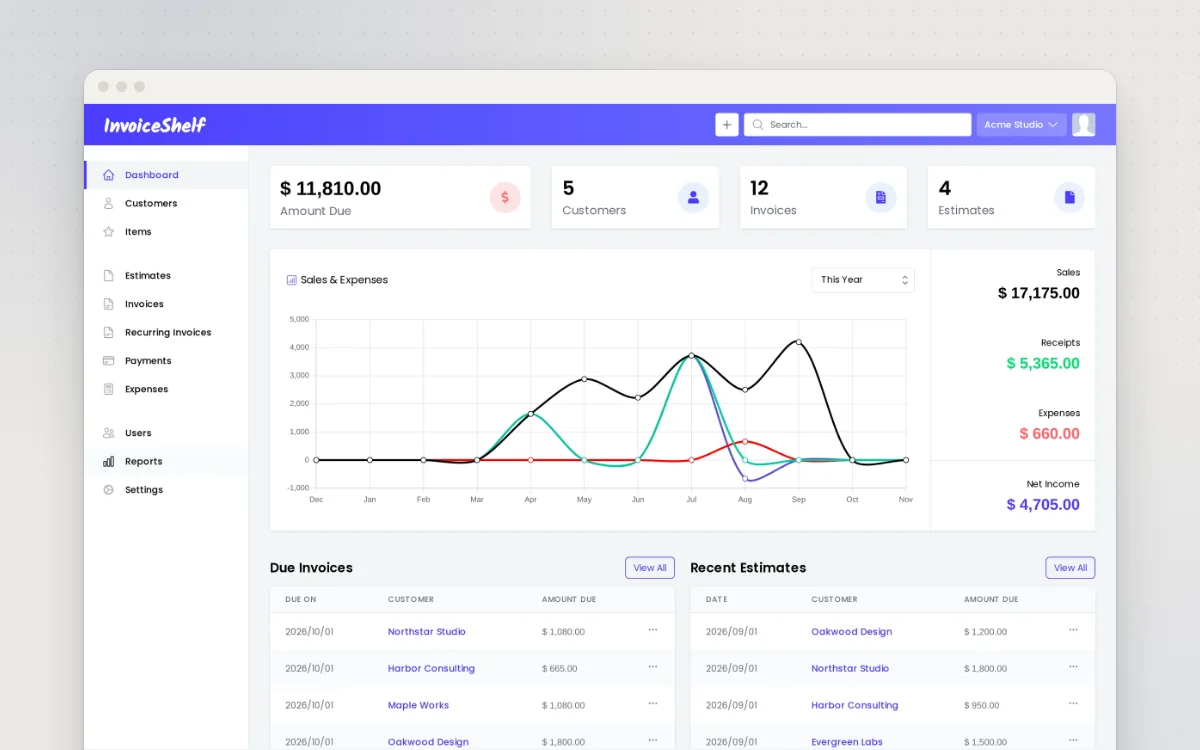
Make invoices and quotes, track who has paid and log expenses for your small business.
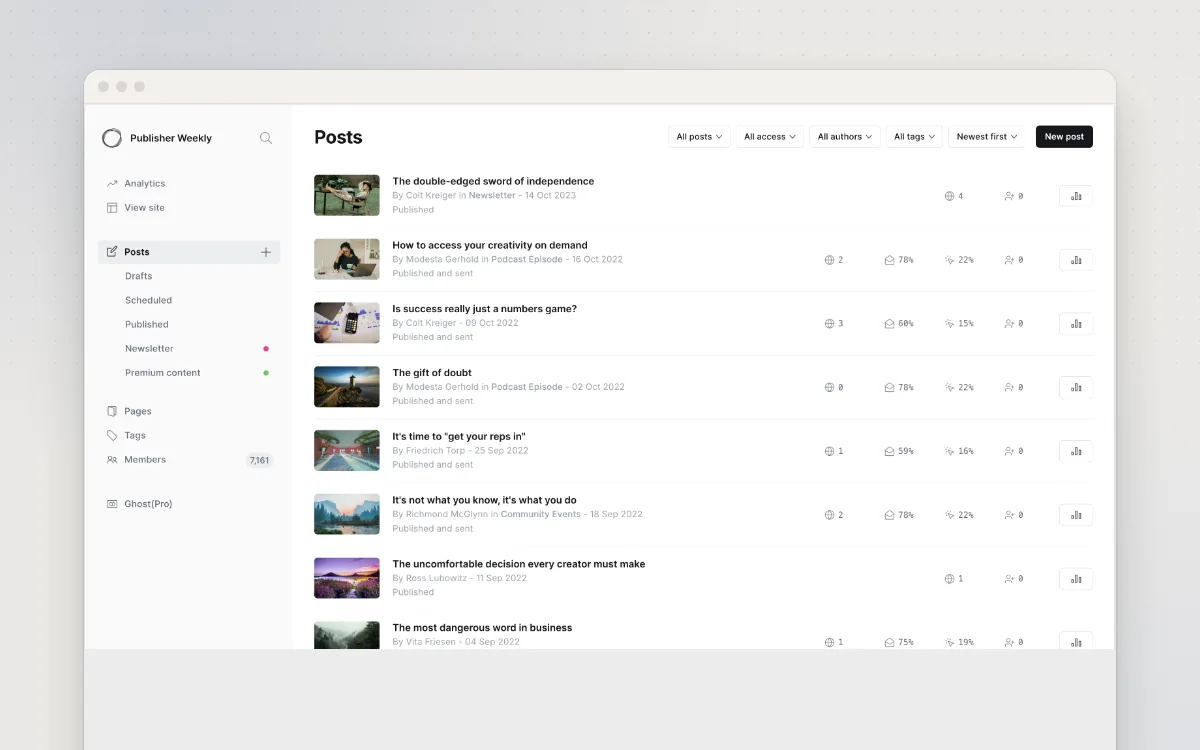
A website, blog and email newsletter for your business, with optional paid memberships.