
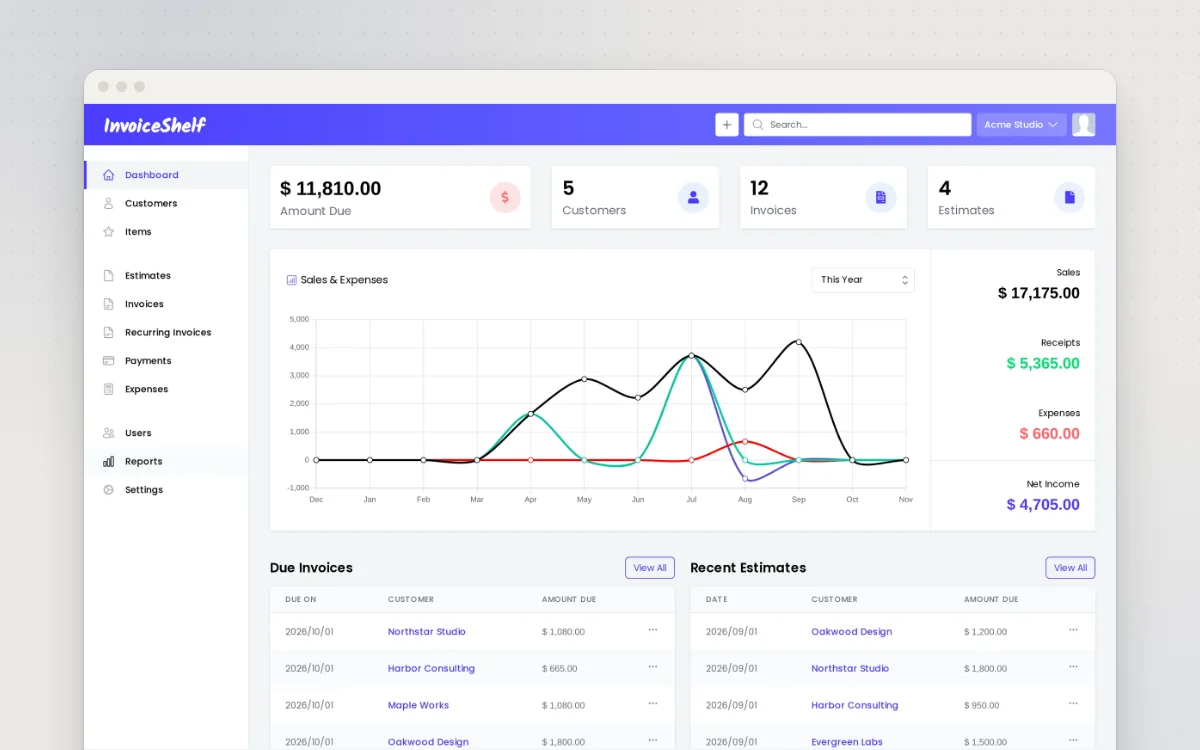
Make invoices and quotes, track who has paid and log expenses for your small business.
Send a PDF for people to fill in and sign online, from your own server.
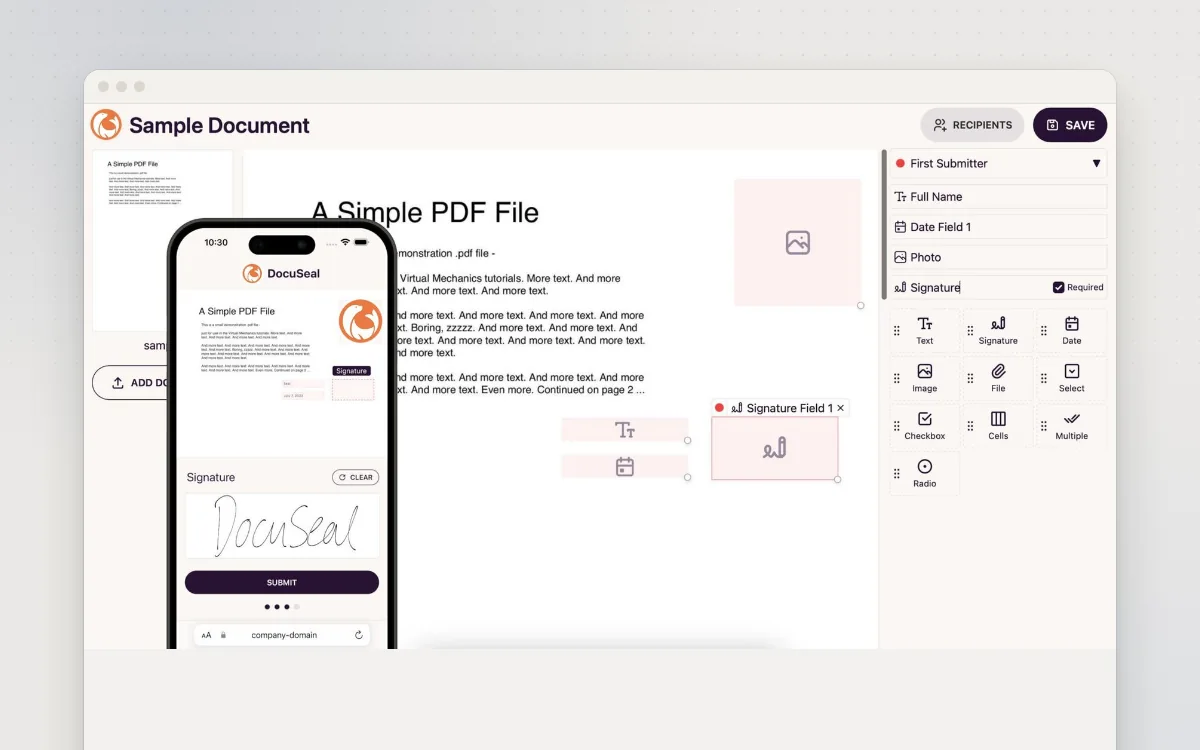
DocuSeal lets you send documents to be signed online, like DocuSign but running on your own server. Upload a PDF or Word file, drag signature, date and text boxes onto it, and email a link to each person who needs to sign. They can sign on a phone or a computer, and everyone gets a signed PDF with a record of who signed and when. Good for tenancy agreements, client contracts, consent forms and club sign-ups.
Great for: Sole traders, landlords, small clubs and charities who need people to sign forms online without paying for DocuSign.
Official live demo linked from the README. Don't upload real documents.
Choose one when you tell your AI. It sets everything up with you, in plain words.
Hosts are independent companies, not BespokeAI. You sign up and pay them directly. We may earn a referral fee, which never changes your price.
Examples of what people ask their AI to do with DocuSeal. Start from one, or just tell your AI and it will ask what you'd like.
“The signing email sounds very formal. Help me rewrite it so it sounds like me, a friendly dog groomer, and says what happens after they sign.”Start with this idea
“I rent out two flats. Turn my tenancy agreement PDF into a template where I just type the tenant's name and email, and both of us sign.”Start with this idea
“When a client books a photoshoot through my website form, send them my contract to sign straight away, without me doing anything.”Start with this idea
“Every time a parent signs our club consent form, add their name, child's name and the date to our Google Sheet.”Start with this idea
“Connect DocuSeal to my AI assistant so I can just say 'send the NDA to sam@example.com' and it happens.”Start with this idea
“Many of my clients are in their eighties. Make the signing page use bigger text and buttons and explain each step in plain words.”Start with this idea
8f8f69f. Every handover uses exactly this code, which we've reviewed.Be the first to tell others how it went.
Make invoices and quotes, track who has paid and log expenses for your small business.
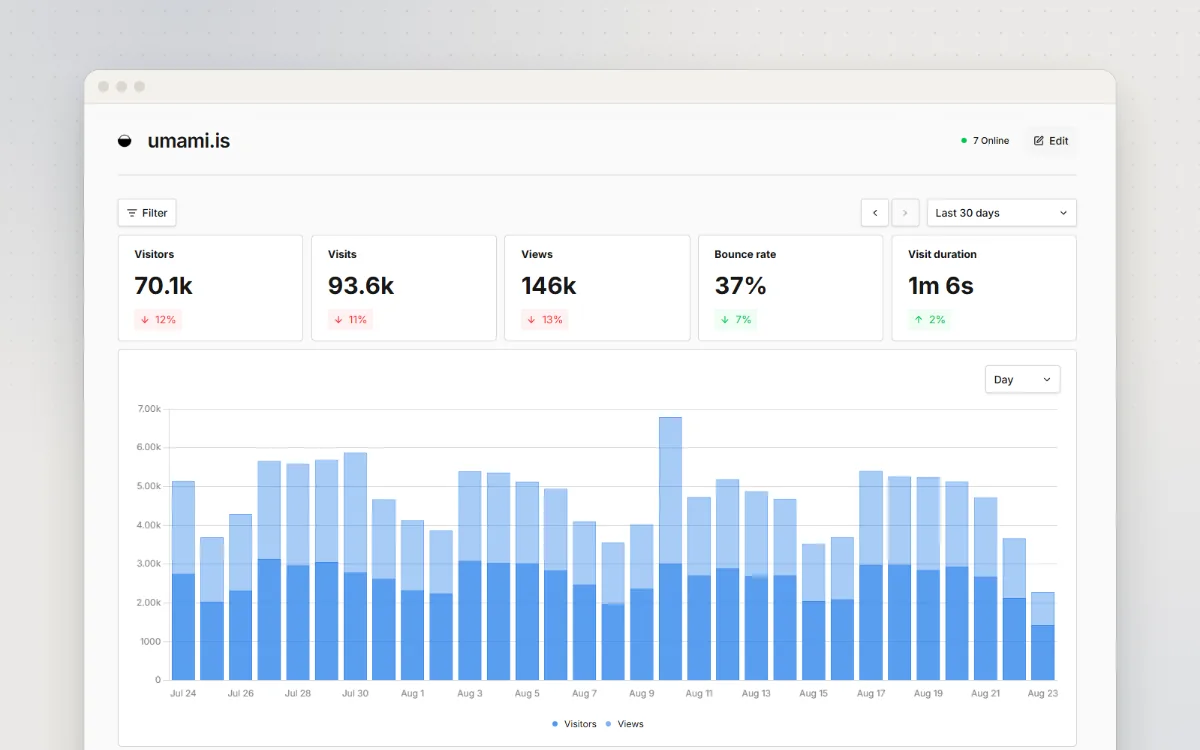
See how many people visit your website and where they come from, without cookies.
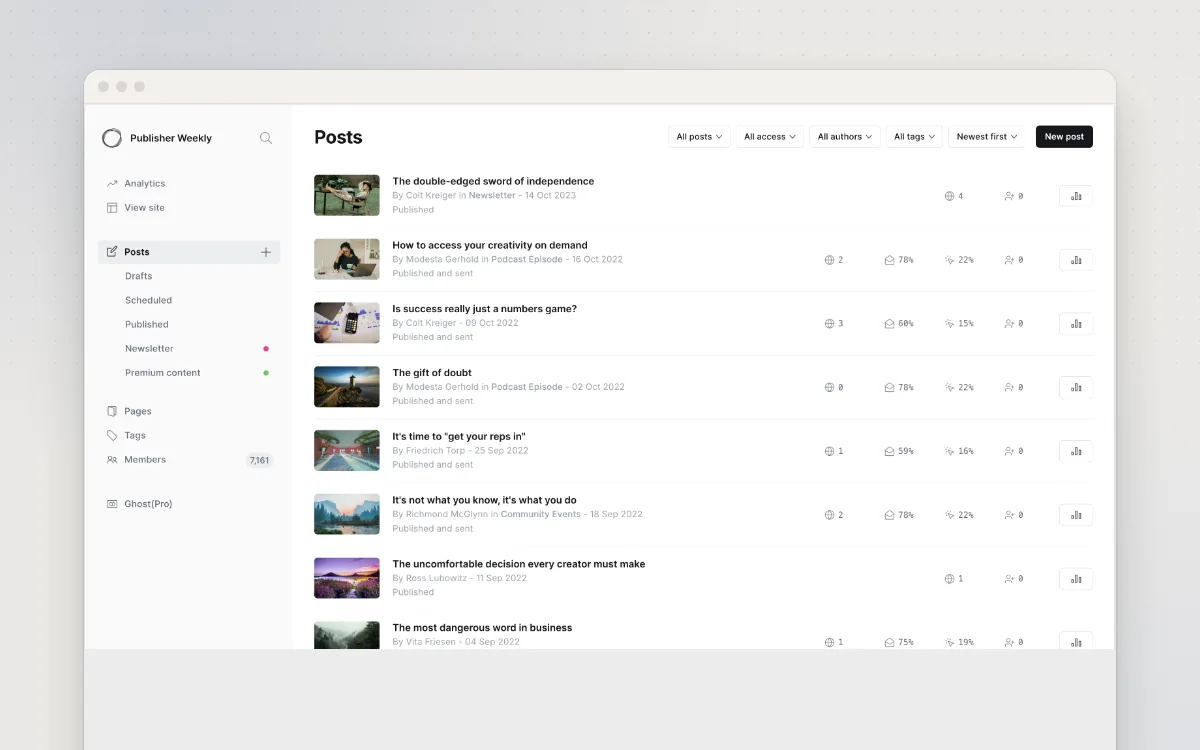
A website, blog and email newsletter for your business, with optional paid memberships.