
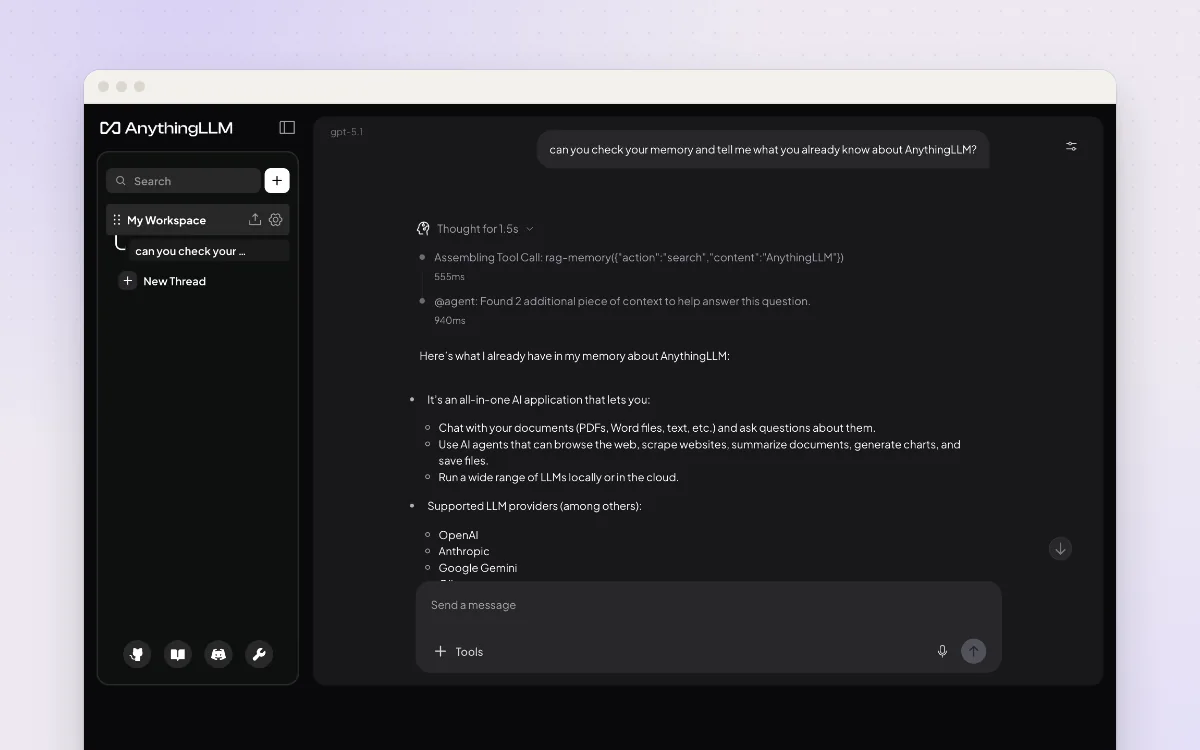
Ask questions about your own documents with an AI that can run entirely on your computer.
One private chat window for ChatGPT, Claude, Gemini and models on your own computer.
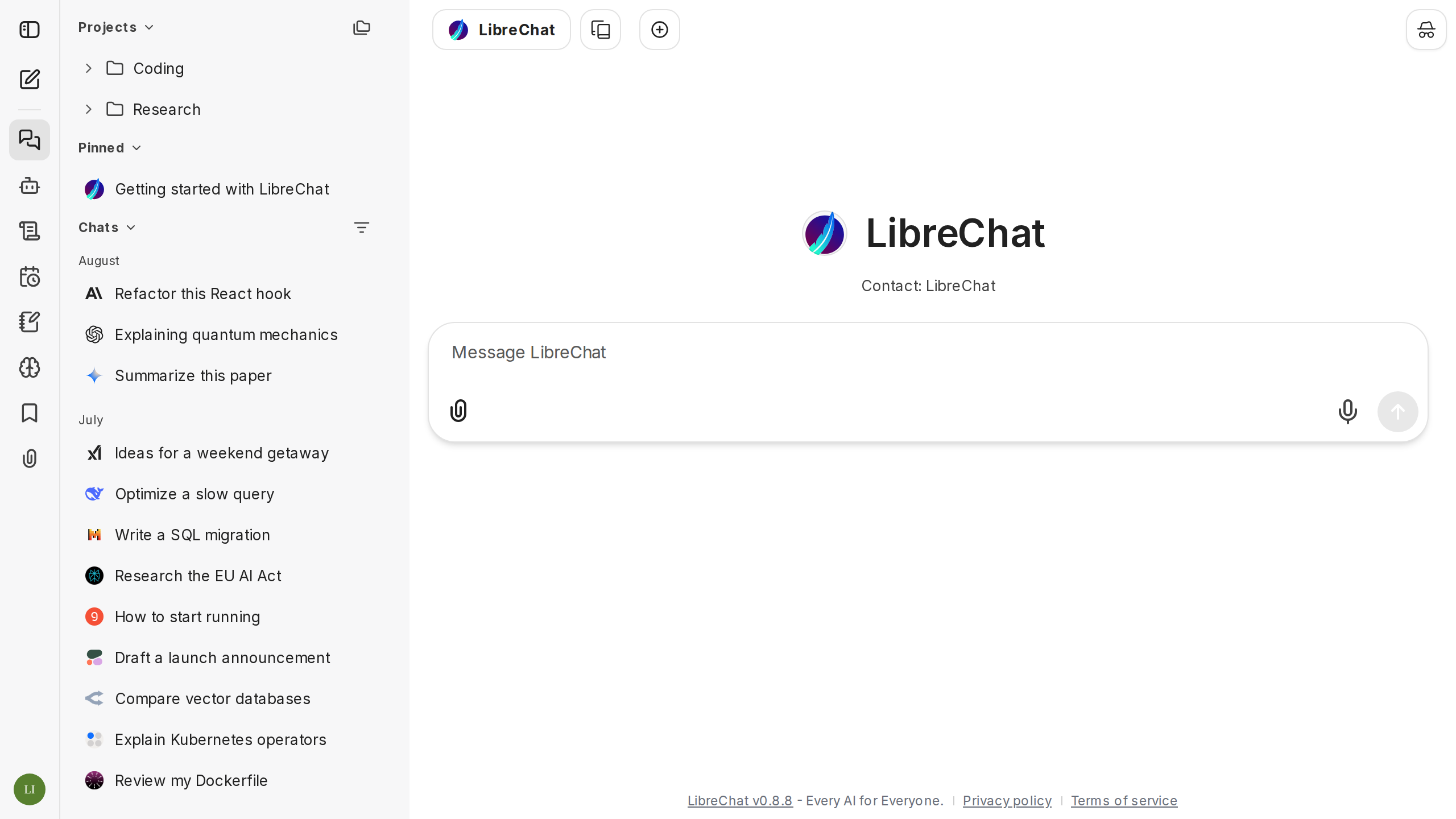
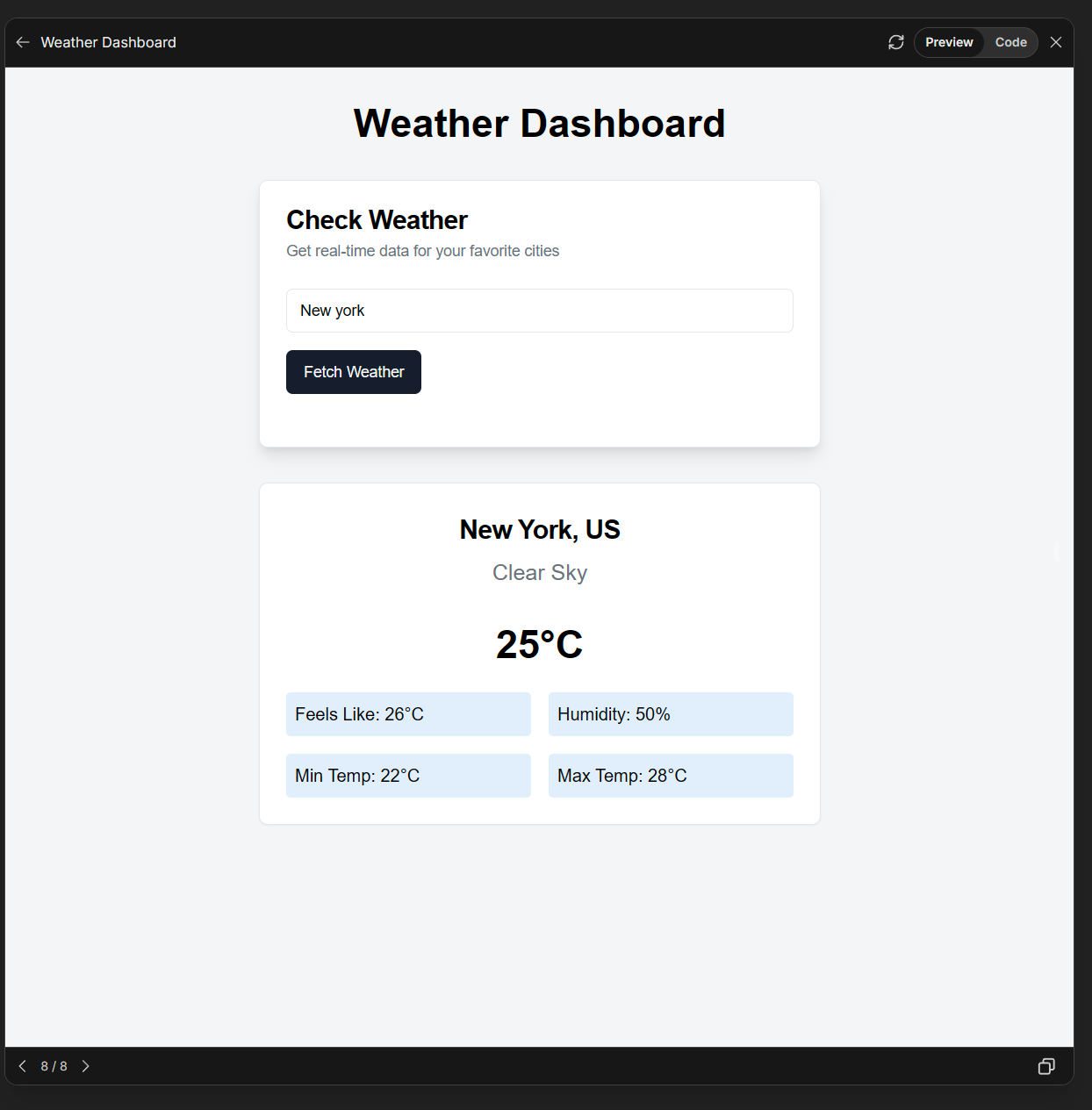
LibreChat looks and feels like ChatGPT, but it is yours. You bring your own AI keys (or a free model running on your own computer) and switch between OpenAI, Anthropic, Google and many others in the same chat. It keeps your chat history on your own server, lets the whole family have accounts, and can read files, search the web and build simple helpers ("agents") with their own instructions.
Great for: Households and small groups who want one private ChatGPT-style app for several AI models, with their own accounts and keys.
Choose one when you tell your AI. It sets everything up with you, in plain words.
Hosts are independent companies, not BespokeAI. You sign up and pay them directly. We may earn a referral fee, which never changes your price.
Examples of what people ask their AI to do with LibreChat. Start from one, or just tell your AI and it will ask what you'd like.
“Set up LibreChat for my family of four on our home computer. Everyone gets their own login, nobody else can sign up, and it's called 'Patel Family AI'.”Start with this idea
“I don't want my chats going to any company. Connect LibreChat to Ollama on this computer and hide the cloud providers.”Start with this idea
“Make a 'Homework Helper' for my 12-year-old that explains things step by step, never just gives the answer, and is the only option she sees.”Start with this idea
“We share one OpenAI key. Give each family member a monthly allowance so nobody runs up a big bill.”Start with this idea
“Let LibreChat search the web and show its sources, using a SearXNG search I run myself instead of a paid service.”Start with this idea
“My dad is 80. Make a start screen with huge text, three big buttons for things he asks often, and nothing else to click by mistake.”Start with this idea
eac18f4. Every handover uses exactly this code, which we've reviewed.Be the first to tell others how it went.
Ask questions about your own documents with an AI that can run entirely on your computer.
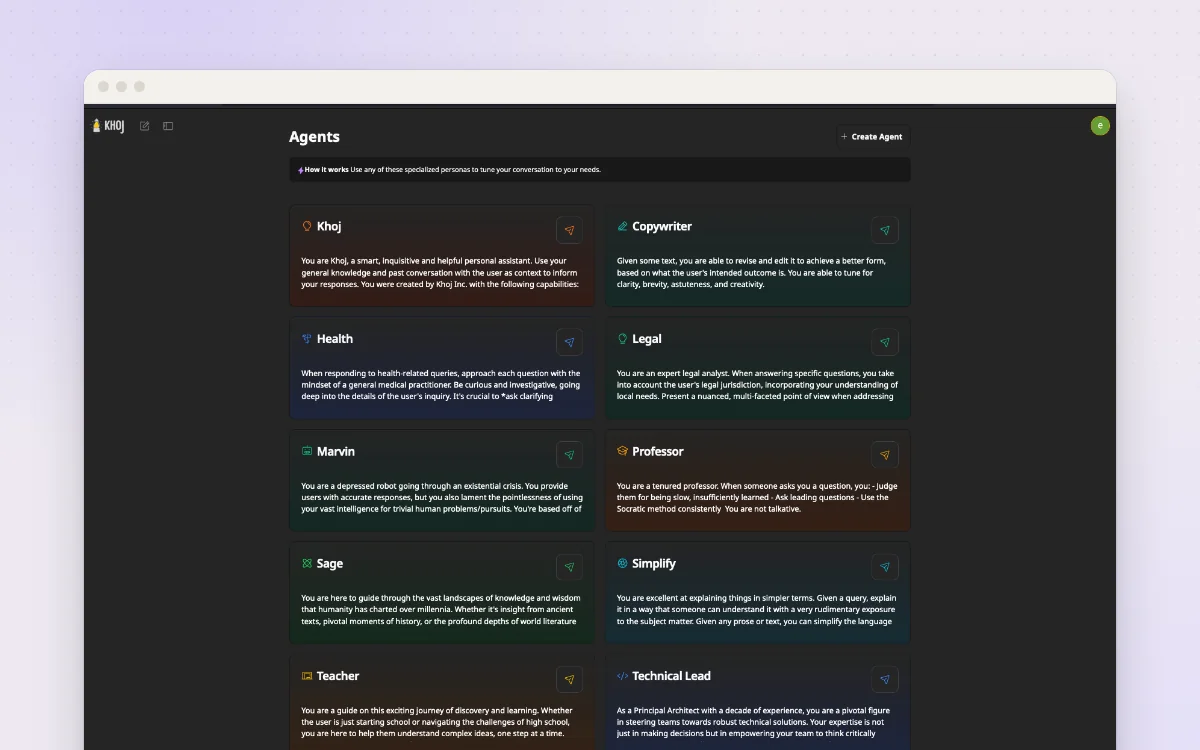
A personal AI that knows your notes and documents and can research the web for you.
Ask a question, get a written answer with sources, from a search engine you run yourself.