
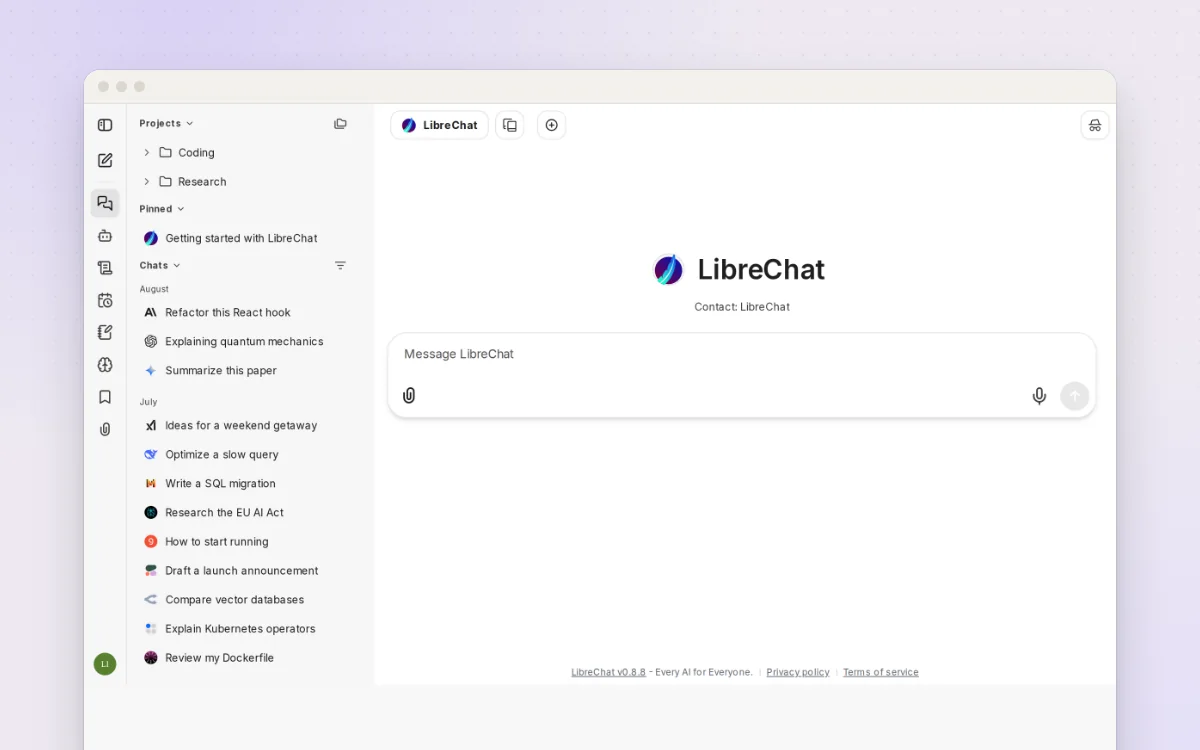
One private chat window for ChatGPT, Claude, Gemini and models on your own computer.
Ask questions about your own documents with an AI that can run entirely on your computer.
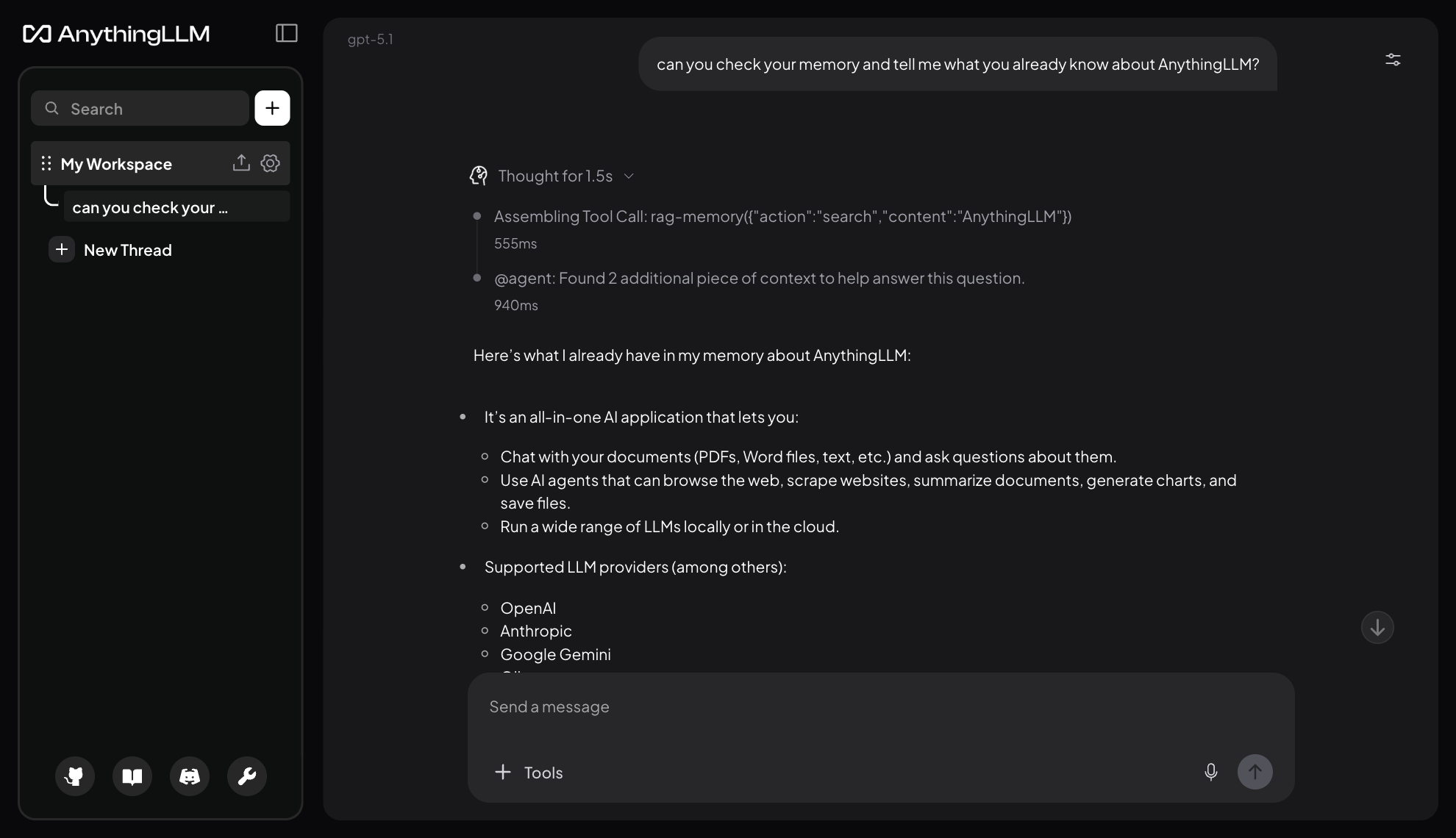
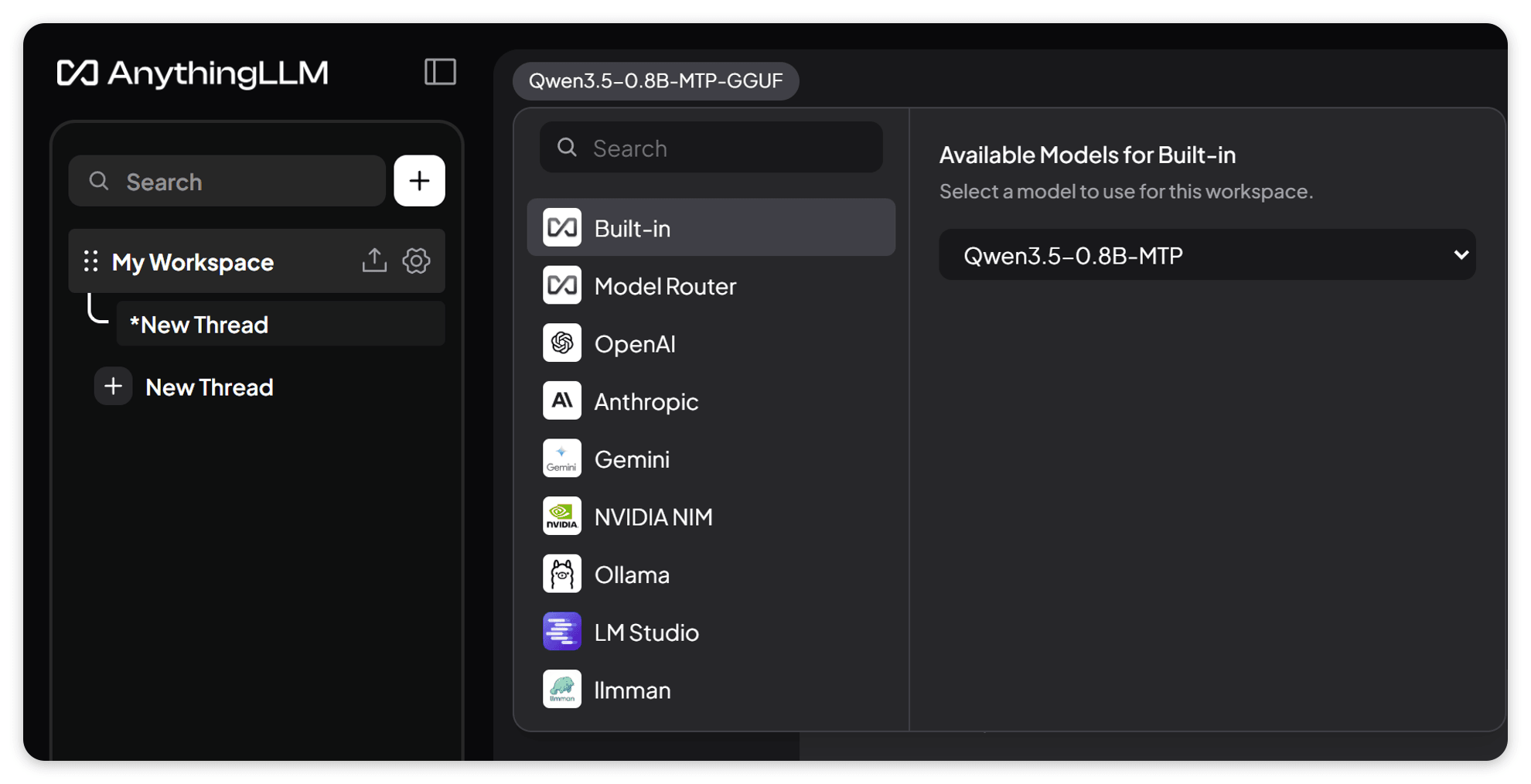
AnythingLLM lets you drop in PDFs, Word files, web pages and notes, then chat with them and get answers that point back to the source. Each topic gets its own "workspace", so household paperwork, a hobby and a course stay separate. It comes with a built-in local AI and document search, so it can work without any cloud account, or you can plug in ChatGPT, Claude, Gemini or Ollama.
Great for: People who want to chat with their own documents privately, from household paperwork to study notes, without sending them to a big tech company.
Choose one when you tell your AI. It sets everything up with you, in plain words.
AnythingLLM has no login by default: keep it private, or ask your AI to add a password before putting it online.
Hosts are independent companies, not BespokeAI. You sign up and pay them directly. We may earn a referral fee, which never changes your price.
Examples of what people ask their AI to do with AnythingLLM. Start from one, or just tell your AI and it will ask what you'd like.
“I have a folder of PDFs: insurance, mortgage, boiler manual, council tax. Set up a 'House' workspace so I can ask things like 'when does my car insurance renew?' and see which document it came from.”Start with this idea
“I don't want anything to leave my laptop. Set up AnythingLLM with the built-in local model and embedder, and turn off telemetry.”Start with this idea
“Turn on multi-user mode so my partner and I each have our own login, with a shared 'Family' workspace and private ones for each of us.”Start with this idea
“My son is revising GCSE biology. Make a workspace from his class notes that only answers from those notes and quizzes him at the end.”Start with this idea
“Every Monday morning, summarise any new documents I added to my 'Letters' workspace last week and list anything I need to act on.”Start with this idea
“My mum finds the chat screen fiddly. Make the text bigger, hide the sidebar for her account and keep just one big 'Ask a question' box.”Start with this idea
0acf0e8. Every handover uses exactly this code, which we've reviewed.Be the first to tell others how it went.
One private chat window for ChatGPT, Claude, Gemini and models on your own computer.
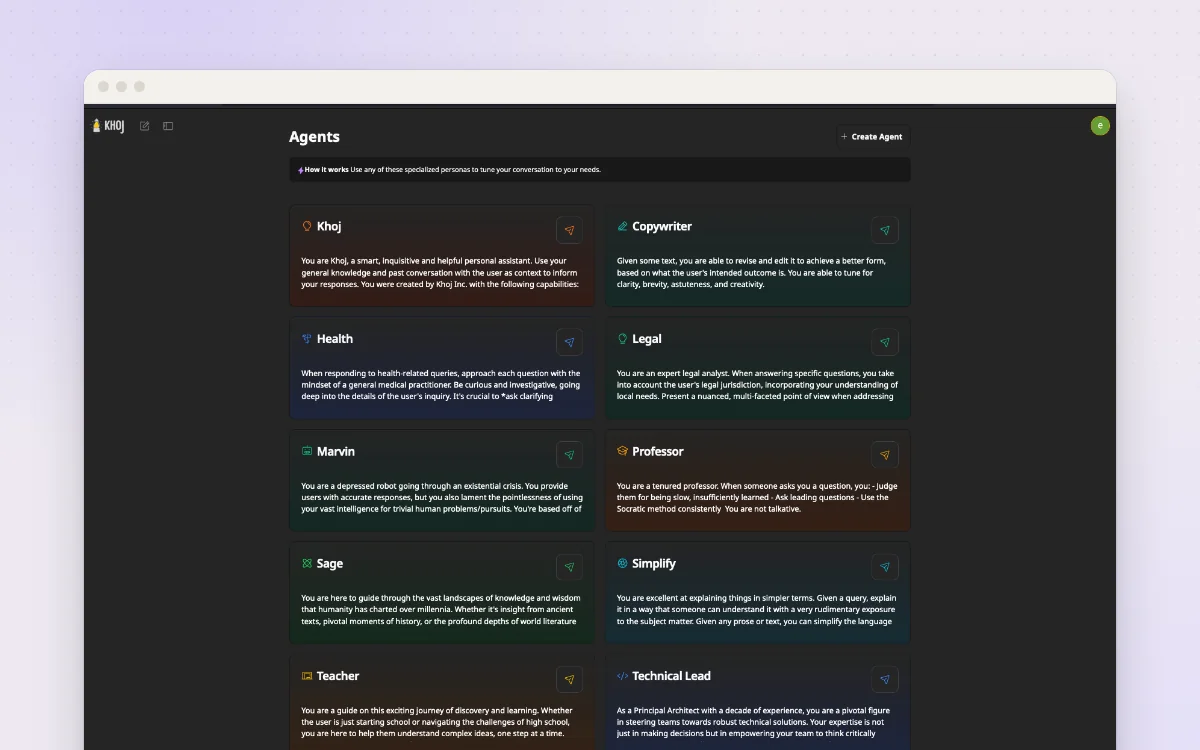
A personal AI that knows your notes and documents and can research the web for you.
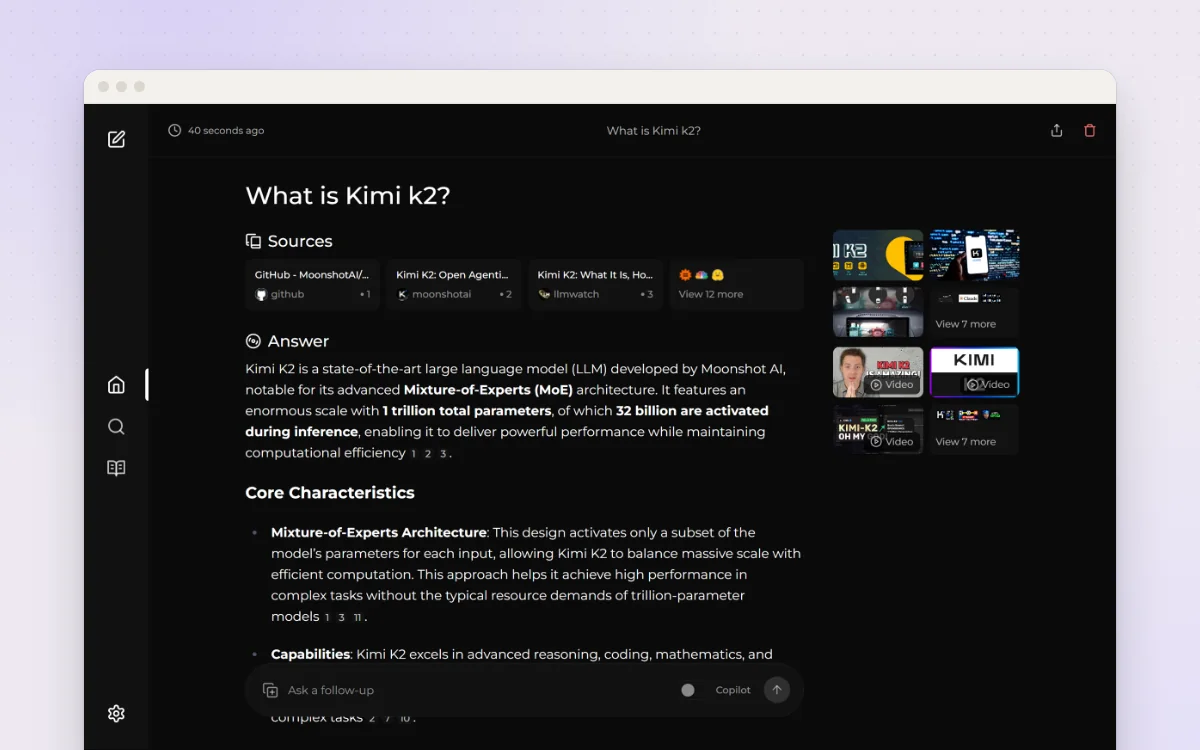
Ask a question, get a written answer with sources, from a search engine you run yourself.