
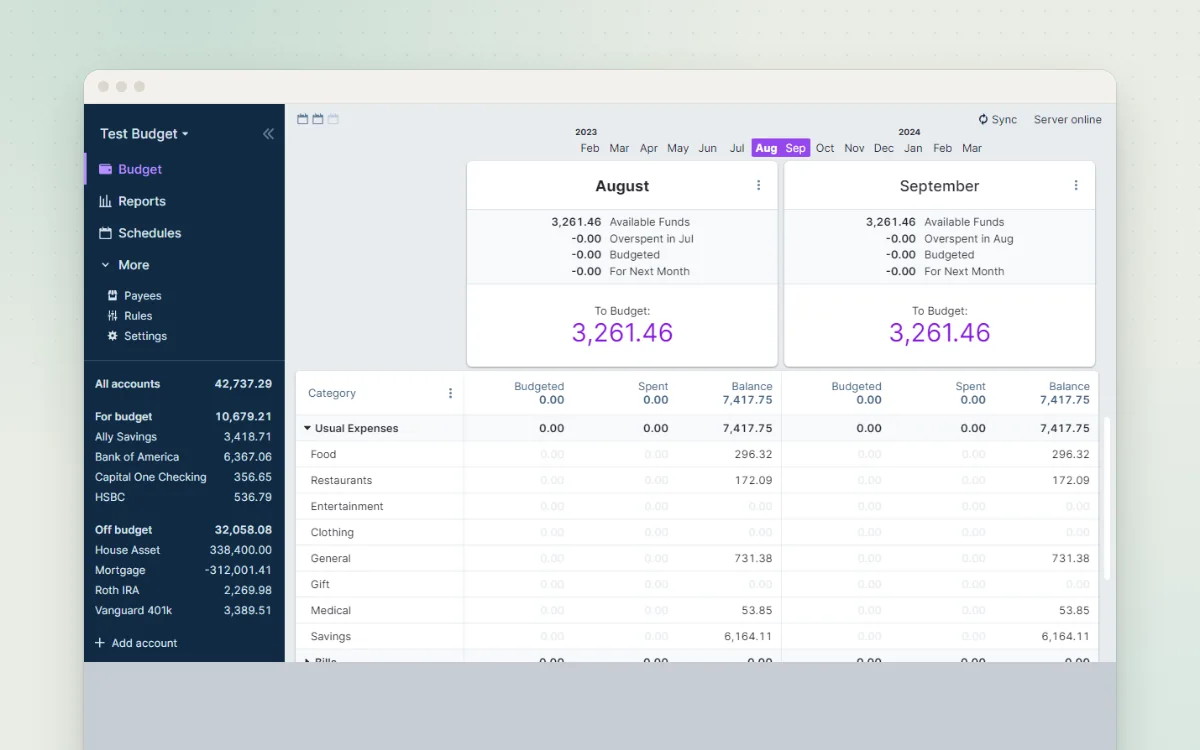
Calm, private envelope budgeting. Give every coin a job.
Track everyday spending on phone and computer, with charts showing where money goes.
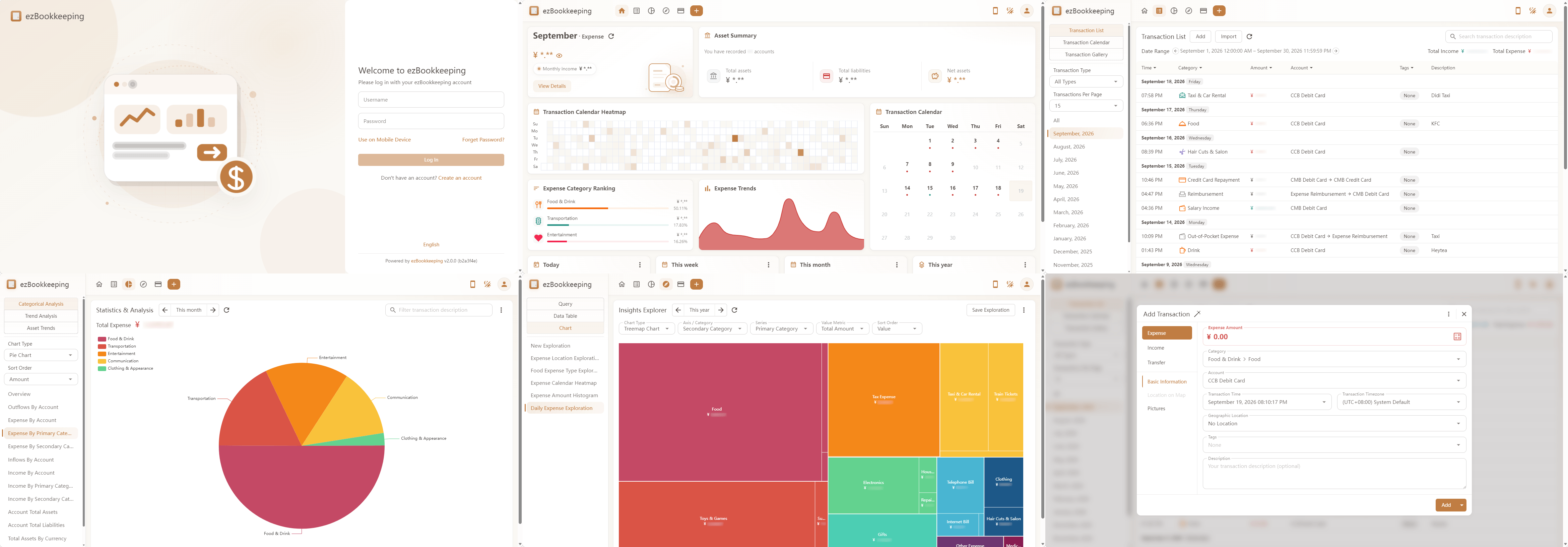
ezBookkeeping is a personal money diary. Record what you spend and earn in a few taps, sort it into accounts, categories and tags, and see clear charts of where your money goes. It imports bank statements (CSV, Excel, OFX, QIF and more), handles several currencies, and works on your phone like an app. It is light enough for a Raspberry Pi, and optional AI can turn a receipt photo or a typed sentence into a transaction.
Great for: Individuals and households who want a simple, private spending diary that works on both phone and computer.
Official public demo linked from the README. Don't enter real financial details.
Choose one when you tell your AI. It sets everything up with you, in plain words.
Hosts are independent companies, not BespokeAI. You sign up and pay them directly. We may earn a referral fee, which never changes your price.
Examples of what people ask their AI to do with ezBookkeeping. Start from one, or just tell your AI and it will ask what you'd like.
“Set up ezBookkeeping for me and my partner: pounds, UK date format, weeks starting Monday, and categories for bills, food shop, car, kids and fun.”Start with this idea
“My bank gives me a CSV every month. Set up an import with the right columns and rules so Tesco goes to 'Food shop' and Shell goes to 'Car'.”Start with this idea
“I want to photograph a receipt on my phone and have it turned into a transaction, using a model on my own computer, not the cloud.”Start with this idea
“Connect ezBookkeeping to Claude so I can ask 'how much did we spend on takeaways last month?' and add expenses by just telling it.”Start with this idea
“Give each of my two children a pocket-money account with a weekly £5 scheduled top-up, so they can see their balance on the tablet.”Start with this idea
“My building society only exports a strange text format. Add an importer for it, using the sample file I'll give you.”Start with this idea
3dcc316. Every handover uses exactly this code, which we've reviewed.Be the first to tell others how it went.
Calm, private envelope budgeting. Give every coin a job.
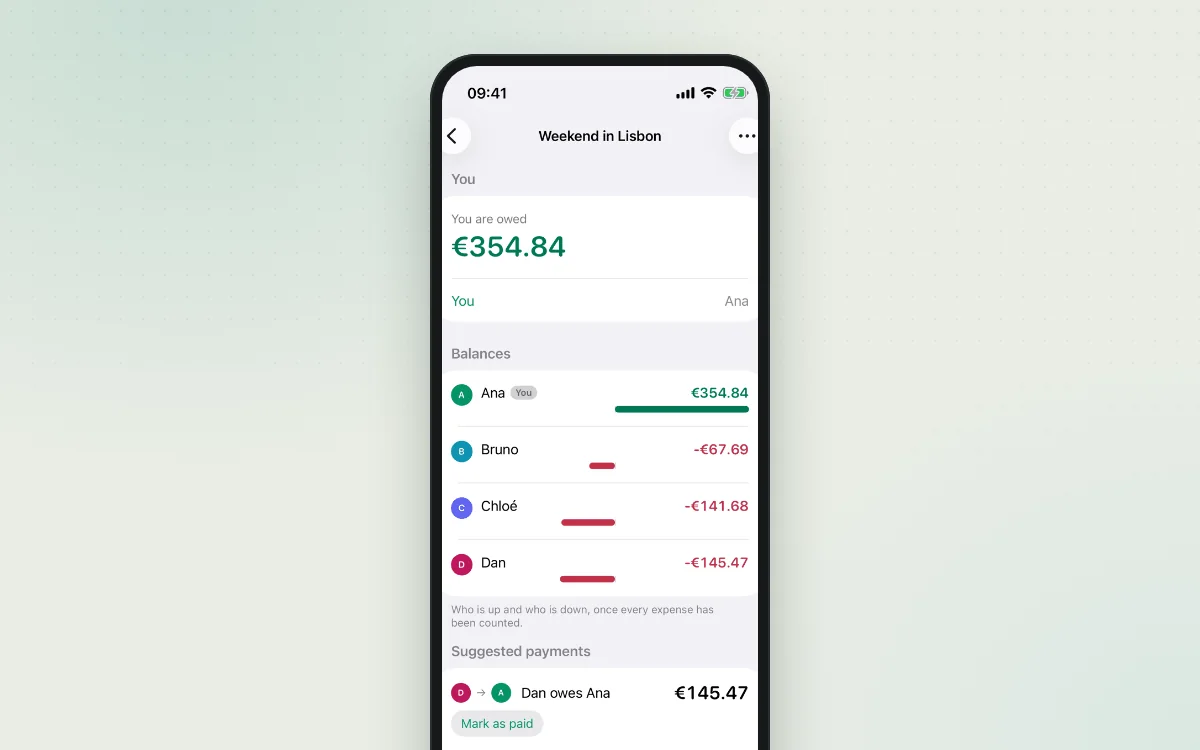
Share costs with friends, flatmates and family, and see who owes whom.
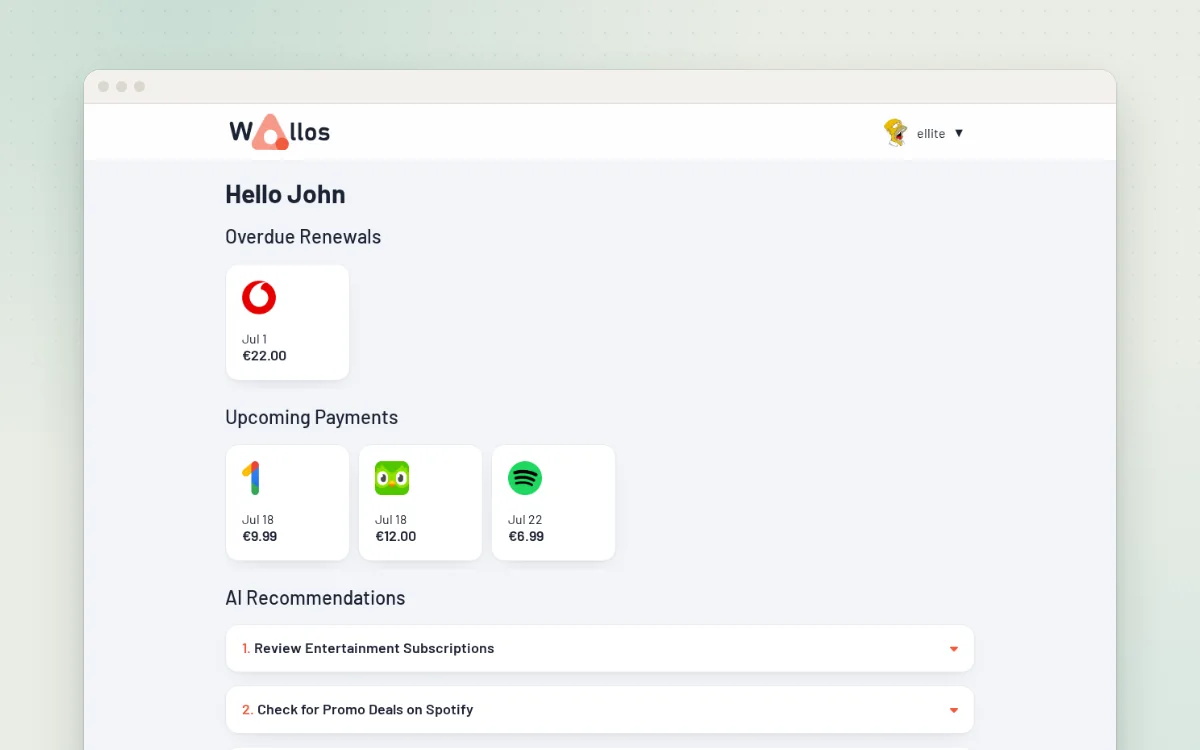
See every subscription you pay for, and never miss a renewal again.