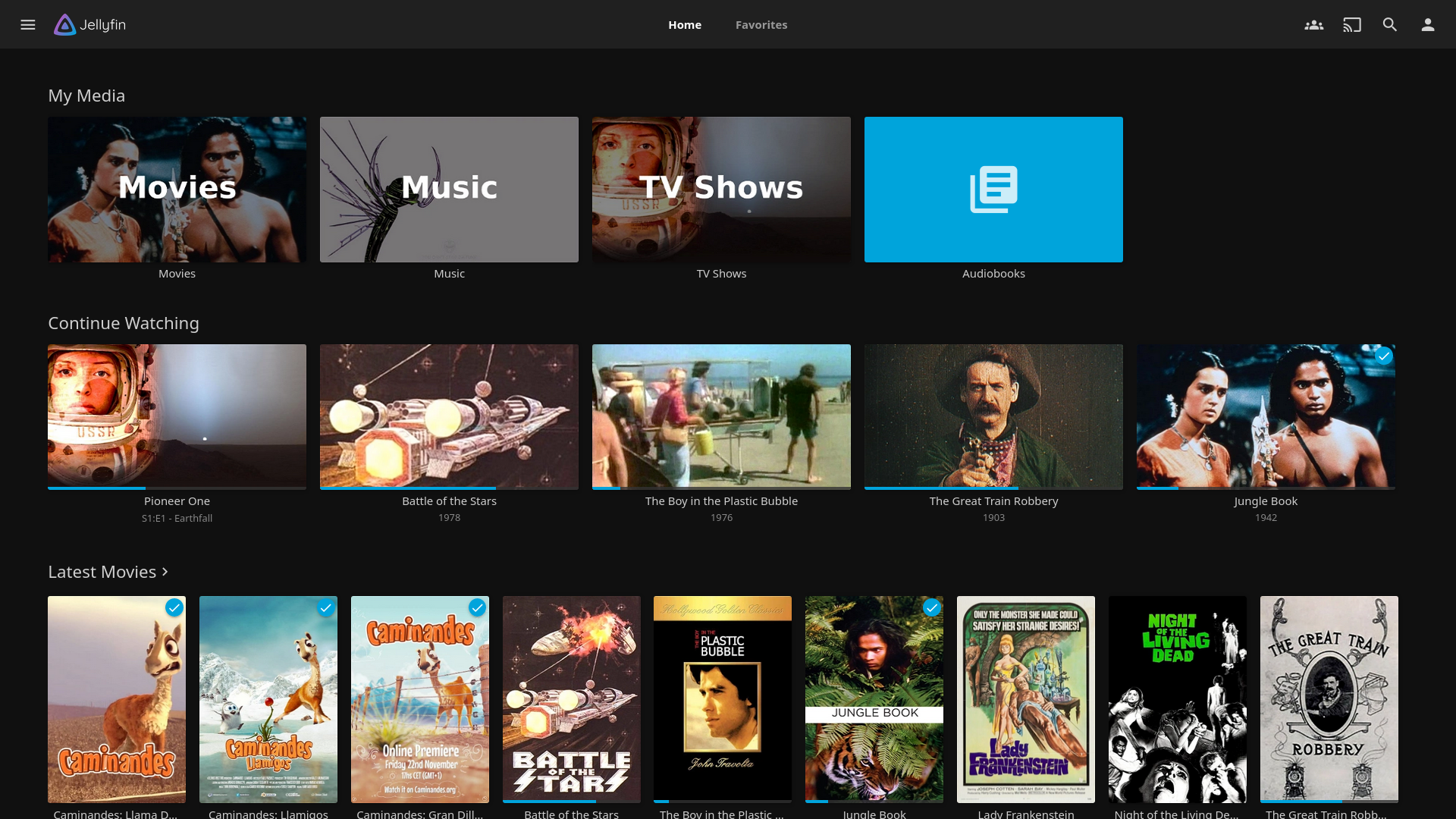
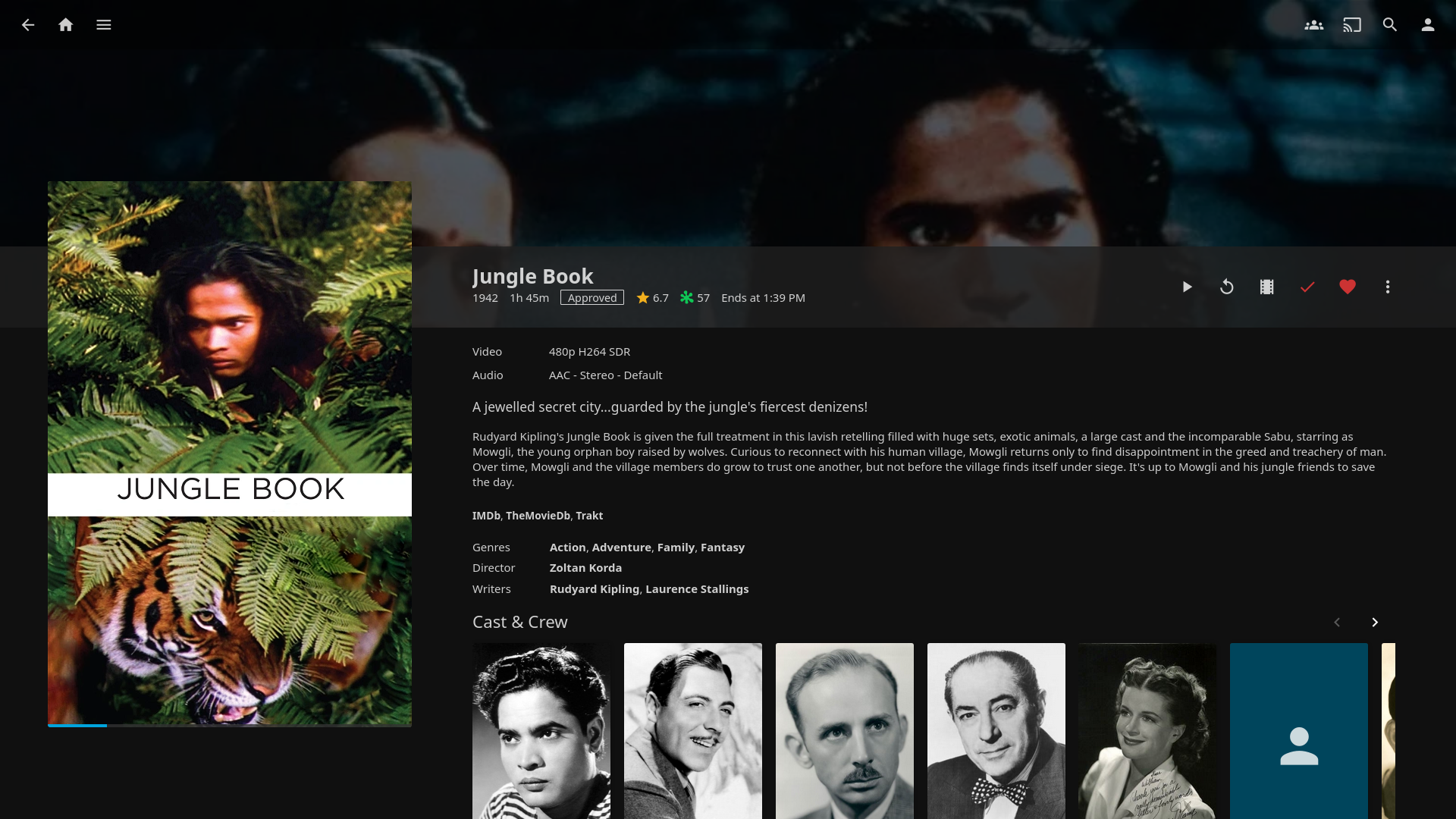
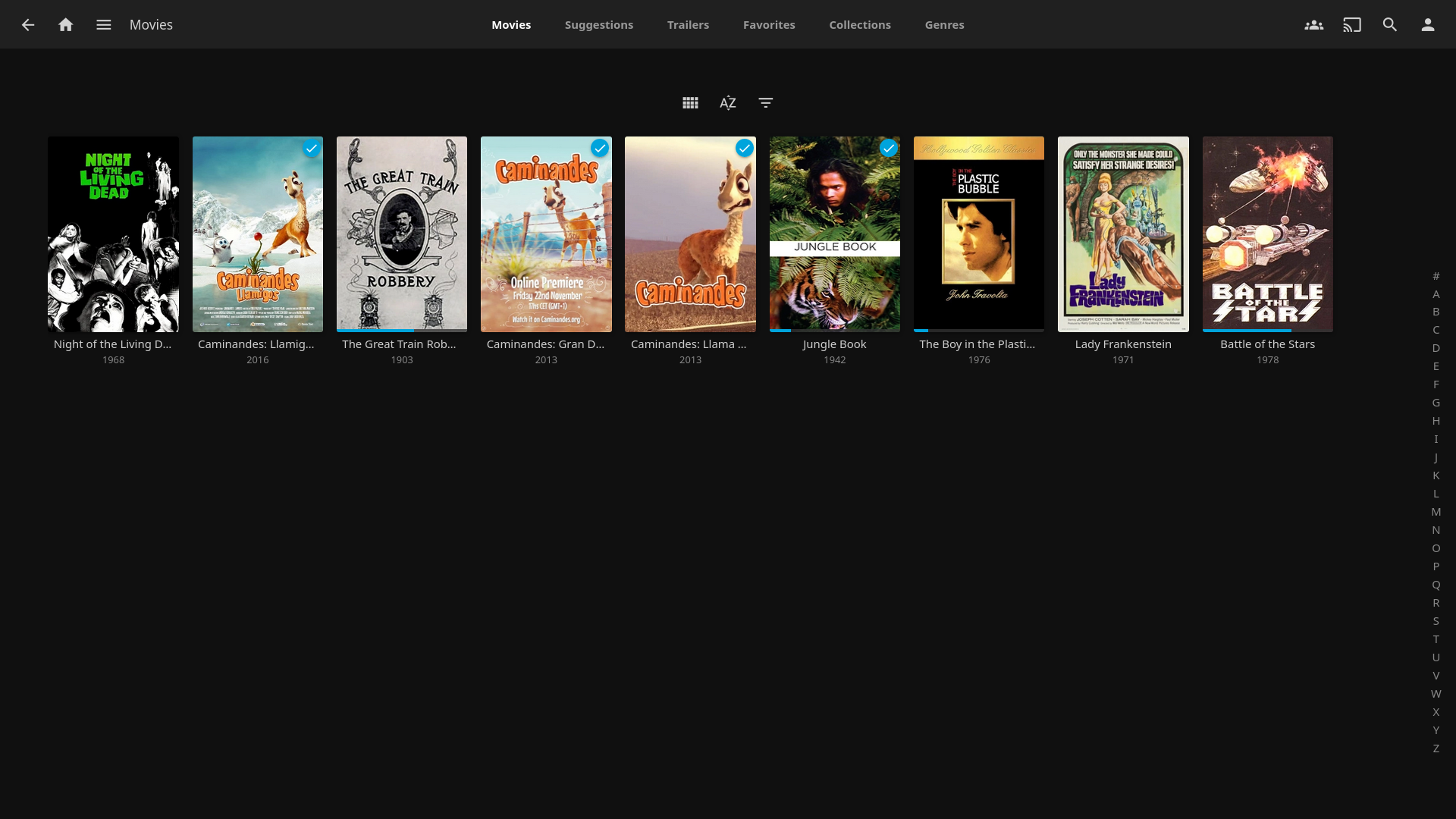
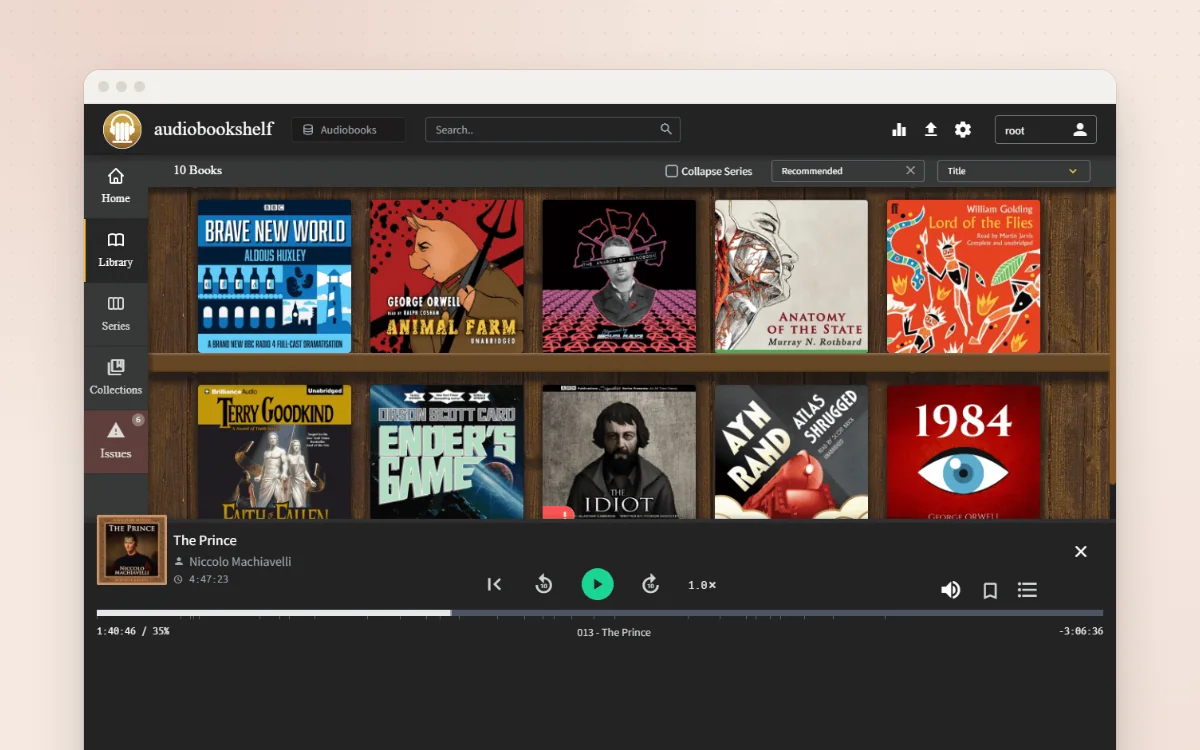
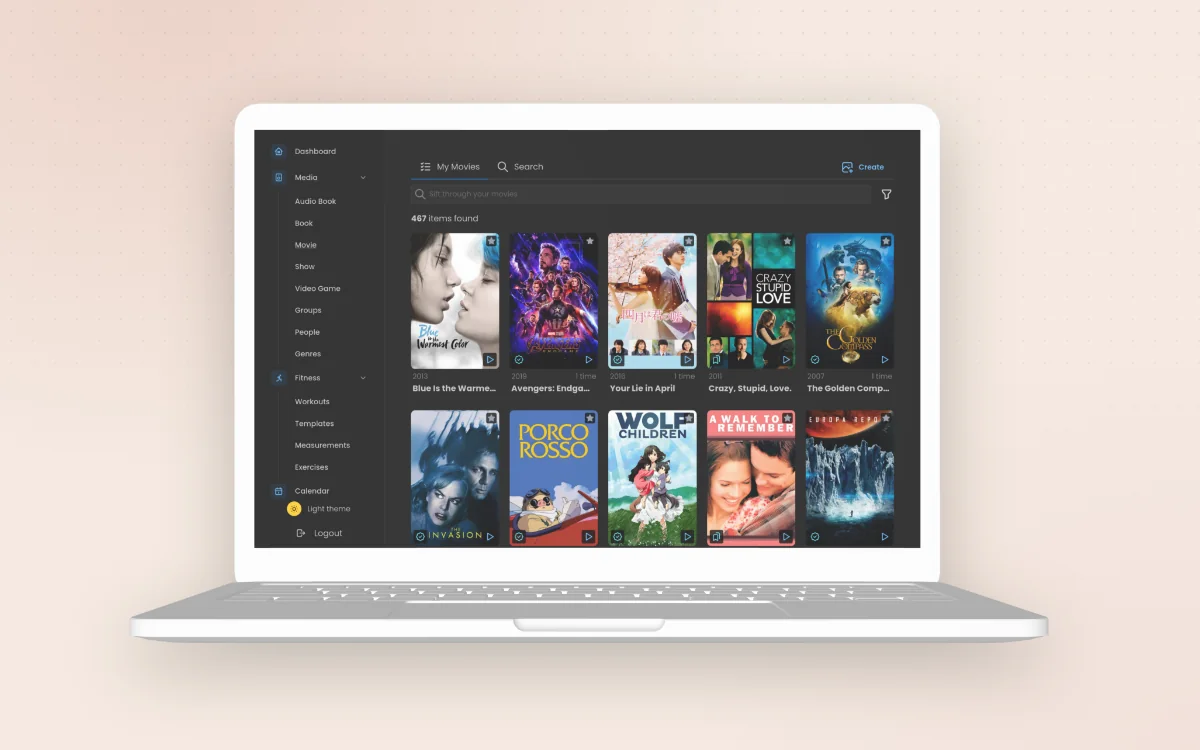
Jellyfin turns a folder of films, TV series, music and home videos into a streaming service for your household. It finds posters, descriptions and cast details for you, remembers where everyone stopped watching, and plays on phones, smart TVs, games consoles and web browsers. It is completely free, with no paid tier, no adverts and no account with a company.
Posters, descriptions and "continue watching" for your own films and series
Apps for phones, smart TVs, Fire TV, Roku, Android TV and browsers
Separate profiles with parental controls for children
Completely free, no premium tier and no company account
Great for: Households with their own films, TV recordings or music who want a Netflix-style way to watch them on any screen.
This repository is only the server: a large .NET solution (about 2,600 files) covering the API, library scanning, metadata and FFmpeg transcoding. The web interface people see is a separate project, jellyfin/jellyfin-web (JavaScript/TypeScript), and the TV and phone apps are separate again. Most personal changes are settings, custom CSS, web config or plugins; real code changes need .NET skills and usually the web client too. Your AI always tries the gentlest step first, so your version stays easy to update.
1
Settings 4 options
No code. Change it in the app or its config.
Change colours, hide parts of the screen or add a welcome message, with no rebuild.
Give each person their own profile, limit children to suitable ratings and set viewing hours.
Which folders appear as Films, TV, Music or Home Videos, and where details and posters come from.
Use a graphics card to convert video, and cap quality when watching away from home.
2
Extend 3 options
Themes, plugins, webhooks and the API. Still no fork.
Add links to other family services in the menu and change web client defaults.
Install community plugins or write your own (subtitles, Trakt, intro skipping, OpenID login…).
Scripts, home automation ("pause the film when the doorbell rings") or a custom remote.
3
Code 1 option
Your AI edits the source for anything else.
New API endpoints, scanning or naming rules. Screen changes belong in the jellyfin/jellyfin-web repository.
Can I trust it?
GPL-2.0-only. Free to use and change. If you give copies of the program (changed or not) to other people, you must share the source code under the same licence. Running it for your household, or for friends over the internet, has no extra obligations. (The repository's LICENSE is GPL version 2; some library packages are labelled GPL-3.0.)
Your data: stores personal data, on your own device or server. Your media files stay where they are (mounted read-only is fine). Users, watch history, settings and the library database live in the config and data folders (/config in Docker); artwork and transcodes in /cache.
Other services: Metadata sources (TheMovieDb, OMDb, MusicBrainz, TheAudioDB) (optional, free); Plugin repository (repo.jellyfin.org) (optional, free); Live TV tuner or IPTV (optional, varies)
Pinned version c7ce6a1. Every handover uses exactly this code, which we've reviewed.
Don't forward port 8096 straight to the internet. Use a VPN (e.g. Tailscale) or an HTTPS reverse proxy, and strong passwords.
Mount media folders read-only unless you need Jellyfin to write artwork next to them.
API keys have admin-level power. Never paste them into an AI chat.
Sharing films and series beyond your household may break copyright law.