
Save articles to read later, without adverts or pop-ups, on your own server.
Your ebook library in a web browser, to read, share and send to your e-reader.
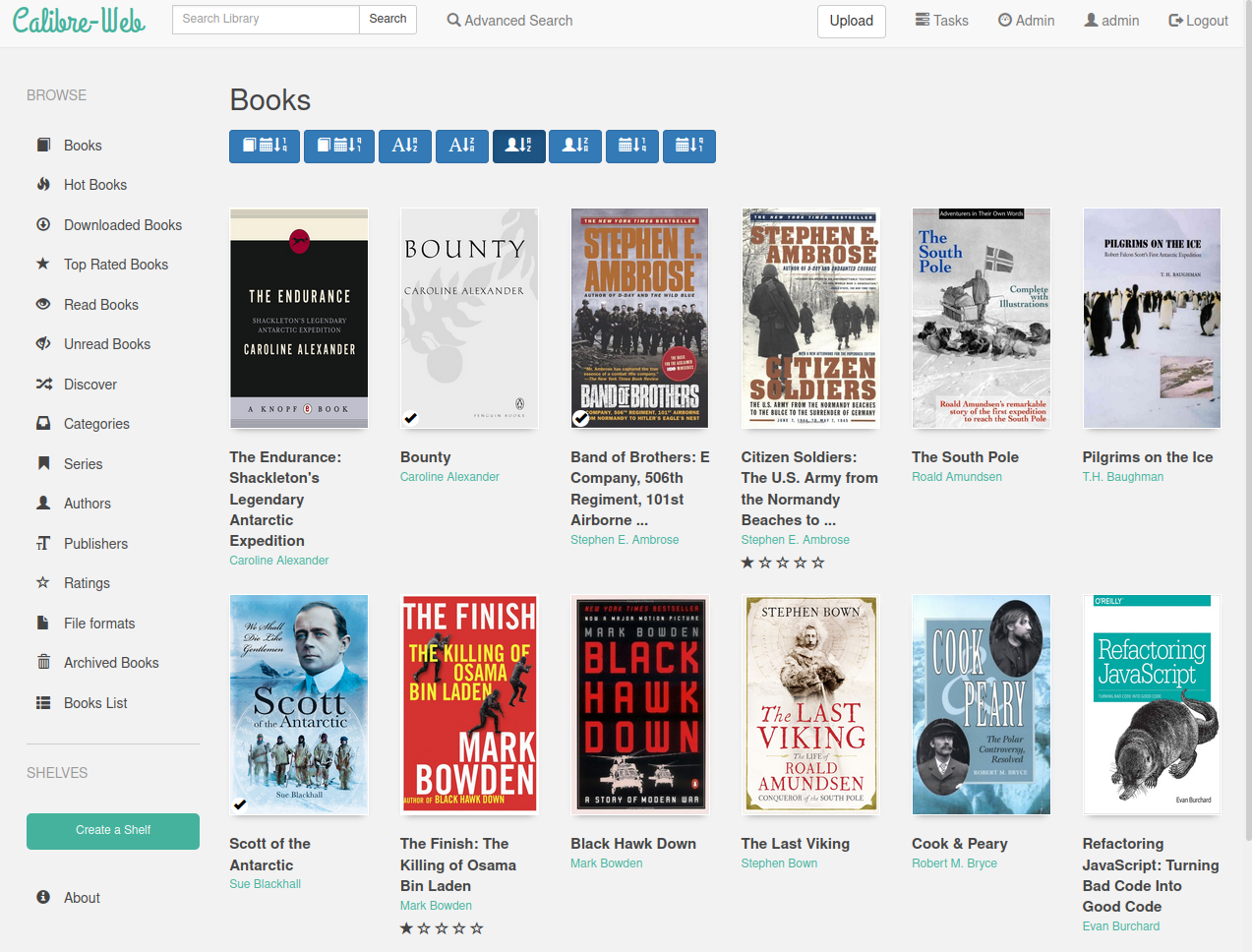
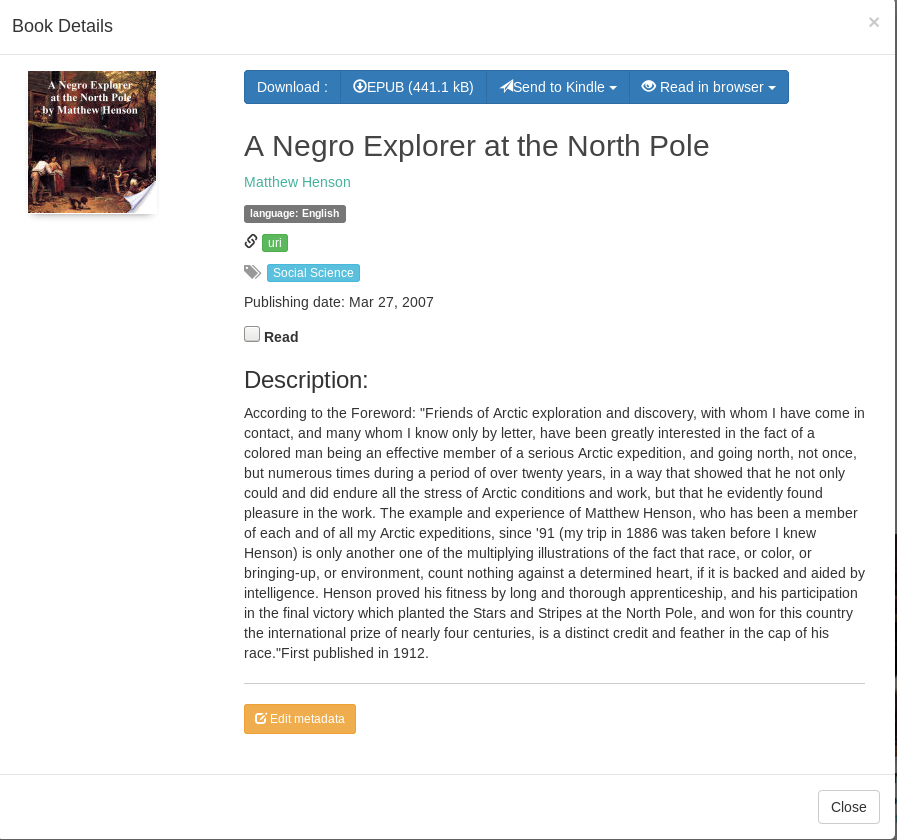
Calibre-Web puts your collection of ebooks on a friendly web page. Browse by cover, author or series, read in the browser, and send a book to your Kindle or sync it to a Kobo with one click. Each family member can have their own login, shelves and reading list. It works with a library made by Calibre, the popular free ebook program.
Great for: Book lovers and families with an ebook collection who want to read and share it from any device.
Choose one when you tell your AI. It sets everything up with you, in plain words.
Hosts are independent companies, not BespokeAI. You sign up and pay them directly. We may earn a referral fee, which never changes your price.
Examples of what people ask their AI to do with Calibre-Web. Start from one, or just tell your AI and it will ask what you'd like.
“My two kids should only see books tagged 'Children' and must not be able to delete or edit anything. Help me set up their accounts.”Start with this idea
“We have three Kindles in the house. Help me set up email so each of us can press 'Send to Kindle' on a book and it arrives on our own device.”Start with this idea
“I have a Kobo Clara. I'd like a shelf called 'To read' in Calibre-Web that appears on my Kobo automatically, with reading progress synced back.”Start with this idea
“Switch the site to the dark theme, call it 'The Patel Family Library', and show 30 books per page instead of 60.”Start with this idea
“Our book club picks one book a month. Add a simple 'This month's book' box at the top of the home page that I can change from a shelf.”Start with this idea
“My dad finds the covers and titles tiny. Make the covers larger and the text bigger on the main book list, without breaking it on phones.”Start with this idea
6e840ac. Every handover uses exactly this code, which we've reviewed.Be the first to tell others how it went.
Save articles to read later, without adverts or pop-ups, on your own server.