Beaver Habit Tracker

Tick off your daily habits and watch your streaks grow, without goals or nagging.
Health & fitness BSD-3-Clause

What it does

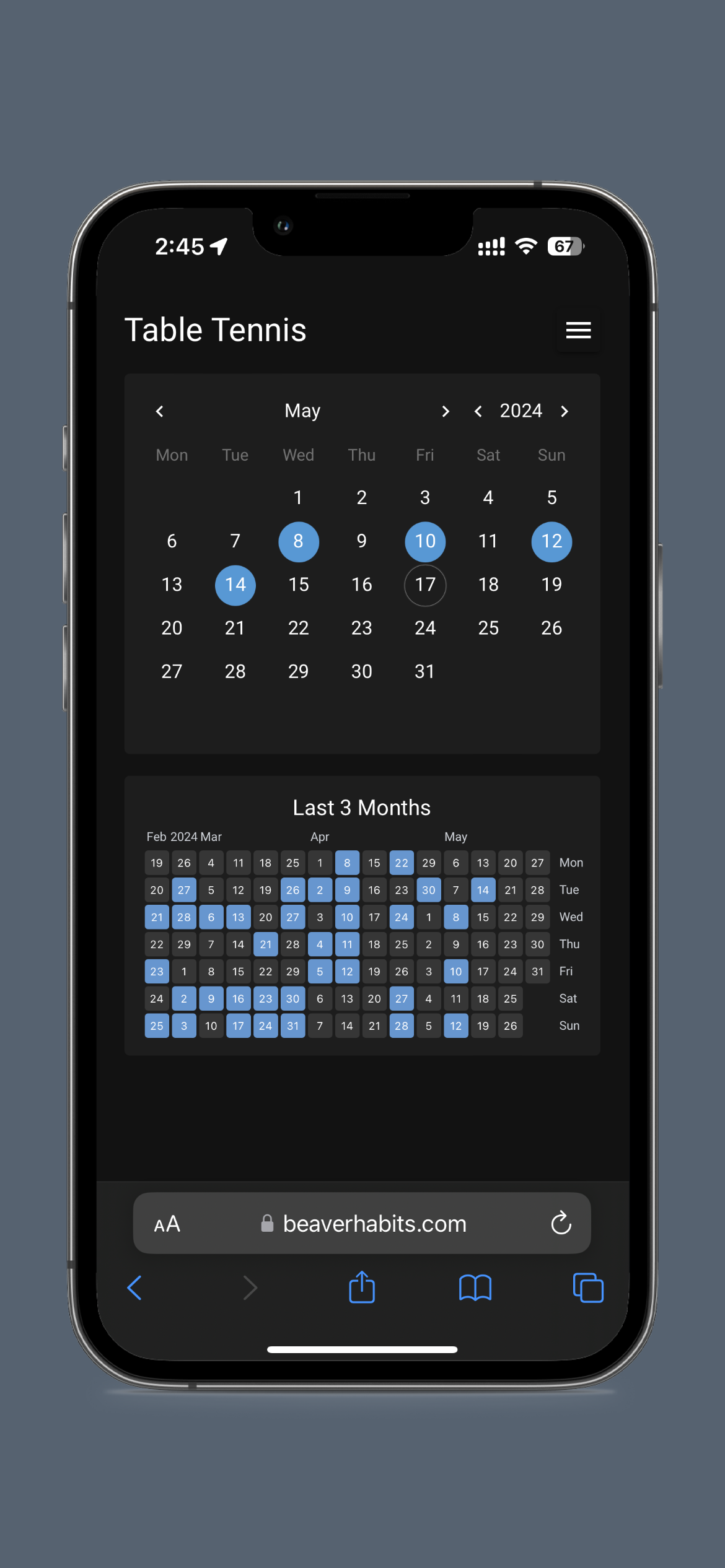
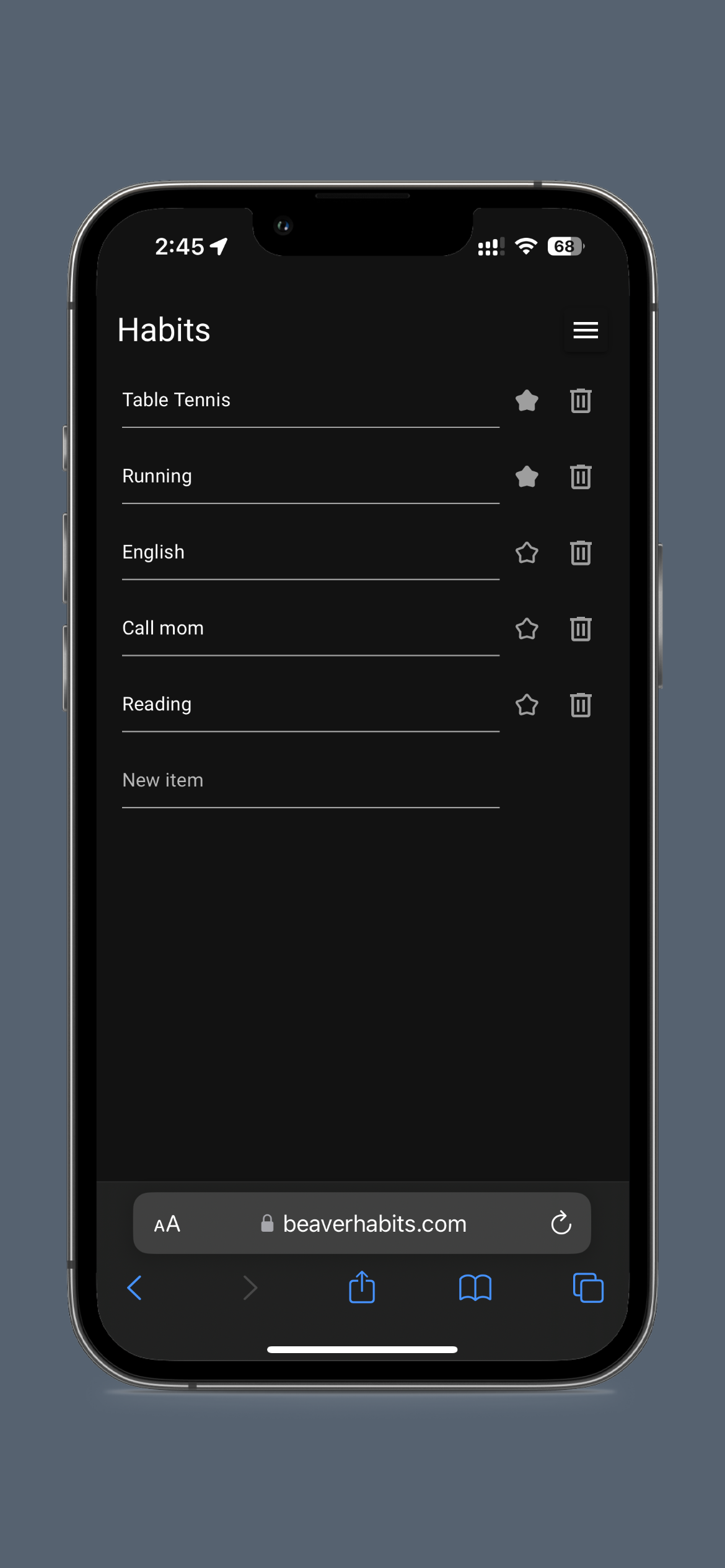
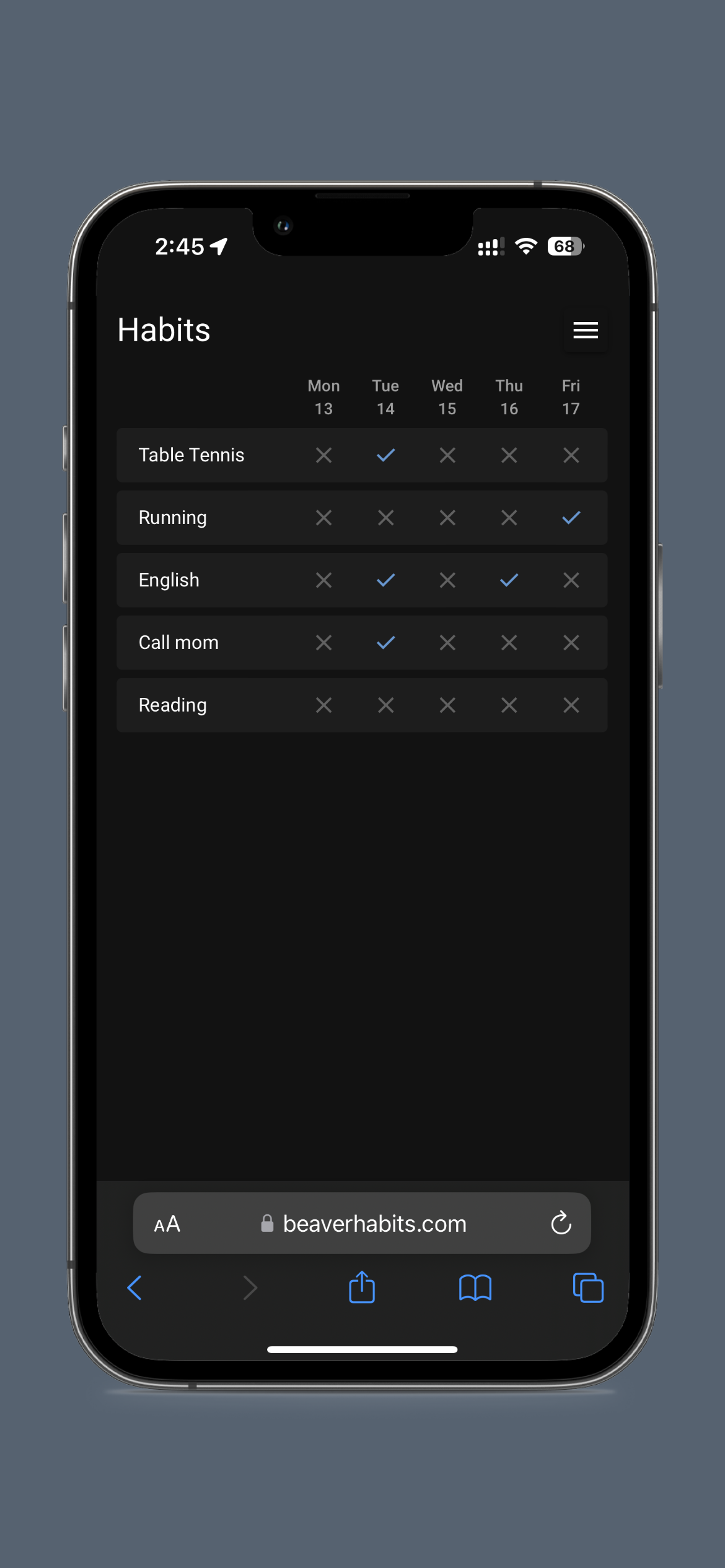
Beaver Habit Tracker is a simple checklist for the things you want to do regularly, like a walk, reading or calling your mum. Each habit has a row of days you tick, plus a calendar and heatmap that show how you've been doing. There are no targets or scores, just a record. It runs on your own computer or server and works well on a phone.

  • One tap to tick a habit for today, with the last few days alongside
  • Calendar and heatmap for each habit, plus streaks
  • Notes and custom statuses such as "skip" for each day
  • A simple API and JSON export, so your data is never locked in

Great for: Anyone who wants a calm, private way to keep track of daily habits, especially on a phone.

Make it yours: ideas

Pick an idea to start from, or describe your own.

How easy is it to adapt?

A small, single-language project (about 60 Python files). The screens are written in Python with NiceGUI, so there is no separate JavaScript build. Display options are environment variables and per-user custom CSS. Code changes live in beaverhabits/frontend/ (screens) and beaverhabits/storage/ (data). Your AI always tries the gentlest step first, so your version stays easy to update.

  1. Settings 4 options

    No code. Change it in the app or its config.

    • How many days show, which day starts the week, streaks and counts on the main page, tag filters.
    • Change colours, fonts and sizes for your account with a few lines of CSS. No rebuild.
    • Extra answers beyond yes/no, such as "skip" or "sick", each with its own colour.
    • One-person mode without a login screen on a home network, or invite-only accounts for a family.
  2. Extend 2 options

    Themes, plugins, webhooks and the API. Still no fork.

    • Tick habits from a phone shortcut, Home Assistant, a Stream Deck or a script.
    • Move habits in and out as JSON or CSV, and send daily backups to Telegram.
  3. Code 2 options

    Your AI edits the source for anything else.

    • Change or add screens, such as a weekly summary or a bigger tick button.
    • New information on a habit, such as a target time or a category colour.

Can I trust it?

  • BSD-3-Clause. Very permissive. You can use, change and share it, even commercially. If you pass on copies, keep the copyright notice and licence text, and don't use the author's name to promote your version.
  • Your data: stores personal data, on your own device or server. The /app/.user folder in the container: one JSON file per user (HABITS_STORAGE=USER_DISK) or habits.db (SQLite). PostgreSQL is possible through DATABASE_URL.
  • Other services: Telegram bot (optional, free); Email (SMTP) (optional, free with most providers); Google sign-in (One Tap) (optional, free)
  • Pinned version 332a453. Every handover uses exactly this code, which we've reviewed.
  • Set JWT_SECRET and NICEGUI_STORAGE_SECRET to long random values. The defaults are public and weak.
  • TRUSTED_LOCAL_EMAIL turns off the login screen. Never use it on a server reachable from the internet.
  • On an internet-facing server, use HTTPS through a reverse proxy and limit sign-ups (REQUIRE_ADMIN_FOR_REGISTRATION or MAX_USER_COUNT).
  • API tokens give full access to your habits. Treat them like passwords and never paste them into an AI chat.

Did it work for people?

No reports yet

Be the first to tell others how it went.

Tell us how it went

For your AI

The project pack has the pinned version, how to run it, and where to customise it. Your prompt links to it automatically.

https://handoff.bespokeai.software/p/beaverhabits/332a453/pack.md

Plan your workouts, log your training and meals, and watch your progress.

Health & fitness

A private Strava for your runs, rides and swims, plus sleep, weight and steps.

Health & fitness